
_mVFFaHUZhS.webp)
Manual leave tracking is a nightmare for HR teams.
A online leave management system turns that challenge calm, giving you control, clarity, and confidence.
Online Leave Management System changes the way businesses manage time-off, away from spreadsheets and emails to automation and insight. It enables HR teams to handle all beyond leave, sick and vacation days: like parental, etc. on single cloud platform for Microsoft 365 & Teams.
Moving to a digital leave management system increases productivity, adherence, and employee satisfaction. Apps such as Time Off 365 also include AI reporting, mobile access and real-time dashboards, combining to offer HR complete oversight on absence management for a more productive workplace.
Managing employee time off Shouldn’t involve messy spreadsheets, confusing email threads, or lost records. With the right digital platform, you can transform HR processes, save time, and make employees happier. Let’s explore why your business needs an online leave management system today.
What Is an Online Leave Management Software?
An online leave management software is a cloud-based application that simplifies the leave process for your employees as well as supervisors from applying/ final approval, right through to providing online recordings of how many days staff has applied for and reports. It eliminates the paper forms, pencil pushing and lengthy email threads. Instead, it provides a unified front-end to manage all time off management aspects effectively.
In simple terms, it’s a digital assistant for HR teams that handles leave requests instantly and accurately. No more flipping through spreadsheets or checking backlogs, the system does it all for you, giving you peace of mind and saving hours of administrative work.
With an employee leave management system, HR can track all leave types such as vacation, sick leave, remote work, and comp-offs in one place. Employees gain full visibility of their balances, while managers can approve or decline requests with just a few clicks.
Unlike manual processes that rely on emails or paper records, everything is stored securely in the cloud. This allows HR teams to access data from anywhere, anytime, without worrying about missing documents or lost approvals.
Why Businesses Still Use Manual Tracking
Even in 2025, many companies still rely on spreadsheets or email chains to manage employee leave. According to a SHRM survey (2024), 46% of small businesses continue to track time off manually. This outdated method may appear simple at first, but it’s slow, error-prone, and frustrating for both HR teams and employees.
Manual tracking limits visibility, wastes valuable hours, and leads to unnecessary confusion. Here are the main challenges organizations face when sticking to old-fashioned methods:
1. Data Entry Mistakes Lead to Inaccurate Records
When HR professionals manually enter leave in spreadsheets or forms, a single typo could lead to huge issues. A single incorrect input can alter the attendance data or a leave balance, causing discrepancy between departments.
Why it happens:
- HR teams must manage multiple files or shared sheets for each team.
- Records are often updated late, causing mismatched totals.
- Manual edits increase the chance of duplicating or missing data.
These minor mistakes eventually turn into major frustrations for both managers and employees.
2. Lack of Visibility Creates Confusion Among Teams
Without a central system, workers don’t know how much leave they have remaining and managers can’t easily determine who’s available. The downside to this approach is that nothing is in clear view and it is easy for bookings to overlap or messages to be missed.
The result:
- Employees constantly email HR asking for leave balance.
- Managers approve of leaves without knowing team capacity.
- HR ends up clarifying and correcting records repeatedly.
This confusion not only disrupts workflows but also lowers trust in HR’s process and accuracy.
3. Managers Spend Hours Verifying Leave Requests
When time tracking is manual, HR or managers need to verify the data for each request made. They have to look at the attendance sheet, check the date, verify that they are low on hours before approving.
Why it slows productivity:
- Each request triggers multiple back-and-forth messages.
- Approvals take longer because data isn’t instantly visible.
- HR must update and recheck sheets to ensure accuracy.
This repetitive work drains time and energy that could be spent on employee engagement or business growth.
4. Compliance Risks Increase Due to Poor Record-Keeping
Manual tracking leaves you open to error and omissions as well—both of which can be a killer when it comes to compliance and audits. “Lost data or conflicting files can present significant problems during inspections or policy audits.
Common compliance challenges:
- Missing or incomplete leave history for employees.
- Difficulty producing reports during internal or external audits.
- Outdated leave rules that don’t align with company policies.
An automated system ensures that every request and approval is time-stamped, traceable, and compliant with company standards.
The Bottom Line
Your employees deserve a more seamless, transparent leave experience and your HR team deserves support that helps them rather than hinders. Manually tracking might feel doable right now, but it gets burdensome as your business expands.
By switching to modern employee leave management software, your HR team gains clarity, accuracy, and confidence. Automation reduces repetitive work, improves record accuracy, and helps your organization build a more trustworthy and efficient workflow.
Why You Should Switch to an Leave Management System
Switching to a digital solution isn’t just a trend, it’s a competitive edge that helps your HR team work smarter, not harder.
A recent Gartner HR Tech Report (2024) revealed that organizations using automated HR tools experience 38% faster approval times and 27% fewer leave disputes. That’s a direct boost to productivity and employee satisfaction.
Top Reasons to Upgrade
1. Save Hours Every Week on Administrative Work
Manual tracking eats up valuable HR time. An online system automates repetitive tasks like checking balances, approving requests, and recording attendance.
- HR teams can refocus on employee engagement instead of paperwork.
- Absence management becomes effortless, with instant updates and real-time visibility.
- Employee Absence Trackers help ensure no missed data or late responses.
2. Improve Transparency for Employees
When employees can see their leave balances, request status, and history anytime, confusion disappears.
- Real-time dashboards replace endless email follow-ups.
- Everyone knows who’s off and when, improving teamwork and planning.
- This builds trust, fairness, and accountability across departments.
3. Ensure Compliance with Labor Laws
Different countries, and even states, have unique leave policies. A digital platform keeps you compliant automatically.
- Set custom rules for accruals, carryovers, and holidays.
- Avoid legal penalties and documentation errors with automatic record-keeping.
- Consistent tracking ensures accurate reporting during audits or inspections.
4. Integrate Seamlessly with Microsoft 365, Teams, and Outlook
Time Off 365 365 integrates deeply within Microsoft 365, making leave management part of your everyday tools.
- Employees can apply for leave directly in Microsoft Teams.
- Managers receive instant notifications and approve within Outlook.
- Data syncs across calendars, ensuring team schedules stay aligned without extra effort.
5. Access Anytime, Anywhere Even from Mobile Devices
Whether you’re in the office, working remotely, or traveling, HR data is just a tap away.
- Cloud-based access means no VPNs or spreadsheets.
- Employees can request leave from their phones in seconds.
- Managers can approve or reject the go, keeping workflows uninterrupted.
By switching to a modern employee leave management software, you’re not just adopting technology, you’re unlocking a smoother, smarter, and more human-centric way to manage time off.
Benefits of Using an Online Leave Management System
1. Accuracy & Reliability
- No more miscalculations or missing leave requests every record updates in real time.
- This ensures fair tracking for employees and error-free HR operations.
2. Employee Satisfaction
- Empower employees to request, track, and view their time off independently.
- Transparent processes reduce frustration and build a positive workplace culture.
3. Cost & Time Efficiency
- Automation reduces manual tasks, saving hours of repetitive administrative work.
- HR teams can focus more on strategy, growth, and employee engagement.
4. Seamless Absence Management
- Manage all types of leave vacation, sick days, and remote work from one dashboard.
- Centralized tracking ensures accuracy and quick access for HR and managers.
5. Improved Collaboration
- Shared calendars make it easier to plan workloads and avoid scheduling conflicts.
- Integration with Microsoft Teams and Outlook keeps everyone updated in real time.
6. Enhanced Data Security
- Cloud-based platforms protect sensitive HR data from loss or breaches.
- Regular backups and encryption keep information safe and compliant.
7. Better Decision-Making
- Generate real-time analytics to forecast staffing and leave trends.
- Use data insights to plan and improve productivity across teams.
8. Reduced Compliance Risks
- Automated policies ensure compliance with company rules and local regulations.
- Digital records minimize human errors and protect your organization from disputes.
9. Accessibility & Flexibility
- Access the system anywhere, whether from the office or on mobile devices.
- Perfect for remote and hybrid teams needing instant visibility and control.
10. Scalability for Growing Teams
- The system grows with your business without adding manual effort.
- As your workforce expands, the platform adapts seamlessly to new needs.
Key Features to Look for in an Online Leave Management Syste
When choosing the right system, focus on features that simplify HR tasks, improve employee experience, and integrate smoothly with your existing tools.
FOR EMPLOYERS
Self-Service Leave Requests and Approvals
Empower teams to submit and approve leave instantly without HR bottlenecks.
This reduces dependency and increases overall efficiency.
Real-Time Leave Balance Tracking
Ensure accurate leave data with automatic balance updates for every employee.
Managers can view availability and plan workloads seamlessly.
Integration with Microsoft Teams and Outlook
Connect directly with Microsoft 365 tools for smooth collaboration.
Employees can apply for time off, get approvals, and sync calendars automatically.
Multi-Location and Multi-Policy Support
Manage different locations, departments, or country-specific leave rules easily.
Perfect for global or hybrid organizations needing flexible compliance settings.
Custom Reports and Compliance Dashboards
Generate tailored reports for audits, insights, and forecasting.
Keep your organization aligned with policies and regulations effortlessly.
FOR EMPLOYEES
Easy Access Anytime, Anywhere
Cloud-based access allows staff to manage leave requests from any device.
Ideal for remote and hybrid teams needing flexibility on the go.
Transparent Leave History and Balances
Employees can instantly view their leave balances and history.
Clear visibility promotes fairness and reduces confusion.
Automated Notifications and Reminders
Instant alerts keep employees informed about approvals and updates.
No more chasing HR or waiting for manual responses.
Calendar Integration for Team Visibility
Sync leave schedules with shared calendars for better coordination.
Teams can plan around each other’s availability with ease.
Role-Based Access Control
Give HR admins, managers, and employees tailored access levels.
Protect sensitive data while allowing the right people to act quickly.
Why It’s Time to Switch — Manual Leave Tracking vs. Online Leave Management
| Feature | Manual Leave Management | Online Leave Management System |
| Process Type | Paper forms, spreadsheets, or email chains | Automated cloud-based process within Microsoft Teams |
| Time Required | Slow and repetitive approvals | Quick and seamless leave requests and approvals |
| Accuracy | High chance of human errors | Real-time tracking ensures accuracy and consistency |
| Transparency | Employees often unaware of balances | Employees can view leave balances anytime |
| Accessibility | Data stored locally, often misplaced | Accessible anywhere via Microsoft Teams |
| Notifications | Manual reminders by HR | Instant alerts and notifications in Teams |
| Integration | Limited or none | Integrates smoothly with Microsoft 365 apps (Teams, Outlook) |
| Reporting | Manual compilation of reports | Automatic report generation and analytics dashboard |
| Scalability | Hard to manage as team grows | Scales easily for any organization size |
| Employee Experience | Frustrating and unclear process | Simple, self-service experience with transparency |
Top 10 Online Leave Management Systems in 2026
Finding the right online leave management system can transform how your HR team operates. From reducing administrative work to improving employee experience, the right software can bring clarity, accuracy, and automation to every time-off request.
1. Time Off 365 365 – Best for Microsoft Teams Integration
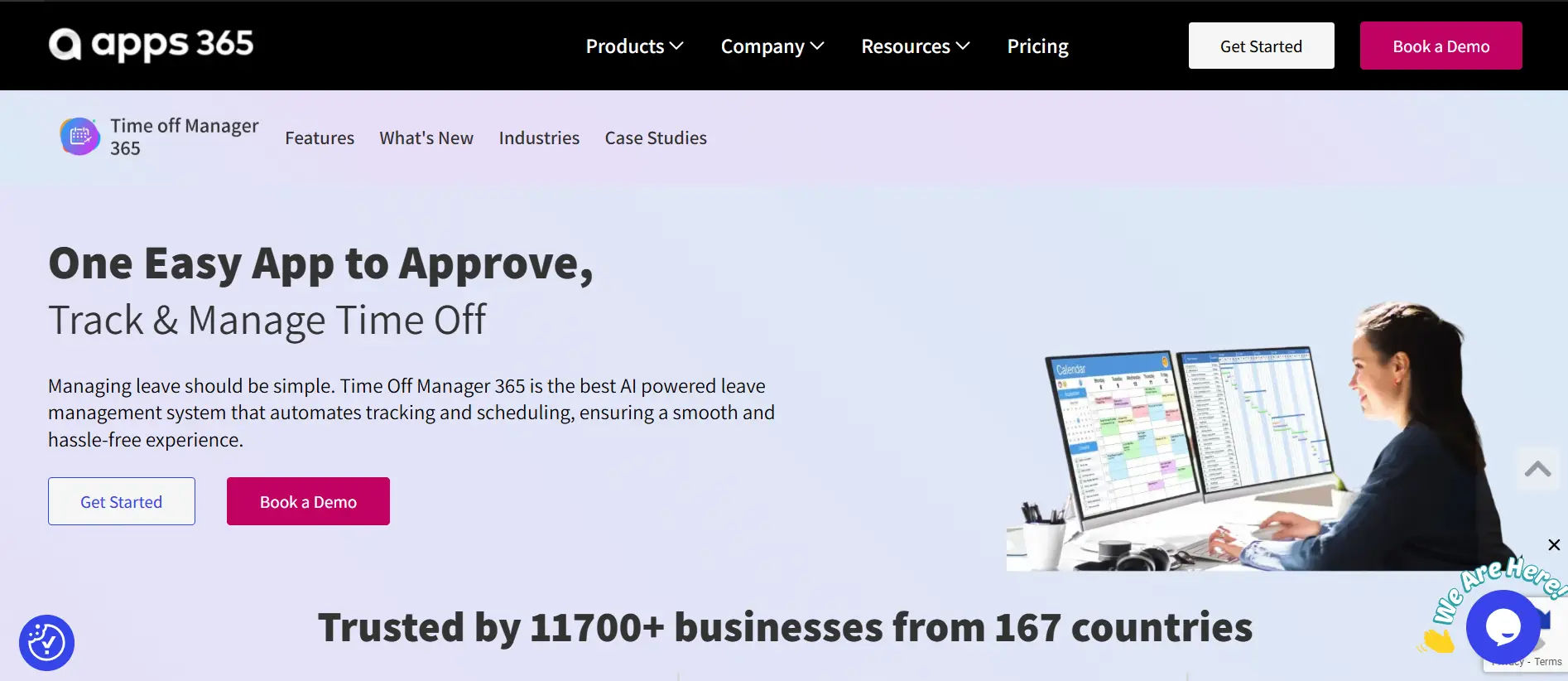
Time Off 365 365 is an innovative cloud-based leave management solution designed to integrate perfectly with Microsoft Teams and Microsoft 365. Employees can submit leave requests directly through Teams, and managers can approve or reject them instantly without leaving the app.
Best for: Companies already using Microsoft 365 and Teams for communication.
Key Features:
- Fully integrated with Outlook calendars and Teams channels.
- Real-time leave dashboards for HR and team leads.
- Custom leave types, workflows, and approval levels.
- Automatic policy compliance and email notifications.
Why Choose It:
Time Off 365 365 eliminates the need for multiple HR tools and centralizes all operations within the Microsoft environment. It’s fast, user-friendly, and secure, making it an excellent fit for organizations that value seamless collaboration.
With its automation and deep integration, HR managers spend less time on administrative work and more time on strategic goals like employee engagement and retention.
2. BambooHR – The Complete HR Suite
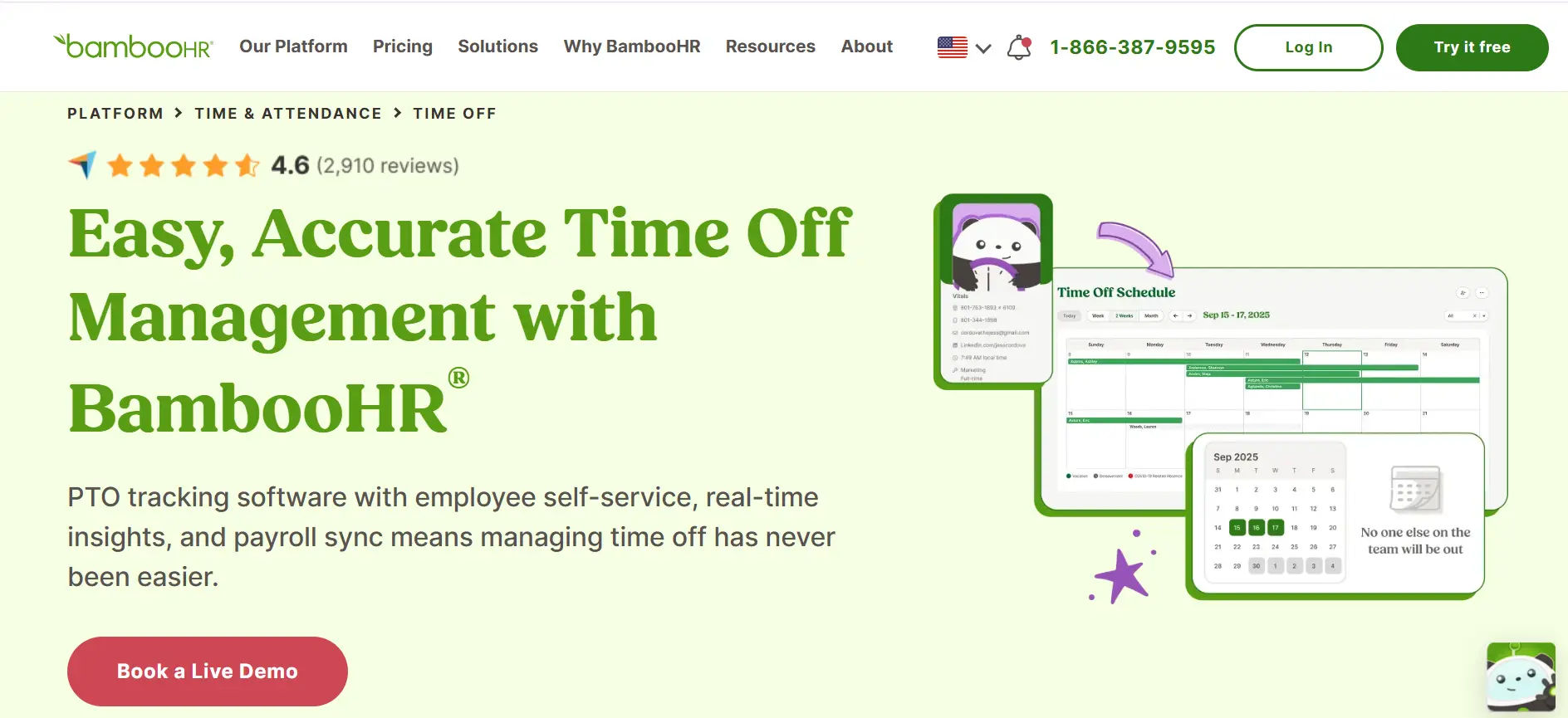
BambooHR is widely recognized as one of the best all-in-one HR platforms for small and medium businesses. It includes powerful features for tracking time off, managing employee records, and running performance reviews.
Best for: SMEs looking for a centralized HR management solution.
Key Features:
- Customizable time-off policies with automatic accruals.
- Employee self-service portal for requesting and tracking leave.
- HR analytics and reporting dashboards.
- Integration with payroll and performance modules.
Why Choose It:
BambooHR’s interface is clean and intuitive, making HR management easier for both administrators and employees. It reduces dependency on manual spreadsheets and supports informed decision-making with data-driven insights.
If you want more than just to keep track of something that streamlines your entire employee lifecycle, BambooHR is a great option.
3. Vacation Tracker – Effortless Leave Requests Through Chat
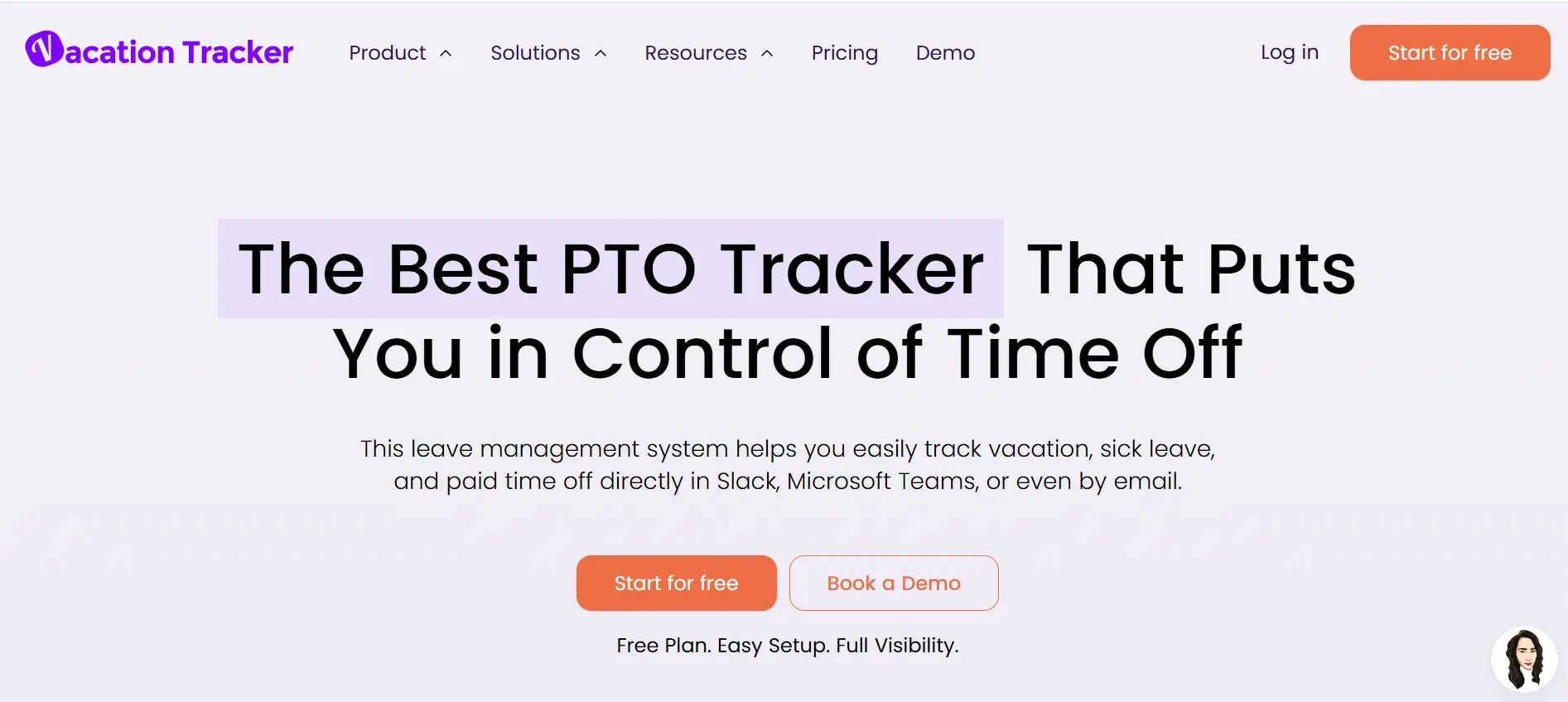
Vacation Tracker makes requesting time off as easy as sending a message. Built to integrate with Slack, Microsoft Teams, and Google Workspace, it allows employees to check their balance and apply for leave without switching platforms.
Best for: Tech-savvy teams that work in Slack or Teams all day long.
Key Features:
- Leave requests via chat.
- Calendar synchronization and automated reminders.
- Multi-location and multi-policy support.
- Daily or weekly absence summaries.
Why Choose It:
With Vacation Tracker, your leave management goes where you already are – in your conversations. It’s excellent for startups, remote teams, and digital first companies who want to keep HR simple and conversational.
Making a formal HR function more conversational, it creates better employee engagement and less administrative friction.
4. Zoho People – Feature-Rich and Budget-Friendly
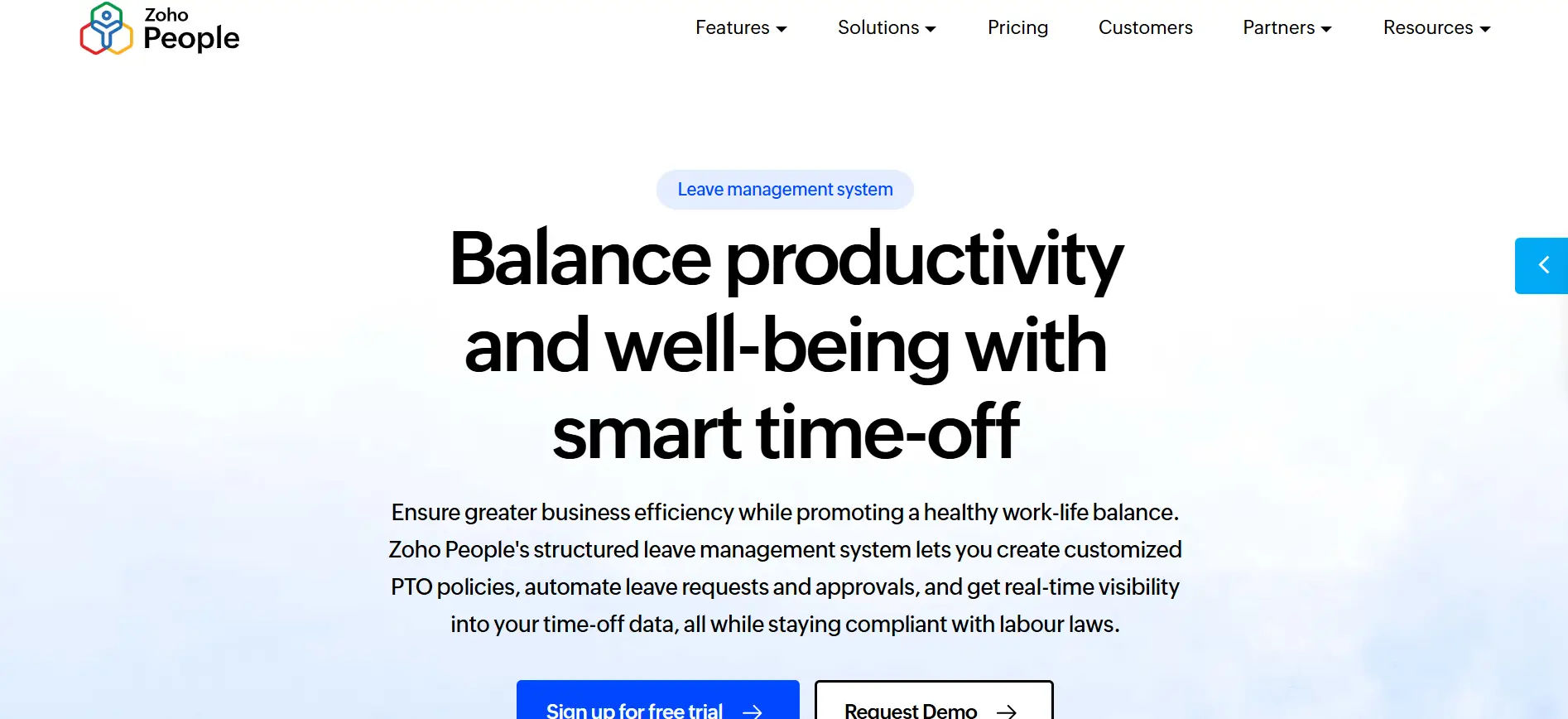
Zoho People offers a complete HR toolkit with a highly flexible leave management system. Its affordability and scalability make it ideal for small and growing companies.
Best for: SMEs looking for powerful HR features at a competitive price.
Key Features:
- Configurable leave policies, accruals, and carry-forward options.
- Integration with Zoho’s ecosystem and third-party apps.
- Centralized employee database and document management.
- Role-based access control and policy enforcement.
Why Choose It:
Zoho People is a good mix of being functional and affordable. It’s simple to set up, works together with other Zoho services (such as Zoho Payroll and Zoho CRM) and grows with your business.
If you’re upgrading from manual HR practices to automated ones, Zoho People offers an easy and cost-effective way in the door.
5. Kissflow HR Cloud – Enterprise-Level Customization
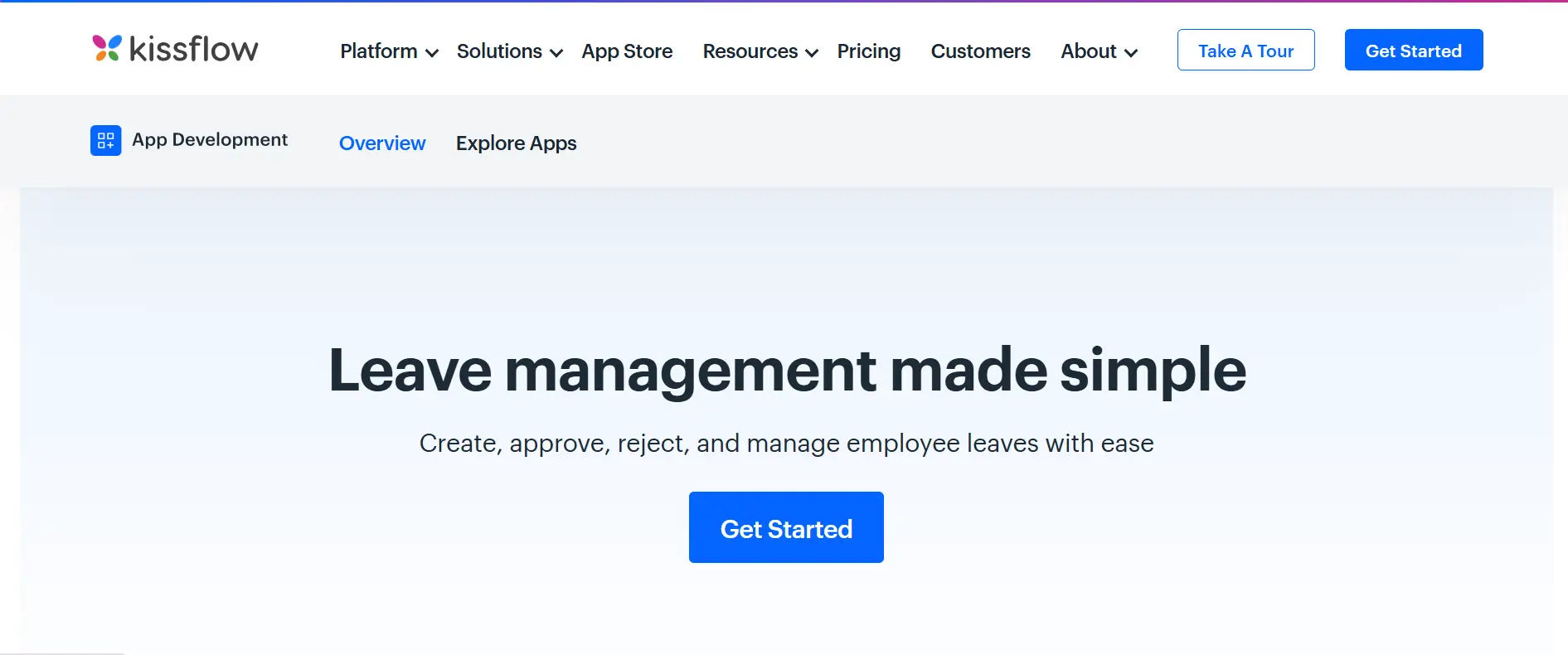
Kissflow HR Cloud is an enterprise-grade platform built for organizations that handle large teams and complex HR operations across multiple departments or countries.
Kissflow is the most flexible and powerful automation service in the market. It enforces compliance across geographies, provides rich reporting, and allows organizations to create processes based on their organizational structure.
For enterprises with which basic leave systems won’t cut it, Kissflow has the customization and scaling to handle HR on a large scale.
6. Factorial HR – Modern and Intuitive HR Automation
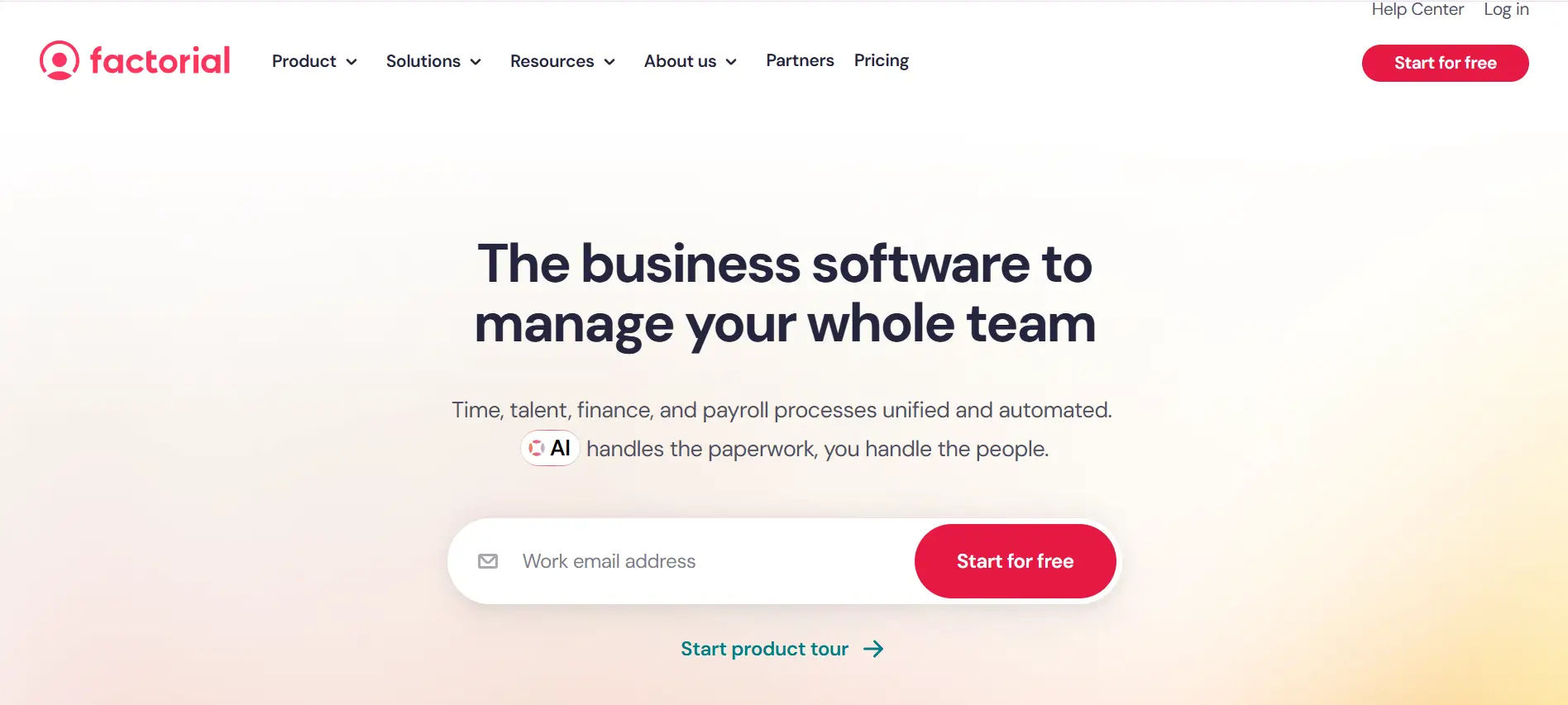
Factorial HR helps small to mid-sized teams digitize and automate their HR workflows, from onboarding to leave management.
Best for: Growing teams that want a modern, easy-to-use HR system.
Key Features:
- Centralized dashboard with automatic leave balance updates.
- Employee self-service portal and document storage.
- Analytics and attendance reports.
- Integration with outlook and other HR tools.
Why Choose It:
Factorial’s simple interface, also the automation capabilities, accelerate HR processes while ensuring greater accuracy. It is perfect for businesses that are ready to upgrade from spreadsheets but aren’t quite yet prepared for a larger enterprise software investment.
7. Freshteam by Freshworks – Smart and Connected HR
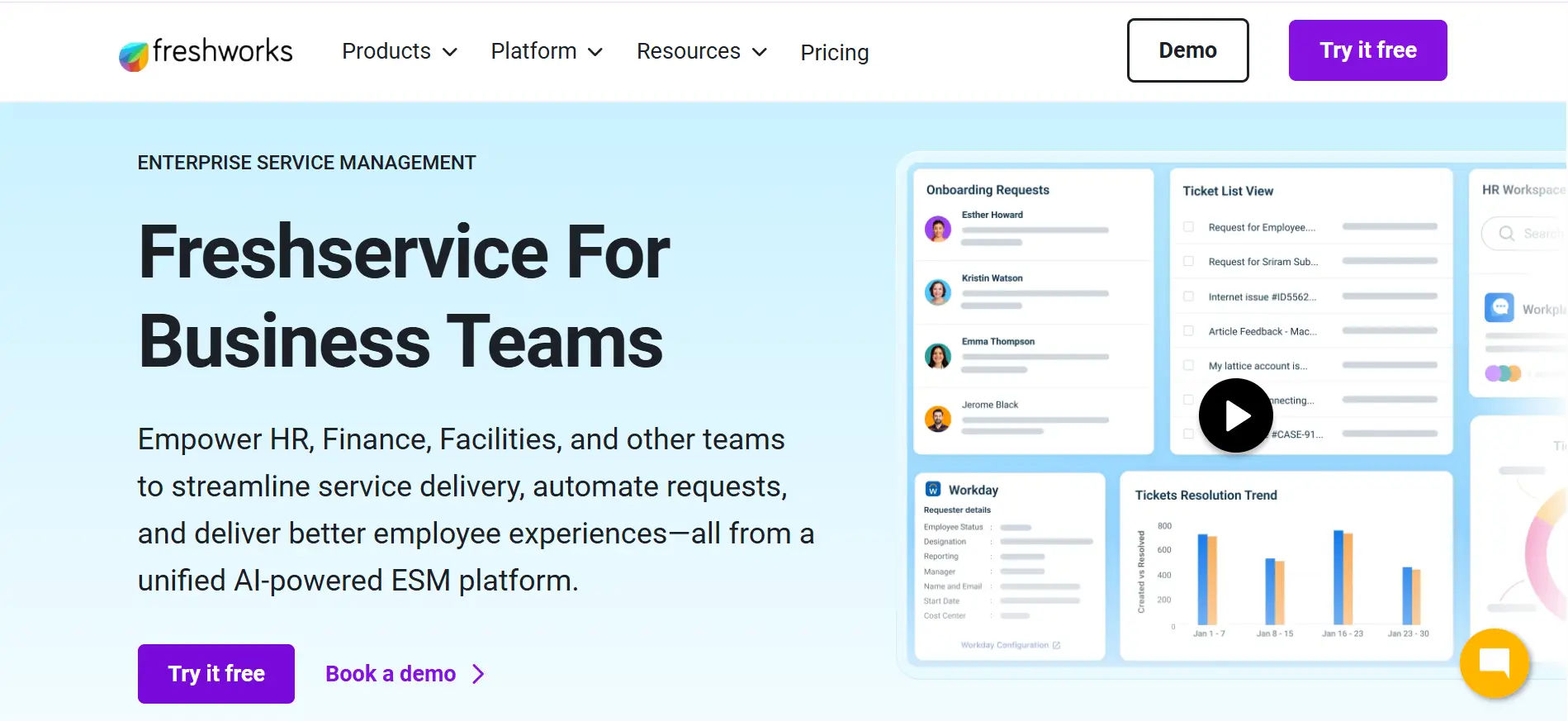
Freshteam, part of the Freshworks suite, combines hiring, onboarding, and time-off tracking into one smooth platform.
Best for: Fast-growing companies that want automation across HR functions.
Key Features:
- Policy-based leave management with smart approval flows.
- Integration with recruitment and onboarding modules.
- Automated reminders and balance tracking.
- Modern, user-friendly interface.
Why Choose It:
Freshteam provides automation without complexity. It’s a particularly strong fit for businesses that are already using other Freshworks products (like CRM, or Helpdesk) and are looking for consolidated workflow management.
8. Timetastic – Simplicity at Its Best
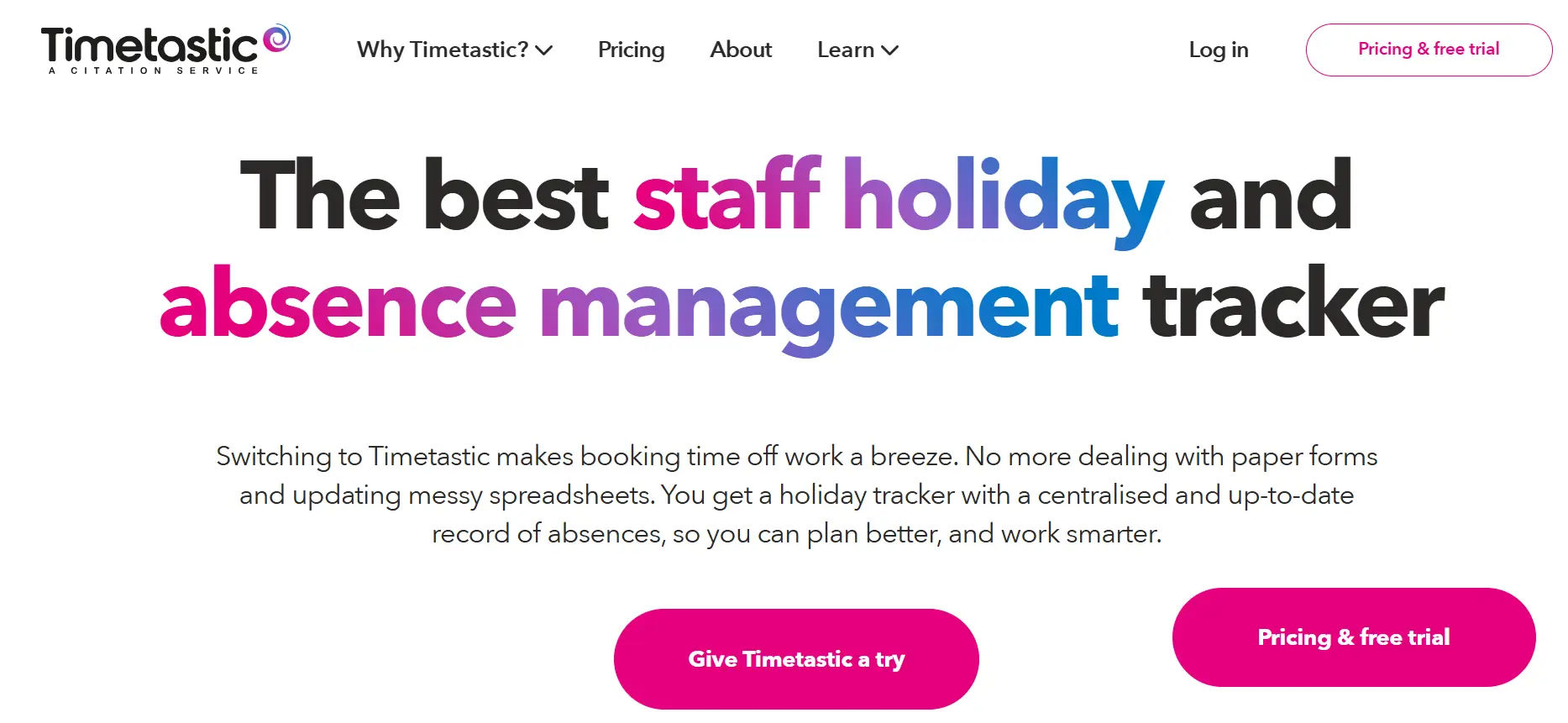
Timetastic is a lightweight, no-frills leave management system for small businesses that just need a simple, digital solution.
Best for: Small businesses or startups replacing manual processes.
Key Features:
- Visual calendar for leave planning.
- Team absence summaries and conflict alerts.
- Automatic email and mobile notifications.
- Simple reporting for HR and payroll.
Why Choose It:
Timetastic makes everything simple no bells and whistles, no learning curve. It’s great if your team just wants to go electronic with paper-based forms and spreadsheets while keeping things relatively easy to manage.
9. Deputy – Leave Management Meets Scheduling
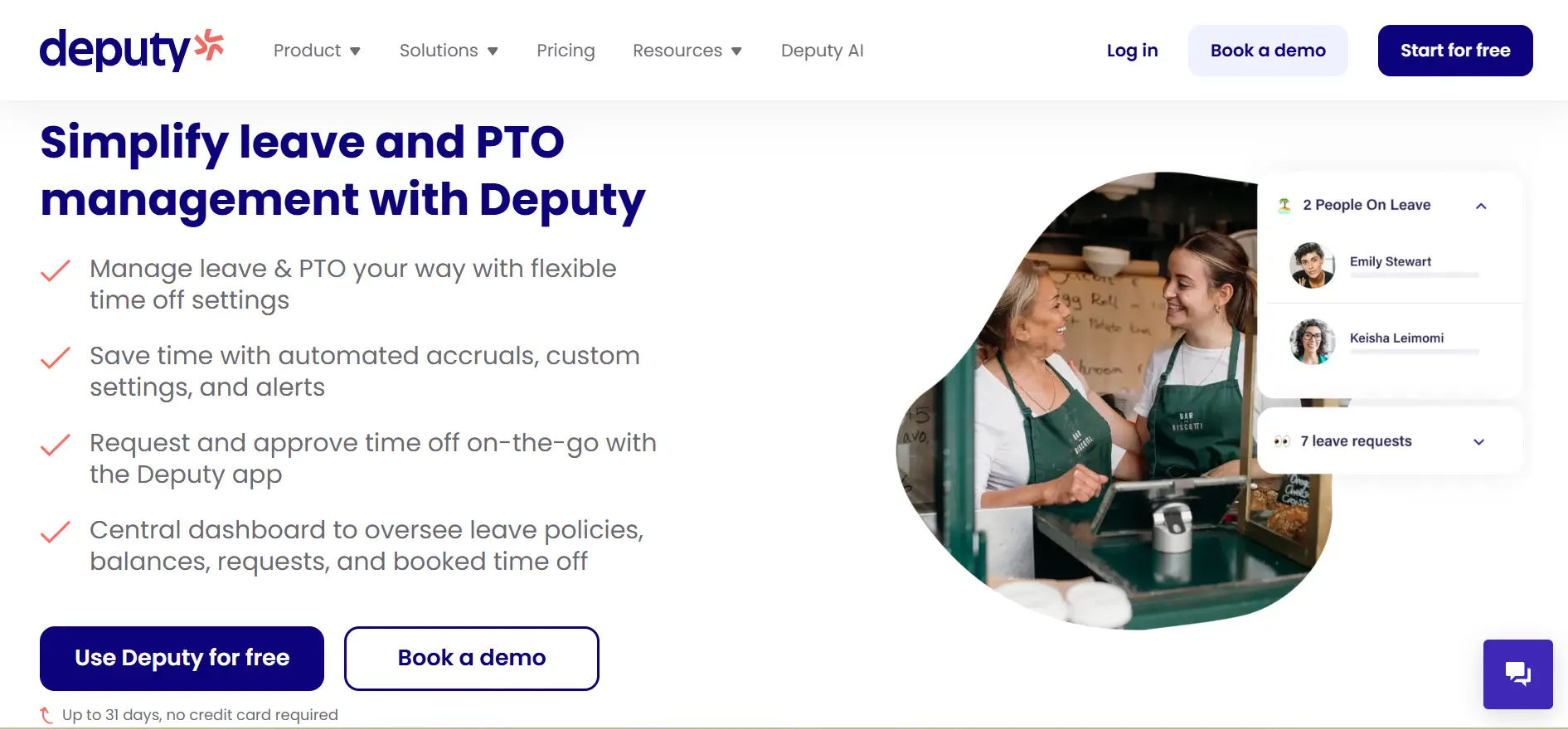
Deputy is more than a leave tracker it’s a complete workforce management platform combining scheduling, attendance, and leave in one interface.
Best for: Industries like retail, healthcare, or hospitality.
Key Features:
- Real-time shift scheduling and labor forecasting.
- Leave approval integrated with staff scheduling.
- Mobile app for employees to check shifts and request time off.
- Payroll and POS integrations.
Why Choose It:
Deputy provides managers with full visibility of their staffing and leave balance, ensuring that they can smoothly navigate around schedule conflicts and make better labor plans. For shift-based businesses, it’s the whole nine yards
10. Day Off App – Mobile-First HR Simplicity
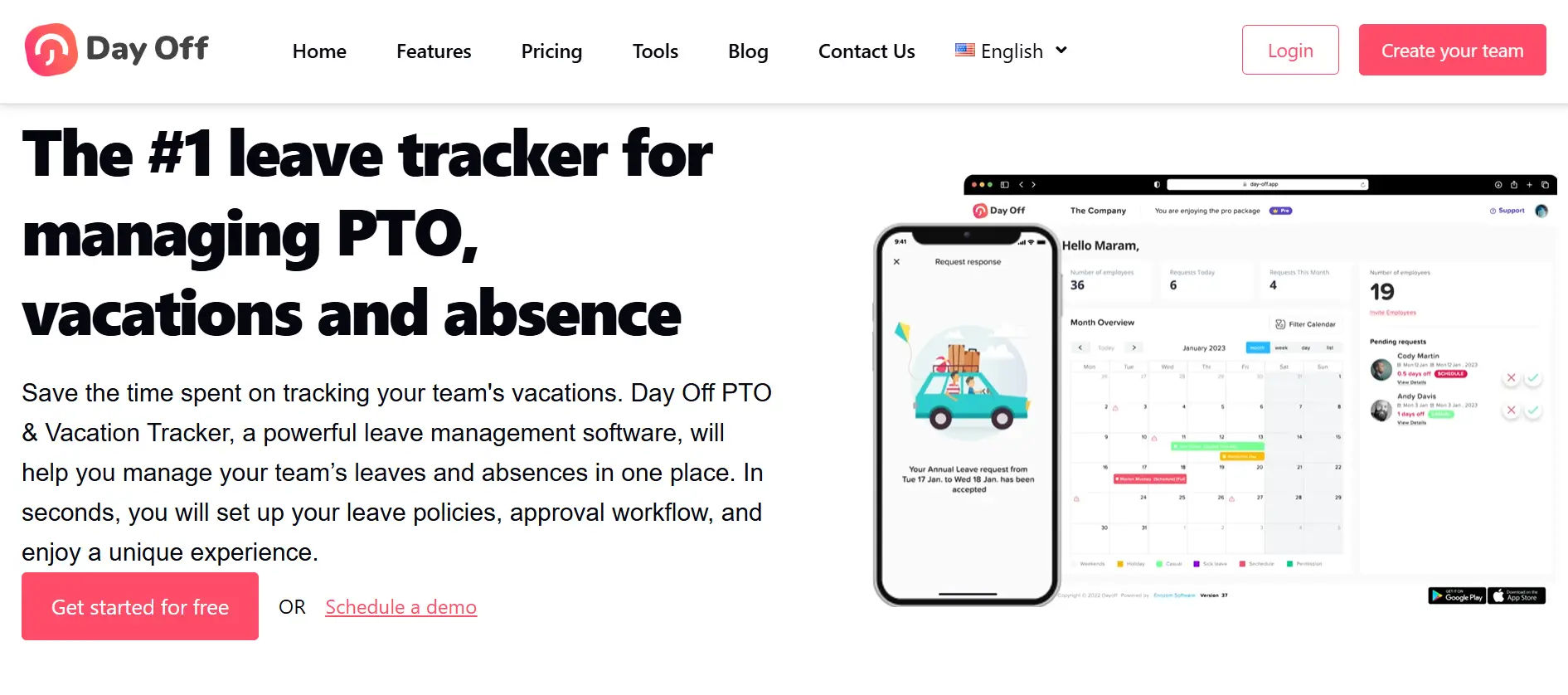
Day Off App is designed for flexibility, giving employees the power to manage their leave from anywhere.
Best for: Remote and hybrid teams needing mobile accessibility.
Key Features:
- Intuitive mobile app with instant leave requests.
- Push notifications for approvals and rejections.
- Custom leave types and team overviews.
- Simple admin controls and policy setup.
Why Choose It:
Day Off App is lightweight but powerful, focusing on speed, accessibility, and user experience. For remote or hybrid organizations, it’s a must-have for keeping teams connected and leaving processes transparent.
How to Choose the Right Online Leave Management System
Choosing the right online leave management system isn’t just about cost or features; it’s about finding a solution that aligns with your company’s culture, workflows, and goals. The right platform simplifies PTO management software tasks, boosts employee satisfaction, and streamlines leave types like vacation, sick leave, and parental leave.
Use this checklist to identify the best fit for your organization.
User-Friendly Dashboard
A great system should be intuitive enough that employees and managers can use it without training.
- Easy navigation: Users should instantly know how to request, view, or approve leave.
- Quick actions: Leave requests, approvals, and balance checks should take seconds — not minutes.
- Mobile accessibility: Ensure the platform works smoothly on smartphones and tablets for remote or hybrid teams.
- Minimal learning curve: The interface should make HR tasks less technical and more approachable for everyone.
Flexible Leave Policies
Every organization has unique time-off structures from vacation and sick leave to parental leave and comp-offs.
- Custom policy creation: The system should let HR create multiple leave types, carry-forward rules, and accrual settings.
- Multi-location support: If your company operates across regions, policies should comply with local labor laws automatically.
- Employee self-service: Staff should be able to view policies, balances, and remaining leaves without HR intervention.
- Approval workflows: Set up department-wise or role-based approval levels for better control.
Integration with Existing HR Tools
The best PTO management software doesn’t exist in isolation; it integrates seamlessly with your current digital ecosystem.
- Microsoft 365 and Teams integration: Sync leave calendars directly with Outlook and Teams for better visibility.
- Attendance systems: Ensure smooth data flow between time-tracking, attendance, and HR records.
- Automation: Automate notifications and balance updates to save time on manual work.
- Third-party compatibility: Look for API support to connect with payroll, analytics, or productivity tools.
Responsive Support and Onboarding
A powerful tool is only useful if your team knows how to use it effectively.
- Guided implementation: Look for vendors offering setup assistance and employee training.
- 24/7 customer support: Access to quick help via chat, email, or phone ensures minimal downtime.
- Knowledge resources: Tutorials, FAQs, and help centers should be available for self-help.
- Continuous updates: Vendors who regularly improve the system show long-term commitment to quality.
Strong Data Privacy Standards
Leave data often contains personal information which must be protected.
- Secure cloud storage: Ensure the system complies with GDPR, ISO, or other relevant standards.
- Access control: Limit who can view or edit sensitive employee information.
- Regular audits: The provider should conduct security checks to prevent breaches.
- Backup and recovery: Automatic backups protect against data loss or system failures.
Time Off 365 365 - The Future of Smart HR
Time Off 365 365 is your one-stop solution for automation.
It’s designed to fit businesses of all sizes from startups to enterprises providing a modern, seamless HR experience inside Microsoft Teams.
Why Time Off 365 365 Stands Out:
- Integrated directly within Microsoft Teams
- User-friendly interface requiring no training
- AI-driven reports for smarter planning
- Multi-language and multi-time-zone support
- Secure cloud infrastructure with 99.9% uptime
Exclusive Features:
- Automated accrual and carry-forward rules
- Instant notifications for managers and staff
- Detailed leave analytics and insights
- Customizable workflows
Exclusive Features:
- Automated accrual and carry-forward rules
- Instant notifications for managers and staff
- Detailed leave analytics and insights
- Customizable workflows
Conclusion
Spreadsheets belong to the past.
With an online leave management system, you can streamline HR, reduce errors, and improve employee satisfaction. Tools like Time Off 365 make this transition effortless, automating every process from request to approval.
Don’t let outdated methods hold your business back.
Make the smart move. Automate your HR today with Time Off 365, the online leave management system built for the future of work.
Book a Demo Now and take the first step toward stress-free HR.
Join Our Creative Community
Frequently Asked Questions
What is online leave management software?
Online leave management software is a cloud-based system that helps HR teams track employee leave requests, approvals, balances, and accruals digitally. Instead of managing spreadsheets or emails, companies can automate leave policies, monitor real-time balances, and generate reports — all from a centralized dashboard.
Is there a free online leave management system available?
Yes. Many providers offer a free online leave management system through limited plans or trial periods. For example, you can start with a 14-day free trial to test features like leave approvals, policy configuration, Microsoft Teams integration, and real-time balance tracking before committing.
How does employee leave management software improve HR efficiency?
Employee leave management software reduces manual tracking, eliminates payroll errors, and ensures policy compliance. It automates approval workflows, calculates leave accruals automatically, and gives managers visibility into team availability — helping HR save hours every month.
What is the best leave management software for growing companies?
The best leave management software depends on your existing tech stack. For companies already using Microsoft 365, a solution built for SharePoint and Microsoft Teams often works best. It ensures seamless integration, secure data storage, automated workflows, and easy employee access without switching platforms.
What are the top HR365 leave management setup companies using inside Microsoft Teams?
Many organizations using Microsoft 365 prefer a Teams-integrated leave management solution that works directly within Microsoft Teams and SharePoint. These setups allow employees to:
- Submit leave requests directly inside Teams
- View leave balances in real time
- Automate approval workflows
- Sync leave data with payroll and HR systems
This approach keeps everything inside the Microsoft ecosystem — improving adoption and reducing administrative friction.


_JiluXJRGNl.svg)























