
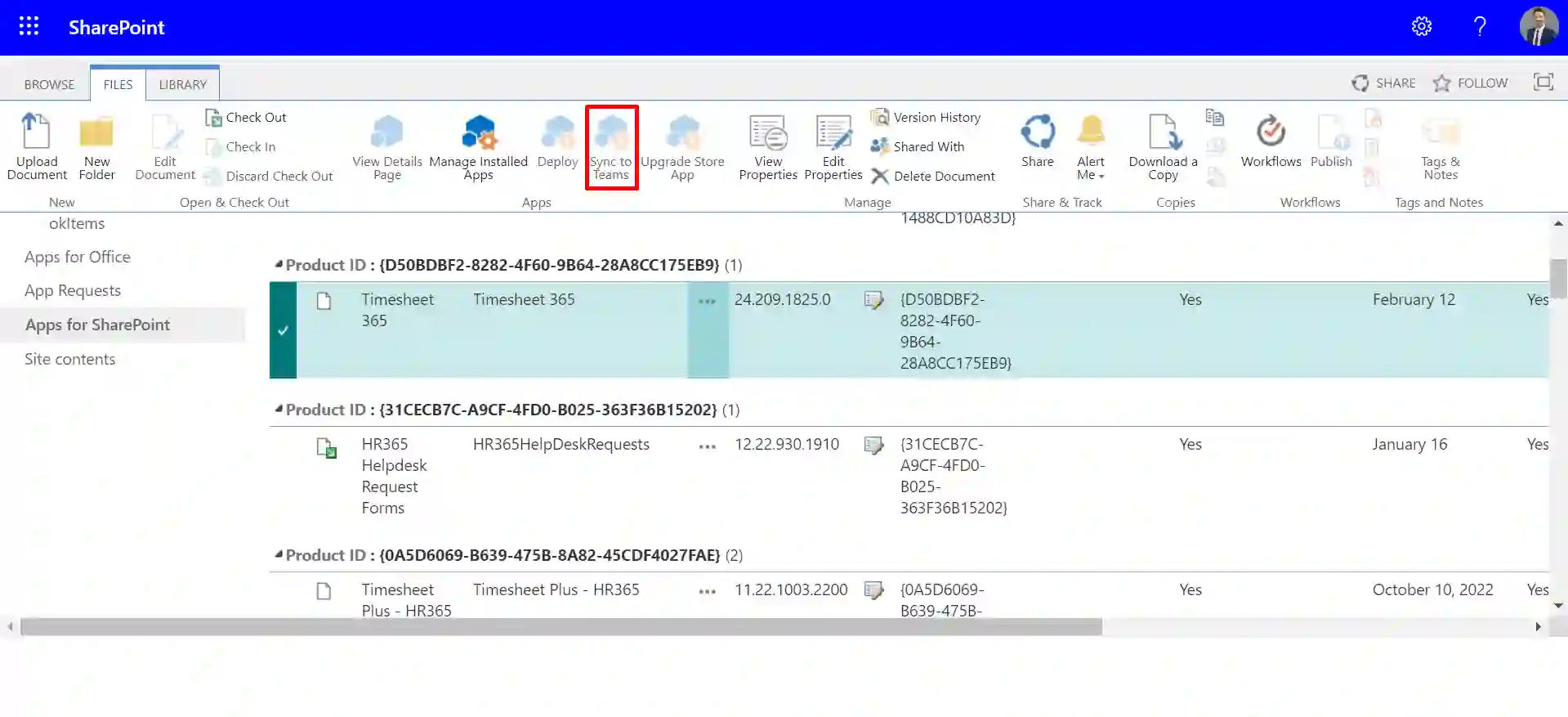
Timesheet 365 + Microsoft Teams Your Unified Time Tracking Hub
Timesheet 365 offers Microsoft Teams integration, allowing employees to log work hours, submit timesheets, track tasks, and view approvals directly within Teams—without switching between applications.

Simplifying Time Tracking in Microsoft Teams
Bring Microsoft Teams time tracking into your daily workflow. Log hours and manage timesheets in the same place your team works.Â

Maximize Time Tracking with Teams
Timesheet 365’s integration with Microsoft Teams simplifies time logging, allows for automated approval workflows, and increases security helping your group log hours quicker and work more efficiently.Â
%20(1).webp)
Log Time in Teams
Log, edit and submit hours of work directly inside of Microsoft Teams, keeping your time tracking process streamlined and distraction-free.

Custom Notifications
Utilize power automate to streamline tasks, like timesheet reminders, approval notifications, and status updates to reduce manual effort, and keep teams on track.

Custom Notifications
Set custom notifications for missing timesheets, pending approvals, and impending deadlines, so your team maintains ongoing awareness and compliance.

Access Reports in Teams
View reporting timesheets, total project hours, and team metrics from inside Teams to make reports and decisions faster and with more authority.
Secure and Compliant
Use Microsoft Teams' enterprise-grade security features while housing your timesheet data inside your Microsoft 365 tenant.
Track meeting hours directly inside Microsoft Teams with Timesheet 365.
This Teams integration for time tracking lets your team capture time spent in calls and discussions automatically with no switching apps or breaking focus. Just smooth, accurate hours recorded as you work inside the tools you already use.Â

Time tracking and teamwork flow better together with Microsoft Teams integration
Time tracking stays connected and simple inside Teams. Learn how Timesheet 365 works in Teams.Â

Frequently Asked Questions
Timesheet 365 allows employees to log in their hours and submit timesheets from within Microsoft Teams and reduces the need to jump in and out of applications. It enables time tracking activities to be conducted as part of the normal workstream and minimizes interruption.Â
You can. Timesheet 365 allows you to open time reports, project summaries, and team activity directly inside a Teams tab. It’s a simple way to see how work hours are moving without logging into another system.Â
Yes. All your data stays protected by Microsoft’s security framework. Your timesheets remain in your Microsoft 365 environment, so you keep full control over who sees what.Â
Yes. Timesheet 365 delivers all your reminders and approval notifications inside Teams. You can review and approve timesheets right there, making the whole process much easier to stay on top of.Â
This integration allows your team to track work hours, log tasks, submit timesheets, and view reports directly inside Microsoft Teams, so you don’t need to toggle between apps or tools.
Absolutely — you can receive automated reminders for missing timesheets, approval requests, and status updates within Teams, helping keep workflow on schedule.
Yes — all data remains within your Microsoft 365 tenant and is protected by Microsoft’s enterprise-level security and compliance framework.
























