

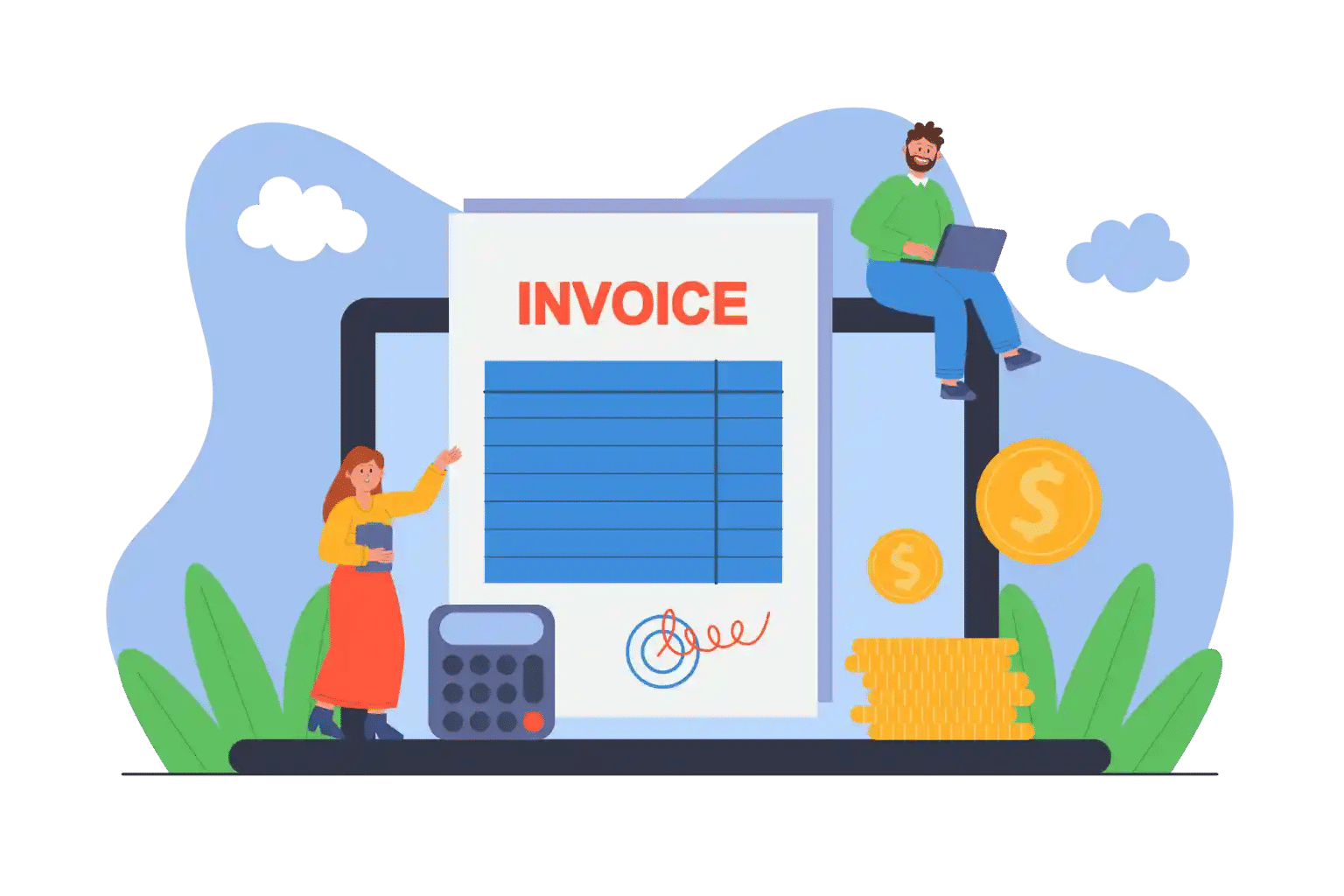

Billing & Invoicing
Your Billable Hours, Delivered as Perfect Invoices
Timesheet 365 keeps the billing clean, automated, and error-free, so you never miss a charge or delay a payment.

Where Every Hour Becomes Revenue Fast
Spreadsheets slow you down. Timesheet 365 doesn’t. Turn hours into precise invoices instantly and let your billing move as fast as your team works.

Billable & Non-Billable Tracking
Know exactly what needs to be billed. Track every hour with crystal clarity for your ideal high-performance timesheet billing software.
Automated Invoice Preparation
Stop calculating manually. Convert hours into ready-to-send invoices in seconds with a powerful timesheet and invoicing automation built for speed.

Billing Rates
Flexible rates for any user, project, or activity, and finally, time and billing software that adapts to how you work.
Accurate Project Costing
See real-time billable hours, expenses, and effort keeping project billing sharp, predictable, and client ready.
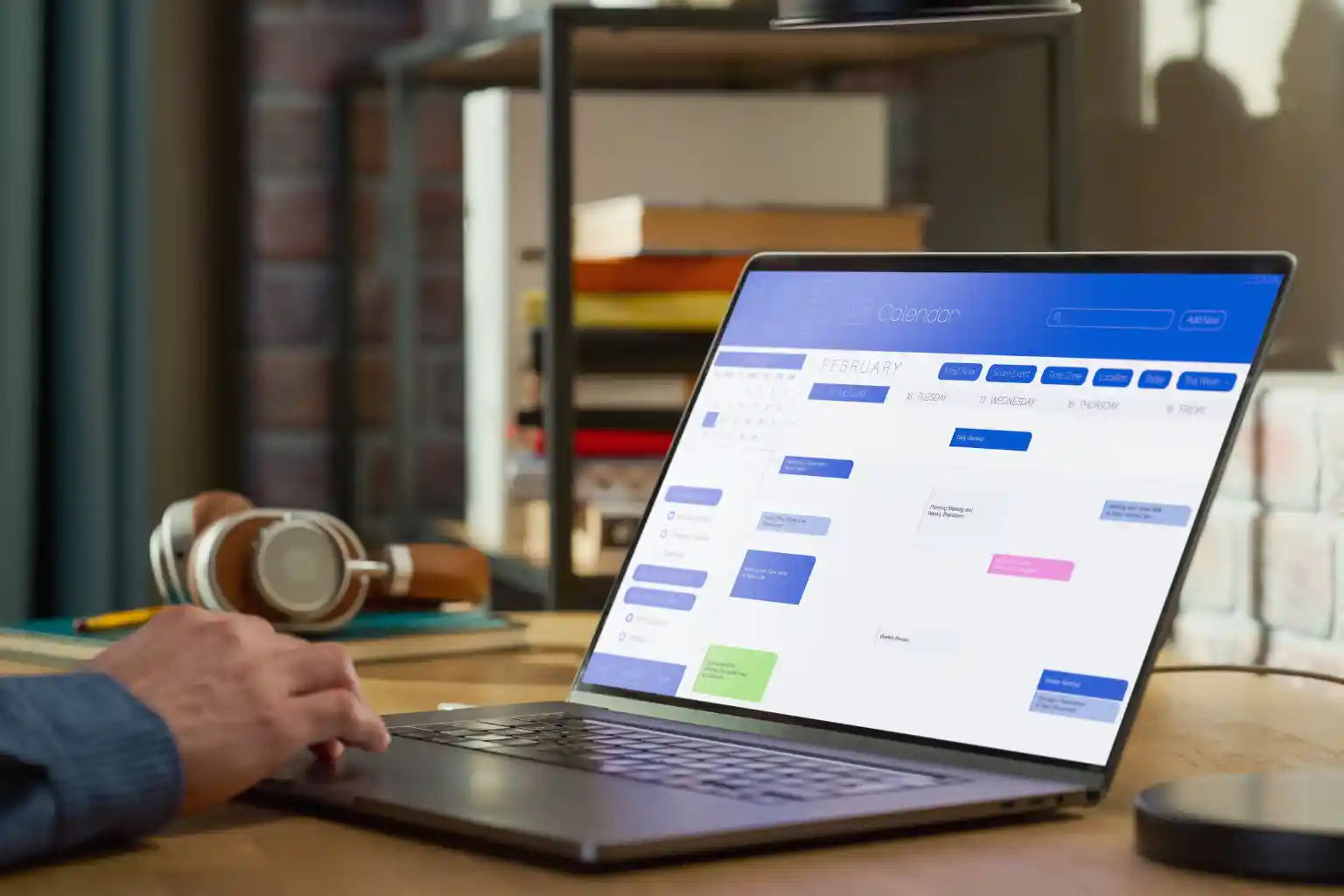
Smarter Billing & Invoicing with Timesheet 365
Timesheet 365 brings billing and time tracking together fast, clean, and effortless, so every billable hour turns into revenue without delay
All your billing in one place
No more scattered spreadsheets. Every time entry is captured, organized, and invoice-ready inside your Microsoft 365 workspace.
Billable & Non-Billable Tracking
Track hours with total clarity and bill accurately with your must-have timesheet billing software.
Automated Invoice Preparation
Convert time entries into clean invoices in seconds with streamlined timesheets and invoicing software.
Custom Billing Rates
Flexible rates by user, project, or task perfect for any time and billing software setup.
Accurate Project Costing
See real-time billable hours, costs, and effort to keep client billing fast, transparent, and error-free.

Where AI Automation Delivers the Most Value
For organizations supporting people across different regions, built-in language support removes the barrier of translation. Everyone can get help in the language AI translated multiple language feature creates a more inclusive and connected experience without needing separate teams for each location.

Handling Repetitive Queries
Every support team faces repeat questions like “How do I reset my password?” or “When will my issuse resolve?” AI can answer these instantly, saving countless hours for your team.

Supporting Multiple Languages
Supporting Multiple Languages, Businesses with a global operations no longer need to hire support staff for every language. AI provides accurate multilingual support.

Helping Remote Teams Work Better
Distributed teams often struggle with communication. AI ensures that summaries, translations, and smart assignments keep everyone aligned no matter where they’re located.

Providing 24/7 Support
No one likes waiting for answers. Automated assistance ensures quick responses at any hour while keeping your team’s workload manageable.

Why AI Helpdesk?
Modern users want more than fast replies, they want answers they can trust. AI ticketing delivers both, with smart automation that gets it right the first time. That’s where an AI helpdesk helps.
- Faster Replies: AI writes quick responses and sends tickets to the right person without waiting.
- Accurate Answers: It understands the context and uses your knowledge base to give the right information.
- Empowered Agents: Support staff spend less time repeating the same replies and more time solving real issues.

Billable & Non-Billable Tracking
Track hours with total clarity and bill accurately with your must-have timesheet billing software.
Frequently Asked Questions
Yes. It connects logged time with billing rates to help generate accurate invoices.
Absoutely, Timesheet 365 converts time entries into ready-to-send invoices with just a few clicks.w clicks.
Yes. You can track hours against clients, apply billing rates, and generate invoices effortlessly.
Yes. It links every timesheet to its billing structure to ensure complete accuracy of invoicing.
The Billing & Invoicing feature lets you turn tracked hours into accurate invoices by using billable time logged in Timesheet 365. This makes it easier to generate professional invoices directly from your time entries.
Yes. Timesheet 365 can create invoices based on tracked billable hours, so you don’t have to manually calculate or export data into another system.
When employees log work hours and designate them as billable, Timesheet 365 consolidates those entries and uses them to prepare accurate billing and invoice documents for clients.
Yes you can differentiate between billable and non-billable hours in Timesheet 365, ensuring that only client-chargeable time is included in your invoices.
























