
Task Management 365 + Microsoft Planner All Your Tasks
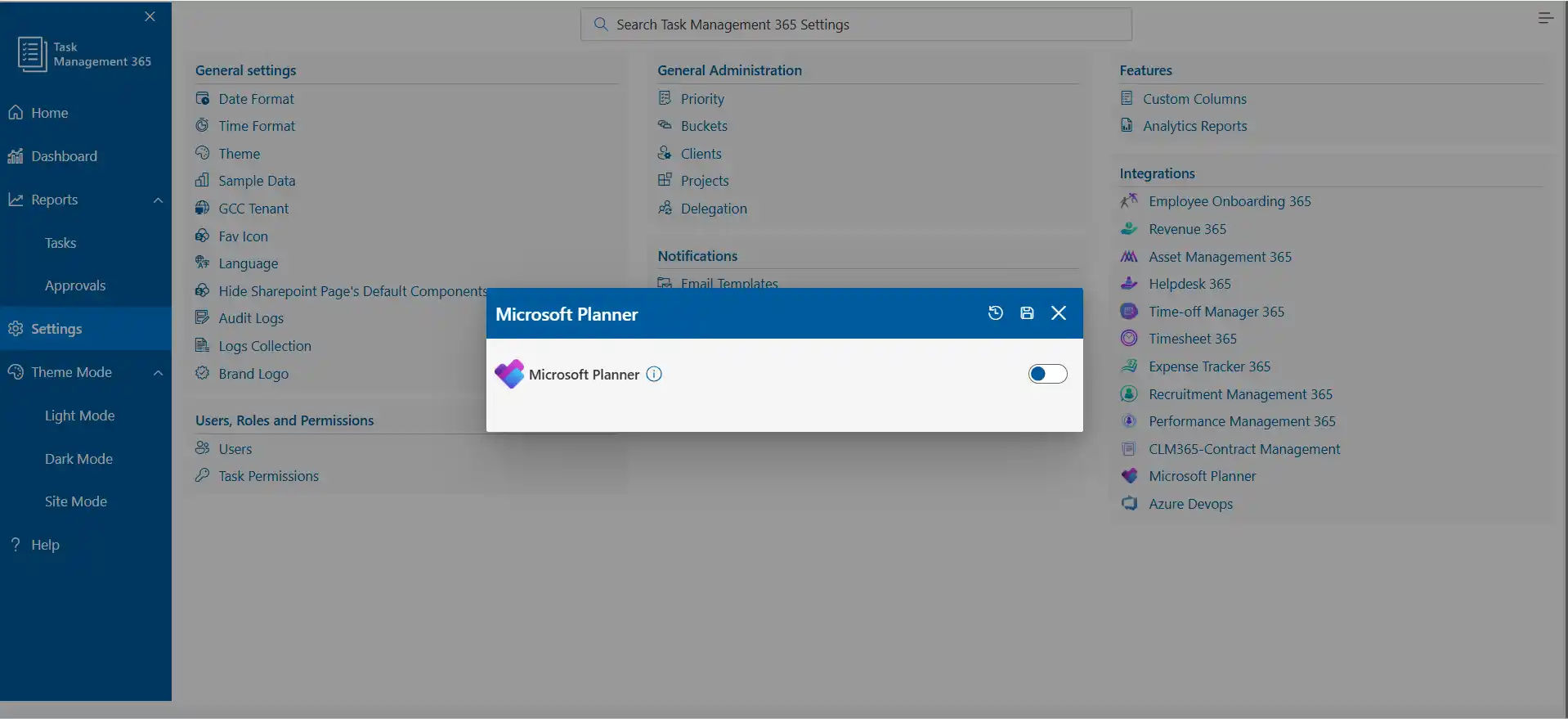
Your team already uses Microsoft Planner to organize work Task Management 365 makes it even better. The Microsoft Planner system allows users to create and assign tasks while monitoring their progress through a single system which maintains connections to Teams, Outlook, SharePoint and Microsoft 365.
Microsoft Planner Integration That Keeps Work Together
Microsoft Planner enables teams to divide their work into straightforward tasks and work schedules. Task Management 365 provides continuous links between your tasks, files and updates throughout the Microsoft 365 ecosystem.The dashboard allows you to assign work and establish priorities while you monitor progress across three platforms which include Microsoft Planner, Teams and SharePoint. The system updates itself which helps your team maintain their shared focus and alignment.
Do More with Microsoft Planner Task Management
Your team maintain complete awareness of upcoming tasks through the integrated functionalities of Outlook, Teams and To Do. The system enables users to create tasks while designating task owners and monitoring actual work progress throughout their workday. The solution streamlines daily operations while enabling project advancement through its capacity to eliminate confusion.
%20(1).webp)
Track Multiple Projects with Ease
You can monitor all your projects which combines all your work into a single tracking system. The system provides complete visibility of task status, upcoming due dates and project changes to ensure users receive all necessary information.
.webp)
Organize Tasks Your Way
You can use custom fields, tags together with priority settings to categorize tasks based on their type and current status and their level of urgency. It enables users to locate all information easily which results in time savings and decreased stress levels.

Simple Team Collaboration
Teams use together with Teams to share updates and assign tasks while maintaining their project alignment. The system enables all users to track completed tasks upcoming activities and required work.

Smart Reporting and Visibility
The Microsoft built-in dashboards, reports enable users to monitor their progress and performance metrics. The system enables users to identify upcoming project delays which allows them to maintain project timelines while ensuring work advances in the correct direction.

Save Time with Automation
Use Microsoft Power Automate to handle repeat tasks. The process of automation enables work distribution together with update delivery while maintaining smooth workflow operations, which allows your team to concentrate on actual work.

Microsoft Planner Integration Made Simple
Task Management 365 operates together with Microsoft Planner to provide a single platform for managing all tasks and progress updates and team collaboration. Teams can plan work, track progress, stay connected without extra tools or training. With instant notifications and a familiar Microsoft experience, your team always knows what to do next. Support resources and guided help make it easy to get started and stay productive.
See Microsoft Planner Integration in Action
Bring all your planning into one place with Task Management 365. Create and manage tasks, work together faster, and finish projects on time all from one connected workspace your team already knows.
Frequently Asked Questions
What is Microsoft Planner?
Microsoft Planner is a task and project management tool inside Microsoft 365. It helps teams create tasks, assign work, set priorities, track progress, and collaborate in one shared space.
How does Microsoft Planner work?
Planner organizes work into “boards” with tasks, deadlines, labels, checklists, and assigned owners. Teams can update tasks, move them to different stages, add comments, and see progress in real time.
What are the benefits of using Microsoft Planner?
Planner makes teamwork easier by giving everyone a clear view of what needs to be done, who is responsible, and when tasks are due. It improves visibility, reduces confusion, keeps projects on track.
What is Task Management 365?
Task Management 365 is an advanced task and project management solution built on Microsoft 365. It enhances Planner with stronger reporting, automation, dashboards, multi-project tracking.
How does Task Management 365 integrate with Microsoft Planner?
It connects directly with Planner, syncing tasks across Teams, Outlook, SharePoint, and Microsoft 365. You can manage all your Planner tasks while gaining better visibility, automation, tracking.
Why should I use Task Management 365 with Microsoft Planner?
You get everything you already like about Microsoft planner plus automation, reporting, priority planning, multi-project views, team-wide transparency. It helps teams stay organized and work smarter.
Does Microsoft Planner work with Teams and Outlook?
Yes. Planner tasks appear in Teams, Outlook, SharePoint, and To Do. You can receive updates, complete tasks, collaborate directly from those apps.
Can I track multiple projects in Microsoft Planner?
Yes. Planner supports multiple projects, and Task Management 365 enhances this with unified dashboards, cross-project tracking, and clearer status views.
Is automation available for Planner tasks?
Yes. Using Power Automate, you can automate reminders, task assignments, updates, notifications, and workflows.
Do I need training to use Microsoft Planner?
No. Planner is easy to use and works like a digital Kanban board. Most users can start immediately without training.
Who should use Task Management 365 with Microsoft Planner?
Teams using Microsoft 365 who want better task organization, smarter workflows, easier collaboration, and improved project visibility all without adding new tools or complexity.
























