

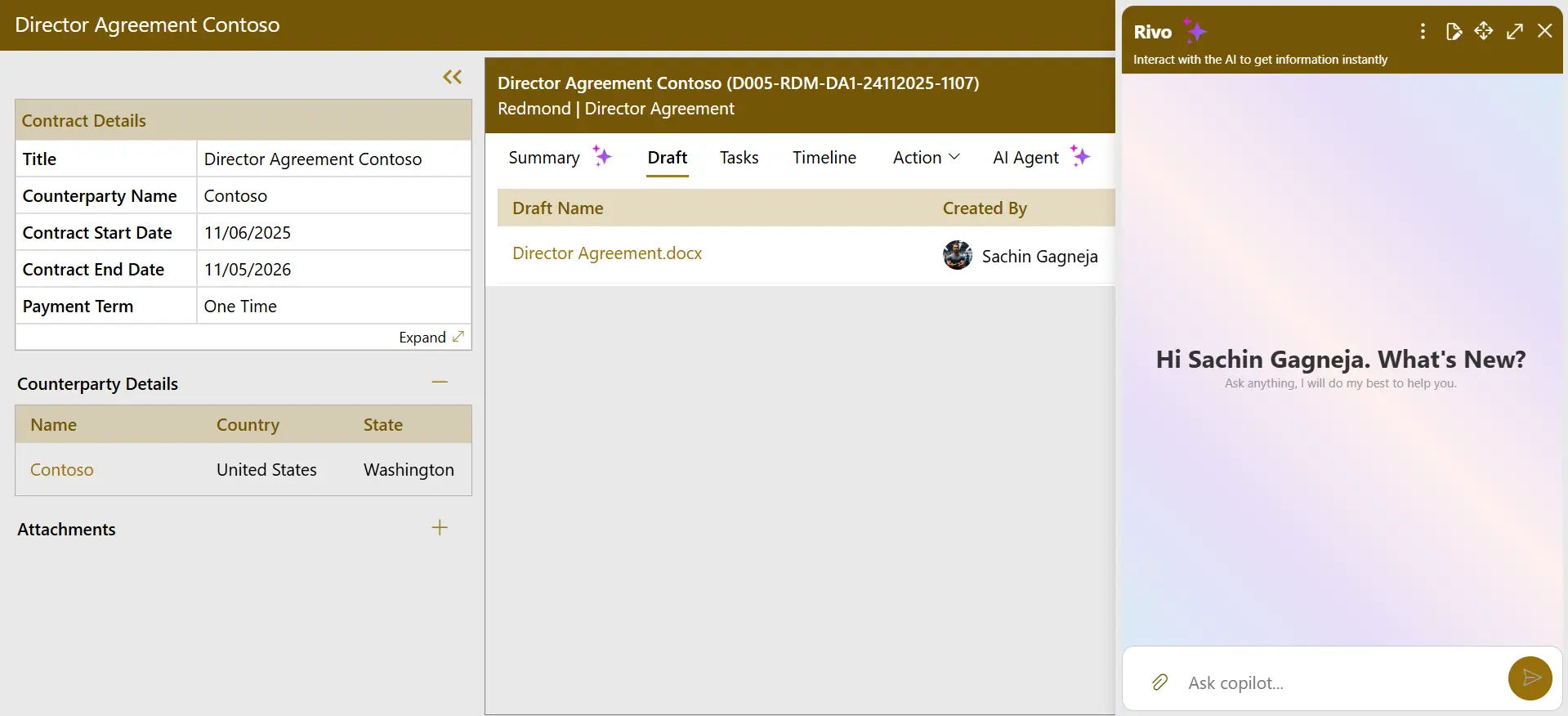
CLM 365 + Copilot IntegrationAI-Driven Contract Management, Right in Your Hands
CLM 365 and Copilot integration make it easy to manage contracts. Concisely summarize deals, find alternative solutions track obligations and risks on the fly to manage contracts effectively.

Let Copilot Simplify Every Contract with Real-Time Clause Suggestions
With the Copilot contract review feature, users can automate legal processes like summarizing agreements, identifying risks, or comparing documents, so your team can take every contract to the next stage efficiently with AI agents.

Turn Complex Contracts into Clear Insights
Copilot contract review accelerates the legal process by summarizing legal clauses and finding risks and obligations, allowing your team to go through the reviews more clearly and efficiently.Â
%20(1).webp)
Secure & Reliable
AI keeps your contracts fully protected with smart, always-on security. Your team can access the right files anytime with complete peace of mind.

Alternative Clause Suggestions
Copilot indicates the most appropriate clauses in each case depending on the requirements of your contract. This will assist your team to work quicker and make sure decisions with less effort.

Copilot Contract Review
Review long and complicated contracts in seconds into simple summaries. Legal departments can able to grasp important points without having to read the whole document.

AI Agents
Users can ask the AI agent for questions related to contracts and receive immediate, precise responses. Scan your contracts, interpret information, and direct your crew to the appropriate information instantly.

Manage Risks
Identify risks at the initial stage with intelligent notifications and insights. Copilot contract review assists team to react fast ensuring all contracts are safe and compliant.

Handle Obligations
Monitor all the contract requirements at a single location and reminds your team of the tasks ahead of them. This will make sure that you never miss a deadlines, renewals or approvals again.

Need to compare contract terms quickly?
Copilot contract review helps summarize lengthy documents and delivers quick, accurate answers without manual searching. It highlights key clauses so you spot what matters most. Identifies risks early with intelligent alerts, flagging what needs attention before problems arise. It automatically tracks obligations, deadlines, and renewals. With industry-relevant clauses and automated monitoring, Copilot keeps you informed, organized, and in control.

From Planning to Finishing - Copilot Keeps Every Task Moving
Copilot Task Management is a tool that helps your team to speed up the work process by indicating the important things, proposing the next action, and automatically dealing with repetitive tasks. No one has to wait long for answers, continues synchronizing with the others, and finishes the work with less tension.

Frequently Asked Questions
Can I use Copilot to review contracts?
Yes, Copilot will review your contract, summarize it, point out key points, and display the most risks or obligations in order to make you understand the document more quickly.Â
How does Copilot integration automate clause analysis and risk spotting?
It helps read the contract, highlights key points, and marks anything that can be dangerous or suspicious. It also highlights compliance problems and lack of information so that you can act fast.Â
How does Copilot integration contract review work?
Copilot creates a concise summary of the contract and highlights key points like major clauses, risks, compliance needs, and actionable insights, making long documents easier to understand quickly.Â
How do I integrate Copilot with CLM 365?
- Create your Copilot agent in Copilot Studio and add your Knowledge Base.Â
- Copy the Secret 1 key from Web Channel Security in Settings.Â
- Import the Copilot server solution in Power Automate.Â
- Edit the flow, turn off New Designer, and paste the Secret 1 key in Headers.Â
- Save the flow and copy the generated HTTP GET URL.Â
- In CLM 365, enable Copilot Integration and paste the URL.Â





