
IT Asset Management Software: The Ultimate Guide
IT Asset Management Software is a tool that helps businesses track, manage, and optimize IT assets like hardware and software to cut costs and boost security.
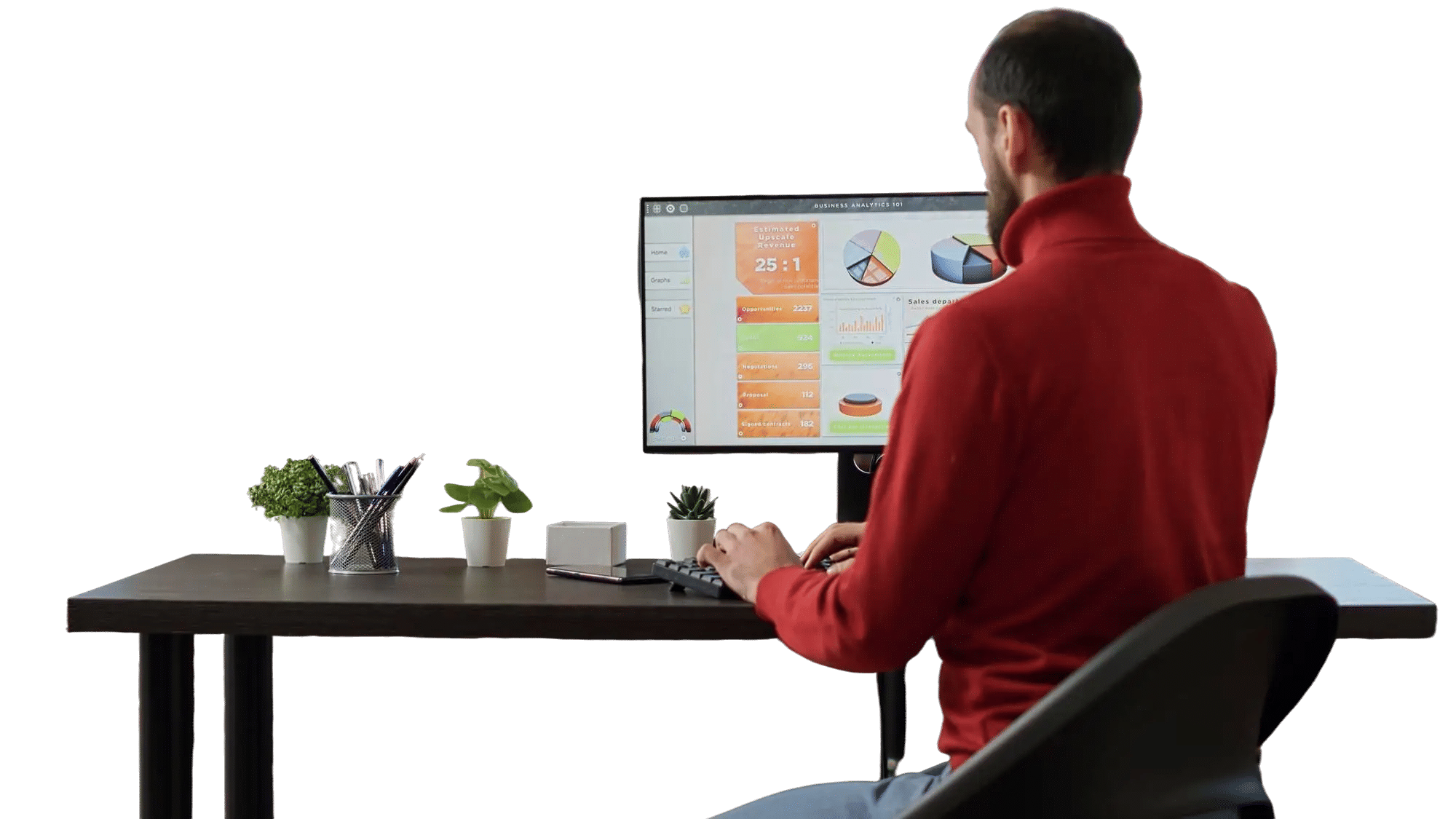
Introduction to IT Asset Management Software
IT Asset Management (ITAM) software is a tool that helps businesses track, manage, and optimize their IT assets, such as hardware, software, and licenses. Think of it like a digital librarian who keeps tabs on every computer, server, or software license in a company, ensuring nothing gets lost or underused. It saves time, reduces costs, and keeps everything running smoothly.
Exploring IT careers or a business owner looking to streamline operations, this pillar page will walk you through everything you need to know about ITAM software. We will cover what it is, why it matters, its features, benefits and how to choose the right one.
What is IT Asset Management Software?
IT Asset Management software is a system that helps organizations keep track of their IT resources. These resources, or “assets,” include physical items like laptops, servers, and routers, as well as digital items like software licenses and cloud subscriptions. ITAM software acts like a centralized dashboard, giving businesses a clear view of what they own, where it is, and how it’s being used.
Why is ITAM Important?
Imagine a school with hundreds of computers but no system to track them. Some might sit unused in a closet, while others could have outdated software, posing security risks. ITAM software prevents this chaos by:
- Tracking Assets: Knowing exactly what IT equipment and software you have.
- Reducing Costs: Avoiding overbuying or paying for unused licenses.
- Improving Security: Ensuring software is up-to-date and compliant with regulations.
- Boosting Efficiency: Streamlining IT operations so staff can focus on bigger tasks.
For businesses, where technology spending is expected to hit $2 trillion by 2026, ITAM is critical to staying competitive. It’s like having a GPS for your IT infrastructure, guiding you to smarter decisions.
Types of IT Assets Managed
ITAM software handles two main categories:
- Hardware Assets: Physical devices like desktops, laptops, servers, printers, and networking equipment.
- Software Assets: Programs and licenses, such as Microsoft Office, Adobe Creative Cloud, or enterprise tools like SAP.
Some ITAM tools also manage cloud-based assets, like subscriptions to AWS or Microsoft Azure, which are increasingly popular in the US.
Why Do Businesses Need IT Asset Management Software?
Businesses, from small startups to large corporations, rely on ITAM software to stay organized and efficient. Here’s why it’s a must-have:
1. Cost Savings
ITAM software helps businesses avoid wasting money. For example, a company might discover it’s paying for 100 software licenses when only 70 are in use. By identifying unused assets, ITAM can save thousands of dollars annually. According to Gartner, effective ITAM can reduce IT costs by up to 30%.
2. Compliance and Security
In the US, businesses must comply with regulations like GDPR (for data protection) or software licensing agreements. ITAM software tracks license usage to prevent violations, which can lead to hefty fines. It also ensures software patches are applied, reducing the risk of cyberattacks.
3.Improved Decision-Making
With ITAM, businesses get real-time data on their IT assets. This helps IT managers decide when to upgrade hardware, renew licenses, or switch to cloud solutions. It’s like having a crystal ball for IT planning.
4. Streamlined Operations
Manually tracking assets using spreadsheets is slow and error-prone. ITAM software automates the process, freeing up IT staff for more strategic tasks. For example, a hospital using ITAM can quickly locate medical devices, ensuring their ready for patient care.
Key Features of IT Asset Management (ITAM) Software
Effective IT Asset Management (ITAM) software goes beyond just tracking hardware, it provides a centralized system to manage, monitor, and optimize all IT assets throughout their lifecycle. Below are the key features that define powerful ITAM software:
1. Asset Discovery and Inventory Management
Automatically scans your network to identify and catalog all connected devices, including desktops, laptops, mobile devices, servers, and IoT devices. This eliminates the need for manual data entry and ensures real-time visibility of all assets.
- Auto-discovery agents or agentless scanning options
- Seamless integration with Active Directory or cloud platforms
- Regular updates on asset status and configurations
2. Lifecycle Management
Tracks each asset from procurement to retirement. This feature helps plan upgrades, replacements, and decommissions while ensuring compliance with company policies.
- Asset check-in/check-out
- Warranty and license expiration tracking
- Scheduled deprecation and disposal workflows
3. License and Compliance Management
Monitors software installations and usage to ensure compliance with licensing agreements, avoiding costly penalties during audits.
- Tracks software versions, license types, and renewals
- Alerts for non-compliant or unauthorized software
- Helps with Software Asset Management (SAM) practices
4. Configuration Management Database (CMDB)
Provides a structured repository for storing configuration details and relationships between assets and services. CMDB helps in impact analysis and decision-making during change management.
- Visual dependency mapping
- Real-time configuration tracking
- Integrates with ITSM tools like incident and change management
5. Asset Tagging and Barcode/RFID Scanning
Supports the use of physical labels or digital tagging for fast identification and tracking of assets in the field or on-site.
- Generate and print barcodes or QR codes
- Mobile scanning support for remote or warehouse locations
- Helps in auditing and physical verification
6. Real-Time Monitoring and Alerts
Enables continuous monitoring of asset performance, health, and usage. Proactive alerts help prevent downtime and ensure efficient resource usage.
- System health checks (CPU, RAM, disk usage, etc.)
- Alerts for unauthorized access or unusual activity
- Automated ticket generation for flagged issues
7. Reporting and Analytics
Generates detailed reports to provide insights into asset utilization, costs, lifecycle status, and compliance.
- Customizable dashboards and KPIs
- Scheduled or on-demand reporting
- Visual insights for better strategic planning
8. Role-Based Access and Security
Ensures that only authorized personnel can access or modify asset data, protecting sensitive information and ensuring compliance with security protocols.
- Multi-level user permissions
- Audit trails for all changes and actions
- Single sign-on (SSO) and two-factor authentication (2FA) support
9. Cloud and On-Premise Support
Modern ITAM solutions offer flexibility to deploy in the cloud or on-premises based on the organization’s infrastructure and compliance needs.
- Hybrid deployment options
- Secure cloud data storage
- Support for remote asset management
10. Integration with Other IT Tools
Works seamlessly with other business and IT tools, enhancing the overall IT ecosystem and avoiding data silos.
- Integration with ITSM, ERP, procurement, and HR systems
- API access for custom integrations
- Syncs with helpdesk and ticketing software for better incident resolution
11. Mobile Access and Remote Management
Supports mobile apps or web interfaces that allow IT teams to manage assets remotely, a crucial feature for hybrid or distributed teams.
- Real-time updates from the field
- Asset check-in/check-out via mobile
- Remote troubleshooting and diagnostics
12. Financial Management
Tracks asset costs, depreciation, and return on investment (ROI), helping IT and finance teams align on budgeting and cost optimization.
- Cost center allocation
- Depreciation tracking
- Budget forecasting and expense analysis
Benefits of Using IT Asset Management Software
IT Asset Management (ITAM) software is more than a tool it’s a strategic enabler that helps businesses gain control over their technology landscape. Whether managing physical hardware, software licenses, or cloud-based services, ITAM software delivers substantial value across departments. Here’s how:
1. Improved Asset Visibility and Control
One of the most immediate benefits of ITAM software is the centralized visibility it offers. Organizations can track every asset—hardware or software—across multiple locations and users.
- Know what assets you own, where they are, and who’s using them
- Reduce shadow IT and unauthorized device usage
- Gain full transparency over your IT infrastructure
2. Cost Savings and Budget Optimization
By eliminating unnecessary purchases and identifying underutilized resources, ITAM software can significantly cut costs.
- Prevent duplicate or unused software licenses
- Avoid over-purchasing hardware
- Forecast IT expenses more accurately and justify IT spending
3. Enhanced Compliance and Audit Readiness
ITAM tools ensure your organization adheres to licensing agreements, regulatory frameworks, and internal policies, reducing the risk of fines or legal issues.
- Stay compliant with software vendors and industry standards (e.g., GDPR, ISO)
- Simplify software audits with accurate, up-to-date records
- Avoid hefty penalties from non-compliance
4. Increased Operational Efficiency
With automated asset discovery, monitoring, and lifecycle tracking, your IT team spends less time on manual tasks and more time on strategic initiatives.
- Automate inventory updates and audits
- Streamline onboarding/offboarding processes
- Improve service delivery with faster issue resolution
5. Better Lifecycle and Warranty Management
ITAM software tracks asset lifecycles from procurement to disposal, ensuring timely maintenance, upgrades, and replacements.
- Extend asset life with proactive maintenance
- Schedule warranty renewals and replacements before failures occur
- Reduce unplanned downtime and repair costs
6. Streamlined Procurement and Vendor Management
ITAM platforms help centralize procurement decisions and vendor contracts, improving negotiation power and decision-making.
- Track purchase history and vendor performance
- Standardize procurement workflows
- Eliminate redundant vendors or incompatible hardware/software
7. Strengthened Cybersecurity Posture
By keeping track of all IT assets, especially endpoints and software, ITAM helps identify vulnerabilities and unauthorized devices that could expose the organization to threats.
- Detect and remove unapproved or outdated software
- Ensure all endpoints meet security standards
- Monitor asset health and patch compliance
8. Data-Driven Decision Making
With built-in analytics and reporting, ITAM software transforms raw asset data into actionable insights that support smarter business decisions.
- Identify trends in usage, cost, and performance
- Optimize resource allocation and workforce planning
- Align IT strategies with business goals
9. Enhanced Employee Productivity
When IT assets are readily available, maintained, and properly allocated, employees can focus on their core responsibilities without delays or downtime.
- Quick deployment of hardware and software during onboarding
- Minimized disruptions due to faulty or missing equipment
- Empower end-users through self-service portals and faster support
10. Scalability and Flexibility
As businesses grow, ITAM solutions can scale to accommodate more users, locations, and devices, ensuring consistent asset governance across the organization.
- Manage on-site, remote, and hybrid environments with ease
- Support for multi-location and multi-department asset tracking
- Adapt to evolving technologies and work models
11. Environmental and Sustainability Goals
By managing and optimizing asset lifecycles, businesses can reduce electronic waste and improve sustainability efforts.
- Promote reuse and proper disposal of devices
- Monitor energy usage and reduce overconsumption
- Support green IT initiatives with responsible asset practices
12. Integration with IT Service Management (ITSM)
When integrated with ITSM tools, ITAM software enhances incident and problem resolution by giving service teams immediate context about affected assets.
- Resolve issues faster with accurate asset data
- Improve change and incident management
- Boost user satisfaction with more efficient service desk operations
How to Choose the Right IT Asset Management Software
With so many ITAM tools available, picking the right one can feel overwhelming. Here’s a step-by-step guide to make the decision easier.
Step 1: Assess Your Needs
Consider your business size and IT complexity. A small business with 50 employees needs simpler tools than a corporation with 5,000 devices. Ask:
- Do you need cloud asset tracking?
- How many assets will you manage?
- Do you require integration with existing systems?
Step 2: Compare Features
Look for must-have features like asset discovery, license management, and reporting. Check if the software supports mobile and cloud assets, which are critical for modern businesses.
Step 3: Evaluate Ease of Use
Choose software with a user-friendly interface. IT staff and non-tech users (like HR or finance teams) should be able to navigate it easily. Many vendors offer free trials to test this.
Step 4: Check Integration Capabilities
Ensure the ITAM tool works with your existing systems, such as helpdesk software or accounting tools. For example, ServiceNow integrates seamlessly with its own IT service management platform.
Step 5: Consider Cost
ITAM software varies in price, from free open-source options to premium tools costing thousands annually. Balance cost with features—cheaper isn’t always better if it lacks critical functions.
Best IT Asset Management Software in 2026
Based on competitor analysis and market trends, here are three leading ITAM tools for your businesses:
1. Asset Management 365
- Features: Integration with Microsoft 365 for real-time asset tracking, software license management, and automated compliance reporting.
- Best For: Businesses heavily reliant on Microsoft 365 ecosystems.
- Pros: Seamless Microsoft 365 integration, cost-efficient for Microsoft-centric environments, user-friendly interface.
- Cons: Limited functionality for non-Microsoft assets, less robust for complex hybrid environments.
2. ServiceNow IT Asset Management
- Features: Asset discovery, license management, cloud tracking, and integration with ServiceNow’s ITSM platform.
- Best For: Large enterprises needing a comprehensive solution.
- Pros: Scalable, robust analytics, seamless integrations.
- Cons: High cost, complex setup for small businesses.
3. Ivanti Neurons for ITAM
- Features: Automated discovery, software optimization, and mobile device management.
- Best For: Mid-sized businesses with hybrid IT environments.
- Pros: User-friendly, strong compliance tools.
- Cons: Limited customization compared to competitors.
4. Lansweeper
- Features: Network scanning, inventory management, and affordable pricing.
- Best For: Small to medium businesses on a budget.
- Pros: Easy to use, cost-effective.
- Cons: Lacks advanced cloud management features.
Best IT Asset Management Software Comparison
| Tool | Best For | Key Feature |
|---|---|---|
| Asset Management 365 | Microsoft-centric businesses | Seamless Microsoft 365 integration |
| ServiceNow IT Asset Management | Large enterprises | End-to-end automation & ITSM integration |
| Lansweeper | Small & mid-sized businesses | Agentless network discovery & visibility |
Which ITAM Tool Is Right for You?
Choose Asset Management 365 if you rely on Microsoft 365
Choose ServiceNow IT Asset Management for enterprise automation
Choose Lansweeper for simple and quick deployment
How to Implement IT Asset Management Software
Once you’ve chosen an ITAM tool, implementation is key. Here’s how to get started:
1. Plan the Rollout
Define goals (e.g., reduce costs by 20%) and identify key stakeholders, like IT, finance, and procurement teams. Create a timeline for deployment.
2. Import Existing Data
If you’re using spreadsheets, import asset data into the ITAM software. Ensure accuracy to avoid duplicate or missing records.
3. Train Your Team
Provide training sessions for IT staff and end-users. Most vendors offer tutorials or support to ease the transition.
4. Monitor and Optimize
Use the software’s analytics to track performance. Regularly review reports to identify savings opportunities or compliance issues.
Example: A US university implemented Lansweeper to manage 10,000 student laptops. After training IT staff, they reduced software overspending by 10% in three months.
Challenges of IT Asset Management and How Software Solves Them
ITAM isn’t without challenges, but software makes them manageable. Here are common issues and solutions:
Challenge 1: Shadow IT
Employees using unapproved software (e.g., free apps) can create security risks. ITAM software detects these tools and enforces compliance.
Challenge 2: Asset Sprawl
Large organizations struggle to track assets across multiple locations. ITAM’s automated discovery keeps everything in check.
Challenge 3: Complex Licensing
Software licenses often have tricky terms. ITAM tools simplify tracking and alert you to potential violations.
IT Asset Management Software for Different Industries
ITAM software benefits various industries. Here’s how:
1. Healthcare
Hospitals use ITAM to track medical devices and ensure compliance with HIPAA regulations. Example: A Texas hospital saved $100,000 by optimizing software licenses.
2. Education
Schools and universities manage student devices and software. ITAM ensures budgets are used wisely, as seen in the university example above.
3. Retail
Retailers track point-of-sale systems and employee devices to improve operations. The retail chain example earlier shows real-world savings.
4. Finance
Banks use ITAM for compliance with financial regulations and to secure sensitive data. ITAM helps track servers and software licenses.
Future Trends in IT Asset Management Software
ITAM is evolving with technology. Here are trends to watch in 2026 and beyond:
1. AI and Automation
AI-powered ITAM tools predict asset needs and automate tasks like license renewals. ServiceNow is already integrating AI for smarter analytics.
2. Cloud-First Solutions
As businesses adopt cloud services, ITAM tools will focus on tracking cloud costs and usage.
3. Sustainability
ITAM will help businesses reduce e-waste by identifying reusable or recyclable hardware, aligning with eco-friendly goals.
4. Enhanced Security
With cyber threats rising, ITAM tools will prioritize real-time threat detection and compliance monitoring.
Conclusion: Why Invest in IT Asset Management Software?
IT Asset Management Software is no longer optional, it’s essential for businesses aiming to reduce costs, stay compliant, and improve efficiency. Whether you’re a startup or enterprise, choosing the best IT asset management software can transform how you manage technology.
Ready to take control of your IT assets?
Book a personalized demo to see how it works, start your free trial today to explore features hands-on or compare top IT asset management solutions to find the perfect fit for your business.
Frequently Asked Questions
What is IT asset management software?
ITAM software helps businesses track and manage IT assets like hardware, software, and cloud services to save costs and ensure compliance.
Who uses ITAM software?
Businesses of all sizes, from startups to enterprises, use ITAM, especially in industries like healthcare, education, and finance.
What are the best ITAM tools in 2026?
Top tools include Asset Management 365, ServiceNow and Lansweeper each offering unique features for different business needs.
How do I implement ITAM software?
Plan the rollout, import data, train your team, and monitor performance using the software’s analytics.
What is the best IT asset management software?
The best ITAM software depends on your needs. Enterprise businesses prefer solutions like ServiceNow, while SMBs benefit from tools like Asset Management 365 or Lansweeper.
How much does IT asset management software cost?
ITAM software typically uses subscription or per-asset pricing. Costs vary based on features, scalability and business size.
Is IT asset management software worth it?
Yes, ITAM software reduces costs, improves security and increases operational efficiency, making it a high ROI investment.
What is an enterprise IT asset management solution?
An enterprise IT asset management solution helps large organizations track and manage IT assets at scale, with automation, compliance tracking and system integrations.
What is IT asset management software for businesses?
IT asset management software for businesses helps to track hardware, software, and cloud assets in one place, improving visibility, cost control and efficiency.
What are IT asset management tools used for?
IT asset management tools are used to track, manage, optimize IT assets, ensuring better utilization, compliance and security.






















