
_9ghZnr61NU.webp)
_tLFIqVIqd.png)
Even small businesses aren’t immune to costly problems like Time tracking and inaccurate timesheets. When you’re working with limited resources, just a few payroll mistakes can make a big impact. And if you’re still relying on pen and paper or outdated punch cards? You’re leaving the door wide open for human error.
A time clock system helps small businesses accurately track employee hours, including clock-ins, clock-outs, breaks, and overtime. This reduces time theft, ensures compliance with labor laws, and simplifies payroll processing.
Using a digital or AI-powered time clock reduces administrative workload, minimizes payroll errors, and offers insights into employee productivity. It’s a scalable, affordable solution that grows with your business.
Click here to listen on the go!
The worldwide market for Time clock software & Attendance Software is projected to expand from $2.87 billion in 2023 to approximately $5.87 billion by 2029, reflecting a compound annual growth rate (CAGR) of 12.67% throughout the forecast period from 2024 to 2029.
An automated time clock can change that. These tools track employee hours down to the second, helping you run accurate payroll and stay compliant—without the manual headache.
To help you make the right choice, I’ve researched the top solutions available today. In this guide, you’ll find eight of the best time clock systems built specifically with small businesses in mind. Whether you’re looking for clock-ins, time tracking, or seamless payroll integrations, there’s an option here to suit your needs.
Our Top Picks for Small Business Time Clocks
- Best All-in-One Time Tracking Solution
Perfect for small teams who want everything time tracking, payroll sync, and employee scheduling—all in one intuitive platform
- Ideal for Project-Based Time Tracking
If your team logs hours across multiple projects or clients, this tool makes it easy to track billable time and keep everything organized
- Top Choice for Auto-Generated Timesheets
Say goodbye to manual entries. This pick shines when it comes to creating accurate, automated timesheets ready for review or export.
Why You Can Count on Our Recommendations
We don’t just skim the surface we dig deep. Our independent review team carefully evaluates each tool using a transparent, research-driven process that anyone can view. No sponsored rankings. No paid placements. Just honest insights to help small business owners make smarter software choices.
Here’s how we did it:
time clock tools initially considered
platforms thoroughly tested and evaluated
10 Standout Solutions Handpicked for this Guide
Usability Matters: What Else I Considered
A time clock isn’t just about tracking hours it must work for your team every single day. So, beyond the core features, I also looked closely at how intuitive and user-friendly each system really is. Here’s what stood out in the best picks:
One-Tap Clock In/Out
Your team shouldn’t need a manual just to start their shift. I prioritized tools with simple, one-touch functionality so clocking in and out takes seconds, not minutes.
Simplicity and Setup
First impressions count. I gave higher marks to platforms especially timesheet 365 with SharePoint and Microsoft 365 users that are easy to set up and straightforward to use both for admins and employees. No clunky interfaces or confusing dashboards here.
Reliable Customer Support
When tech hiccups happen, you need help fast. I made sure every recommendation comes with strong customer support and helpful onboarding resources. Whether it’s a chat, phone, or email, you should always be able to reach someone who can assist.
Room to Grow
The best systems aren’t just for today—they’re built for tomorrow. I looked for scalable solutions that can adapt as your business grows, whether that means adding new team members, multiple job sites, or new locations.
Track Every Second: 10 Standout Time Clocks for Small Businesses in 2026

1. Timesheet 365 — Best All-in-One Time Clock for Small Businesses
Timesheet 365 tops my list as the most versatile and user-friendly time clock solution for small businesses in 2026. It’s built with simplicity in mind—yet powerful enough to handle everything from daily time tracking to payroll-ready reports.
Why I Chose Timesheet 365:
After extensive testing, I can confidently say Timesheet 365 hits the sweet spot between ease of use and advanced functionality. It features a one-tap mobile clock-in system, automatically generates detailed timesheets, and integrates effortlessly with payroll software—so you can stay focused on running your business without worrying about manual errors or time theft.
Key Features of Timesheet 365:
One-Touch Clock In & Out
Employees can clock in and out from their phones with a single tap. The app syncs with the built-in scheduler, allowing managers to add shift notes, images, and even videos for extra clarity at clock-in.
Automated, Error-Free Timesheets
Work hours are logged in real-time and automatically compiled into digital timesheets. You get a clear breakdown of daily totals, overtime, break times, and absences—all reviewable immediately.
One standout feature? The system flags any time irregularities before payroll is processed, helping you avoid costly mistakes.
Precision GPS Tracking with Timesheet 365
One of my favourite features in Timesheet 365 is its highly accurate workflow, which adds a whole new level of accountability to your workforce. Whether you’re managing remote crews or on-site teams, you can always verify where employees are clocking in from.
The app logs the exact location at clock-in and can even track employee movement during working hours—great for field teams or mobile staff. You can also enable geofencing, which lets you draw virtual boundaries around job sites. If someone tries to clock in before arriving at the worksite—or after leaving—it simply won’t go through.
This kind of location-based control helps eliminate early punch-ins, discourages time theft, and builds trust in your time tracking process
Flexible Job & Task-Based Time Tracking
What sets Timesheet 365 apart is its flexibility—you’re not locked into a one-size-fits-all time clock. You can easily tailor what your team tracks time against, whether it’s specific jobs, tasks, client accounts, or physical locations.
This level of customization is especially useful if you bill by the hour or manage multiple clients. With detailed job-based time logs, you gain clear visibility into where your team’s time is going, which projects are taking up the most resources, and how to allocate your workforce more efficiently.
Whether you’re managing field service jobs, agency projects, or in-house tasks, Timesheet 365 gives you the tracking granularity you need without the complexity.
Employee Scheduling Made Simple with Timesheet 365
Timesheet 365 features an intuitive, color-coded scheduler that makes managing shifts effortless. Using drag-and-drop functionality, you can easily create and adjust schedules, with helpful templates and recurring shift options to save time. This scheduler is built especially for teams with field employees, allowing staff to view their shifts, request swaps, and accept assignments—all subject to your approval.
Another great feature is the ability to generate a shareable, read-only schedule link. This makes it easy to keep clients or stakeholders in the loop about project timelines without giving them full system access.
I also appreciate Timesheet 365’s smart auto-scheduler. Simply add your unassigned shifts and specify the required roles for each. The system then automatically generates optimized schedules based on employee availability, skills, preferences, and your business needs—taking much of the manual work off your plate.
Streamlined Timesheet Management
While Timesheet 365 offers flexible time tracking, another core strength lies in its real-time reporting and analytics capabilities. Instead of juggling spreadsheets or manually compiling data, you get instant access to detailed reports that show hours worked, overtime, and attendance patterns—helping you make smarter staffing decisions.
These reports can be customized by date range, department, or project, giving you the insights you need to optimize productivity and keep labour costs under control. Plus, with automated alerts for anomalies like missed punches or excessive overtime, you stay proactive about potential issues before they impact your payroll.
Seamless Integrations with Timesheet 365
Timesheet 365 connects effortlessly with popular Microsoft tools to keep your workflows smooth and centralized. It integrates directly with Microsoft SharePoint, allowing you to store, share, and manage time tracking documents securely within your existing file system.
Additionally, Timesheet 365 works together with Microsoft Teams, so employees can clock in and out or check schedules right from their Teams workspace no need to switch apps. This integration streamlines communication and helps your team stay connected without disrupting their day.
Timesheet 365 is an all-in-one time management app designed to help you run your entire business from anywhere. Managers can effortlessly create employee schedules, track time, and generate detailed reports all within one platform. You can also securely store important documents and streamline communication with your team through built-in messaging features.
Pricing starts affordably, with plans beginning at just $29 per month for up to 30 users, and small businesses with fewer than 10 employees can even get started completely free.
With Timesheet 365, employees spend less time figuring out their tasks and more time focusing on getting the job done efficiently.
Timesheet 365 provides a free plan that’s available indefinitely—so you can start tracking time and managing your team at no c
Key Features:
- Mobile-friendly employee time clock
- Precise real-time GPS tracking
- Automated timesheet generation for hassle-free payroll
- Break and overtime tracking
- Comprehensive time off request management
- Easy-to-use employee scheduling
Advantages:
- Effortless and accurate time tracking
- Quick and straightforward setup process
- Clean, easy-to-navigate interface
- Support team that responds promptly and effectively
Drawbacks:
- Requires a stable internet or Wi-Fi connection to function properly
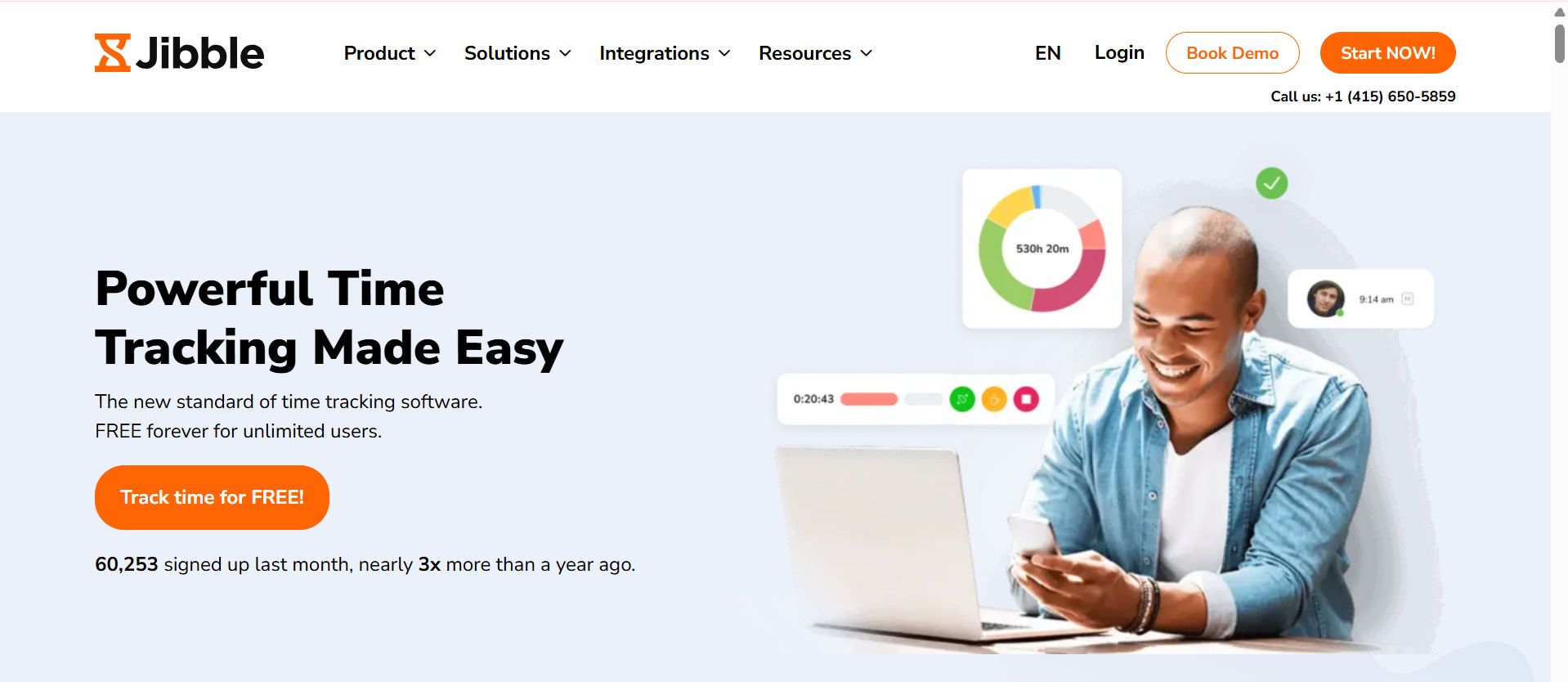
2. Jibble — Ideal Solution for Tracking Time by Project
Accessible on:
- Web
- iOS
- Android
Jibble is a time tracking app focused solely on simplifying how small businesses monitor employee hours. Its straightforward design makes it easy for anyone to get started quickly, without a steep learning curve.
Why I Recommend Jibble:
- What stands out to me is its customizable features that let you tailor the experience to your business needs. One particularly handy option is facial recognition for clocking in and out—this adds a layer of convenience and helps prevent Timesheet error.
Simple, Flexible Time Tracking
- Employees can easily clock in or out and log hours by project using their smartphone, tablet, or desktop. Whether your team works in the office or out in the field, one tap is all it takes to start tracking time.
- As a manager, you can specify the number of breaks each employee is allowed, and the system automatically logs those breaks in the timesheets. However, Jibble currently lacks automated reminders for breaks, so employees won’t receive alerts prompting them to start or end breaks a feature that could improve compliance and workflow.
Project and Location Tracking
- You can assign specific projects for time tracking, ensuring that hours are accurately allocated where they belong. Jibble also offers GPS tracking and geofencing capabilities to verify employee locations during clock-ins, helping reduce time theft and boost accountability.
Another useful option is the ability to choose between three preset time tracking policies flexible, moderate, or strict allowing you to select the level of control that fits your workplace culture.
Real-Time Location Tracking
Jibble lets you monitor your employees’ locations live through GPS tracking, giving you confidence that your team is where they need to be during work hours.
Managing Time Off and Availability
- Setting up time off policies in Jibble is straightforward and flexible. You can configure both accrued and lump-sum PTO plans tailored to your company’s requirements. Plus, you have the option to decide whether unused PTO expires annually or rolls over into the following year.
- From an employee’s perspective, submitting time off requests is simple and can be done via desktop or mobile app without any hassle. On the manager side, approving or denying requests takes just a single click. That said, it would be even better if managers received automatic notifications when new time off requests come in, which would speed up the approval workflow.
Integrations
Jibble connects smoothly with a variety of popular business tools, including:
- Airtable
- Paylocity
- ClickUp
- Oracle
- Freshdesk
- Notion
Users appreciate how simple and intuitive Jibble is compared to other platforms. Its time tracking capabilities stand out as a major advantage, and the onboarding process was straightforward and user-friendly. With competitive pricing and more features than many previous solutions we’ve tried, Jibble was an obvious choice.
— Doug, Community Support Specialist
Key Features
Biometric facial recognition for secure clock-ins
Ability to set up tablets as centralized office kiosks
GPS location tracking paired with geofencing
Customizable, detailed notifications and alerts
Pros
Accurate and dependable real-time location monitoring
User-friendly interface for both employees and managers
Cons
Does not include shift scheduling functionality
Exporting and sharing reports is somewhat limited
Pricing
Starts at $2.49 per month plus $2.49 per user
Trial Available: Yes
Free Plan: Yes

3. Time Camp — Ideal for Automated Timesheet Generation
Accessible via:
- Web
- iOS
- Android
TimeCamp is an automated time tracking tool popular with office teams, remote workers, and freelancers alike. Its desktop and mobile apps run quietly in the background, capturing work hours without needing constant manual input.
Why TimeCamp Made the List:
One of the biggest perks is that employees don’t have to repeatedly start and stop timers when switching between tasks. TimeCamp automatically logs work hours and calculates wages based on the tracked time, then compiles everything neatly into timesheets for payroll or invoicing.
The interface is straightforward and easy to use, with a clean menu located at the top left that avoids overwhelming new users with too many options. This simplicity makes it easy for anyone to navigate the platform without a lengthy onboarding process.
Tracking Time Made Easy
Employees can start and stop timers from both mobile devices and desktop computers, ensuring accurate logging of time spent on different projects. If needed, users can also add time entries manually.
A feature I appreciated while testing is the ability to create recurring time entries, which saves time by allowing you to duplicate timesheets instead of rebuilding them from scratch each day.
One standout feature is TimeCamp’s keyword tracking on the desktop app. By assigning keywords to tasks, the software automatically detects when you’re working on related documents, apps, or websites and tracks time accordingly.
It’s important to note, however, that TimeCamp does monitor URLs and applications accessed during tracked time. While useful for productivity insights, some employees might see this as intrusive.
Smart Time Budgeting and Reporting
The time budgeting feature helps you allocate resources more efficiently and plan projects with ease. It uses color-coded charts and visuals that are straightforward and user-friendly, making it simple to get a clear overview briefly.
TimeCamp’s reporting capabilities are robust and versatile. All tracked time is consolidated into one centralized dashboard, where you can generate over 20 different report types tailored to analyze your team’s work habits. Reports are categorized into four main groups: time, personnel, budget, and miscellaneous, allowing quick access to relevant data for informed decision-making.
One feature I found particularly valuable was the employee attendance report, which compares logged hours against set thresholds to automatically flag overtime. This makes tracking compliance and managing labor costs much simpler.
Generating reports is hassle-free, and you can easily share them via a link or export them in popular formats such as CSV, Excel, or PDF for further use or distribution.
Integrations
TimeCamp connects seamlessly with a variety of popular tools, including:
- Jira
- Salesforce
- HubSpot
- Zapier
- Xero
- QuickBooks Online
Using these integrations, we gain clear visibility into which project areas demand the most time, enabling us to optimize workflows. It also helps pinpoint when team members are overloaded, so we can balance workloads more effectively.
Key Features
- Accessible on both desktop and mobile platforms
- Comprehensive and easy-to-read project reporting
- Visual budgeting tools with graphs to monitor profitability
- Performance tracking capabilities
Advantages
- Accurate keyword-based time tracking
- Automatic tracking on web and mobile devices
Drawbacks
- Mobile app can feel somewhat unwieldy
- Time-off request process is a bit complex
Pricing
Plans begin at $2.99 per user each month
Trial period: Available
Free version: Yes
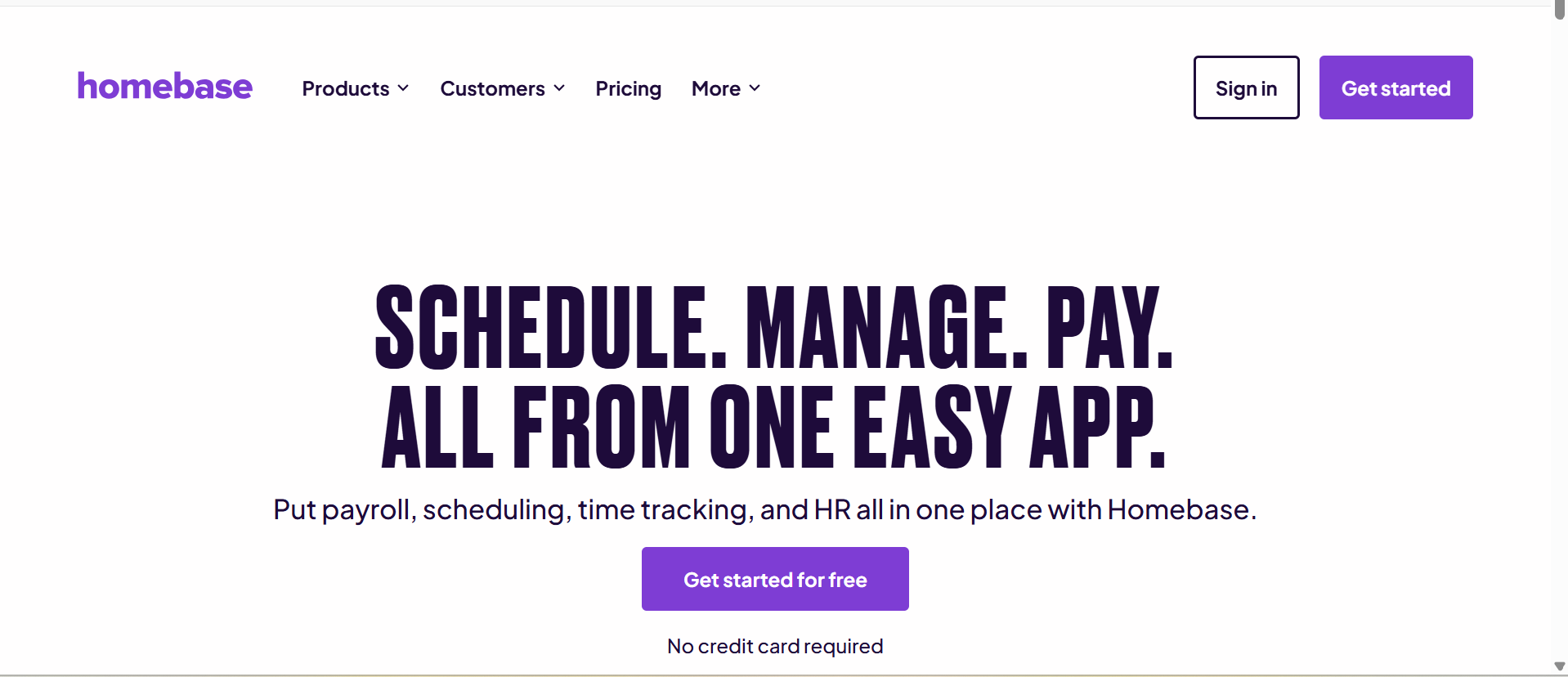
4. Homebase — Great for Retail and Restaurant Teams
Available on:
- Web
- iOS
- Android
Homebase simplifies employee time tracking with built-in scheduling, team messaging, and payroll integrations. Its free plan is ideal for small businesses, especially in the retail and hospitality sectors. You can easily manage shifts, monitor real-time attendance, and export timesheets for payroll. GPS tracking and photo check-ins help reduce time theft.

5. Deputy — Ideal for Compliance-Focused Businesses
Available on:
- Web
- iOS
- Android
Deputy offers precise time tracking and scheduling tools, helping businesses comply with labor laws and manage workforce costs effectively. It includes facial recognition for clock-ins, labor forecasting, and automatic wage calculations. Deputy also alerts you to breaks, overtime, and late shifts.

6. Buddy Punch — Best for Simple Setup and Flexibility
Available on:
- Web
- iOS
- Android
Buddy Punch is an intuitive time tracking solution that supports punching in via facial recognition, QR codes, or PINs. It offers customizable rules for overtime, PTO, and breaks. With built-in GPS and geofencing, it’s a top pick for teams on the move.
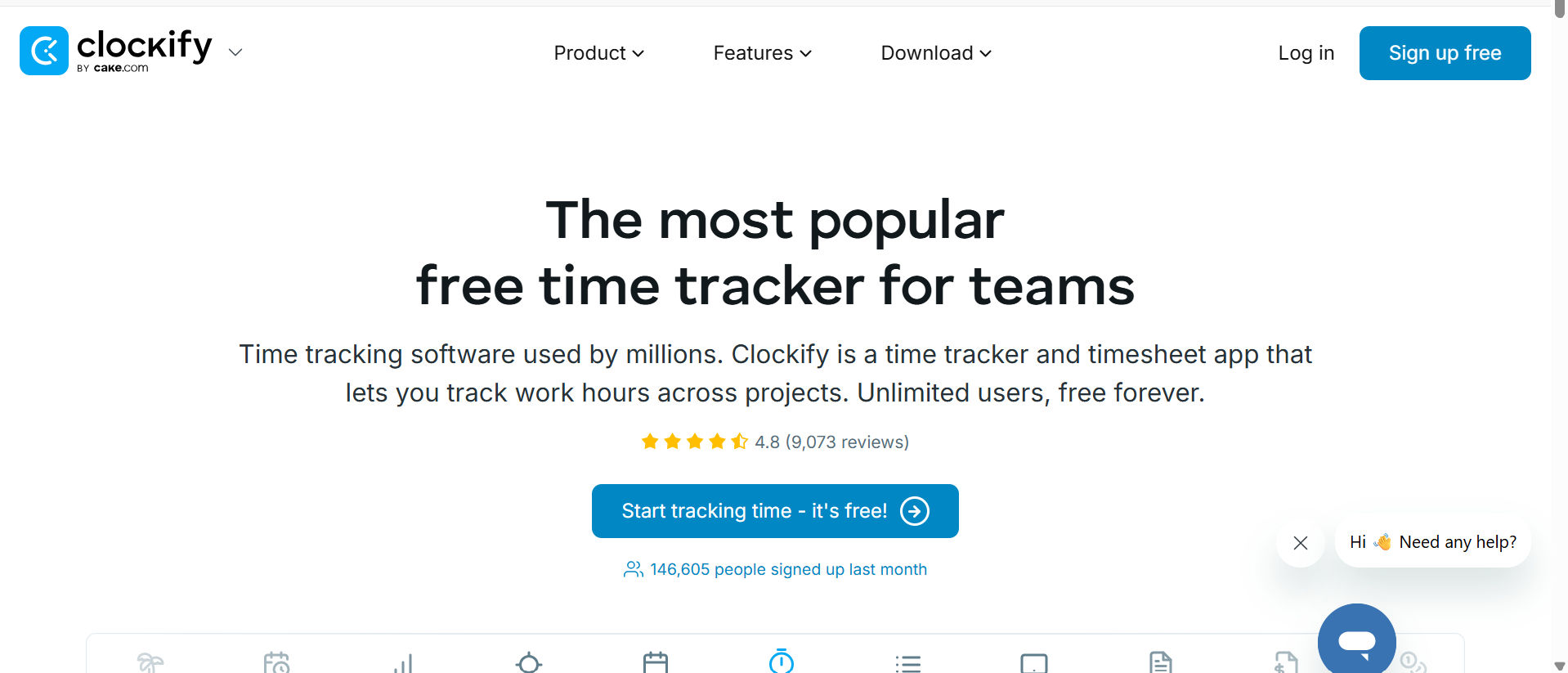
7. Clockify — Great Free Time Tracker with Paid Upgrades
Available on:
- Web
- iOS
- Android
Clockify is a robust free time tracking tool that supports unlimited users. It allows employees to track time manually or with timers and includes reporting, project tracking, and billable hour features. Ideal for freelancers and startups, it also integrates with tools like Trello, Asana, and Jira.

8. OnTheClock — Best for Payroll Integration
Available on:
- Web
- iOS
- Android
OnTheClock is easy to use and offers seamless integrations with QuickBooks, Gusto, and ADP. You can set location restrictions, IP locks, and enforce job-specific punch rules. It’s popular among businesses with hourly employees who need reliable payroll syncing.
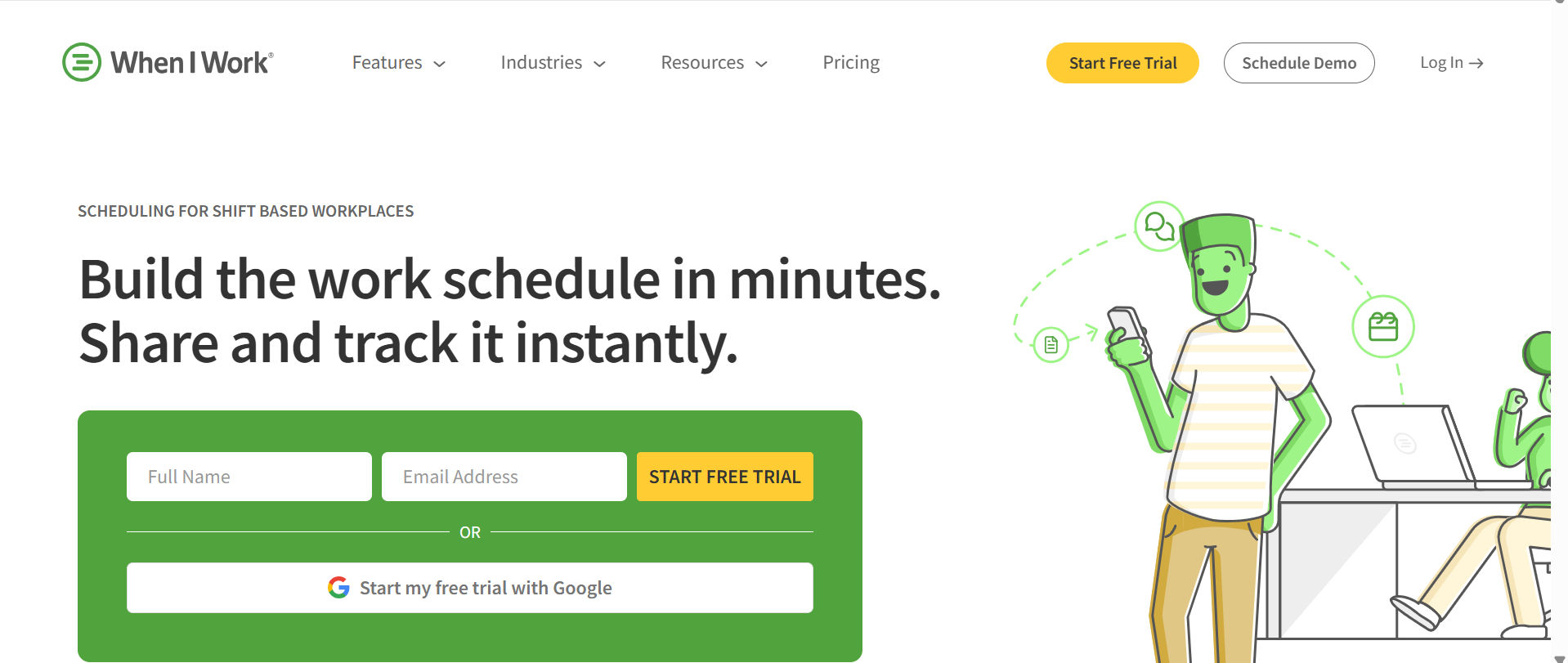
9. When I Work — Best for Scheduling and Messaging Combo
Available on:
- Web
- iOS
- Android
When I Work combines time tracking and scheduling with built-in team messaging. It’s particularly helpful for shift-based businesses. You can assign tasks, manage availability, and track attendance in one place. Its user-friendly interface makes it a favorite among non-tech-savvy teams.
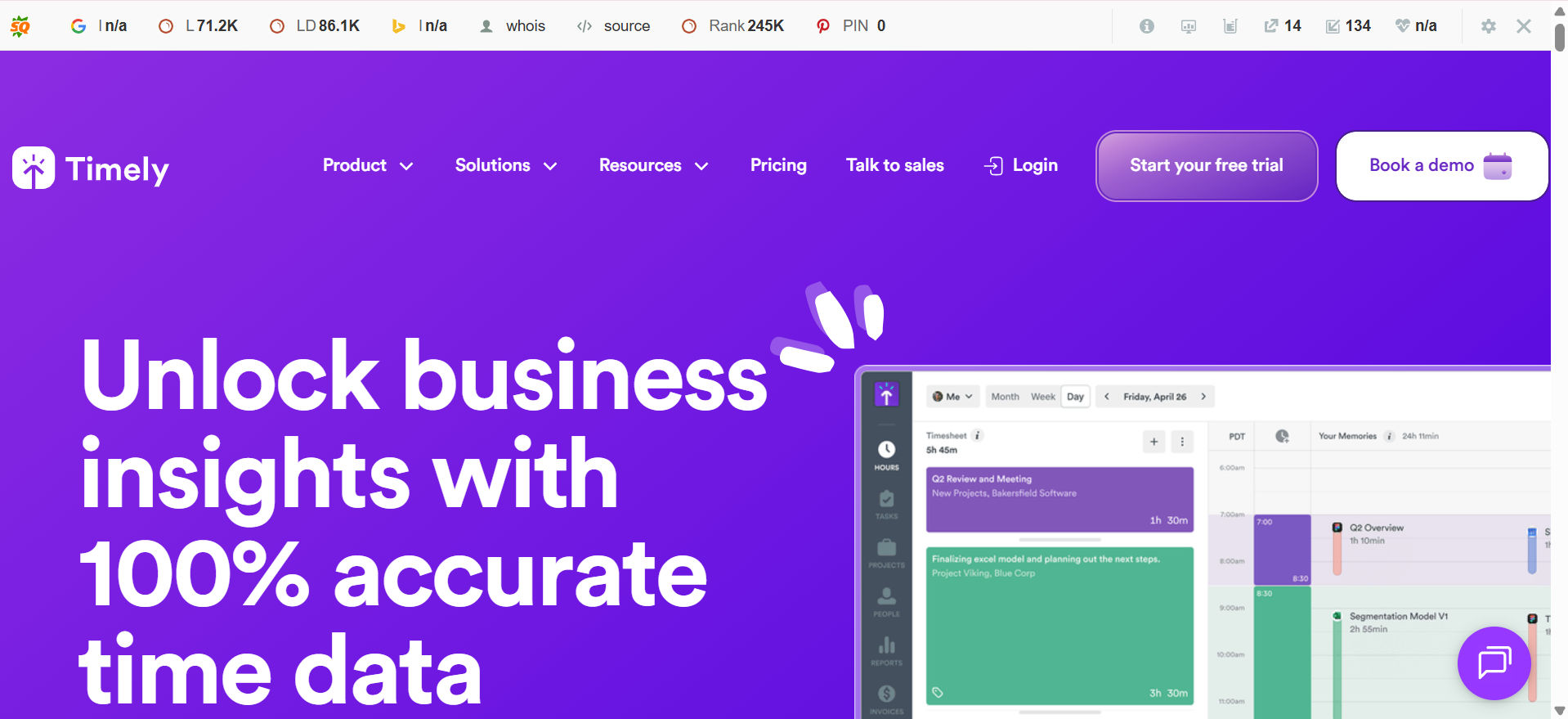
10. Timely — Best for Automatic Time Tracking and Team Scheduling
Available on:
Web
• iOS
• Android
Timely is a smart time tracking app that records work activity automatically in the background, so employees don’t need to start or stop timers. It helps small businesses manage team schedules, track billable hours, and generate detailed reports for payroll and client billing. With integrations to tools like Microsoft Teams, Asana, and Zoom, Timely is a great fit for remote teams and project-based businesses.
What Are Time Clock Apps for Small Businesses?
Time clock apps tailored for small businesses are digital tools designed to simplify the tracking of employee hours and attendance. They replace outdated paper logs and manual punch cards with streamlined automated systems that boost accuracy and efficiency.
With these apps, employees can easily clock in and out using their smartphones, tablets, or computers—removing the need for traditional physical time clocks. Many of these solutions include features like live time tracking, automatic calculation of overtime, and detailed reporting, helping employers manage payroll smoothly and stay compliant with labor laws.
These apps are especially beneficial for companies with remote staff or flexible schedules, as they offer a dependable way to monitor work hours no matter where employees are located.
How Do Time Clocks for Small Businesses Function?
Time clocks designed for small businesses streamline the way employee work hours and attendance are recorded. Employees typically clock in and out using various methods, such as entering a personal code or utilizing different verification.
Once recorded, the data is stored digitally within the system. Many modern time clocks connect directly with software platforms, providing live updates and giving managers the ability to track attendance from anywhere. These systems also handle tasks like calculating overtime, monitoring breaks, and producing comprehensive reports making payroll processing easier and ensuring employees are paid accurately.
Advantages of Using Online Checklist Apps
Access from Any Location
Online checklist apps offer the convenience of being accessible from any device with an internet connection. Whether on a smartphone, tablet, or desktop, users can easily view and update their task lists no matter where they are.
Boosts Motivation and Accountability
Marking tasks as complete provides a satisfying sense of progress that can motivate users to keep going. The visible trail of accomplishments also encourages personal responsibility and helps maintain focus on key objectives.
Seamless Team Collaboration
Many checklists’ apps support real-time collaboration, allowing multiple users to contribute and update the same list at once. This feature is especially beneficial for teams working on joint projects or shared responsibilities.
Enhanced Task Management
These apps typically include tools like task grouping, priority settings, and due date assignments to help keep tasks well-organized. Additional options such as tags or labels offer further customization for managing workload efficiently.
Automated Alerts and Reminders
Users can set reminders and notifications to stay on top of deadlines and important milestones. Alerts can be delivered through emails, push notifications, or SMS messages, helping prevent overlooked tasks.
Simple to Modify and Update
Online checklists provide the flexibility to add, change, or remove tasks quickly without the hassle of manual rewriting or erasing, allowing workflows to adapt smoothly to changing needs.
Integration with Productivity Tools
Many checklist applications connect seamlessly with other software such as calendars, email platforms, and project management systems, enabling a smooth flow of information across your work tools.
Insightful Reporting and Analytics
Top-tier checklist apps offer data analytics on task completion and team activity, providing valuable insights that can be used to track productivity trends and optimize operational efficiency.
Personalization Options
Managers typically can tailor both the look and features of the app to match their unique requirements. This adaptability helps ensure the tool fits seamlessly into their existing processes and work style.
How Much Do Time Clocks for Small Businesses Cost?
The price of time clock apps for small businesses varies depending on the range of features offered. Basic time clock apps with core functions may be free or come with a low monthly fee, making them accessible for businesses on a tight budget. More advanced, feature-rich solutions typically come at a higher cost.
Timesheet 365 is a strong choice for small businesses looking for a reliable and affordable time clock app. small companies with up to 10 employees can access all core features completely free of charge, while paid plans for businesses with up to 30 users start at just $29 per month.
This app includes essentials such as employee time tracking, GPS location monitoring, task management, and customizable reporting tools. The flexible pricing structure lets small businesses select a plan that fits both their operational needs and budget, making Timesheet 365 a practical and cost-efficient option for managing employee time.
Conclusion
Finding the right time clock app for a small business is essential to ensure accurate employee attendance tracking, streamline payroll, and improve overall workforce management. With features like mobile clock-in, GPS tracking, automated timesheets, and integration capabilities, modern time clocks simplify many manual tasks and reduce errors.
For small businesses seeking a reliable, user-friendly, and affordable solution, Timesheet 365 stands out as the best option. Its combination of comprehensive features, easy setup, and flexible pricing makes it ideal for businesses of all sizes — especially those with remote or mobile teams. Whether you have a handful of employees or are planning to grow, Timesheet 365 provides the tools needed to keep your workforce organized and your payroll accurate without breaking the bank.
Join Our Creative Community
Frequently Asked Questions
What features should I look for in a time clock app for my small business?
Look for mobile clock-in/out capabilities, GPS tracking, automated timesheets, integration with payroll software, scheduling tools, and break/overtime tracking. These features help ensure accurate timekeeping and streamline employee management.
Can a time clock app work for remote or field employees?
Yes! Many modern time clock apps, like Timesheet 365, offer mobile access and GPS geofencing, allowing remote or field employees to clock in and out from anywhere while verifying their location on the job site.
How do time clock apps help with payroll accuracy?
Time clock apps automatically record employee hours, track breaks, and calculate overtime, reducing human error and ensuring employees are paid correctly. They often integrate directly with payroll systems for seamless processing.
Are time clock apps expensive for small businesses?
Not necessarily. Many time clock apps offer free plans or affordable pricing tiers suitable for small businesses. Timesheet 365, for example, provides a free option for up to 10 users and competitively priced plans for growing teams.
Is Timesheet 365 easy to set up and use?
Absolutely. Timesheet 365 is designed with simplicity and usability in mind, featuring intuitive interfaces and quick setup processes so that managers and employees can start tracking time with minimal training
What features should I look for in a time clock for small business?
A good small business time clock should offer easy employee check-in/out, accurate time tracking, mobile access, and integration with payroll systems to simplify wage calculation.


_JiluXJRGNl.svg)























