

10 Best Paymo Alternatives & Competitors in 2026 | Honest Comparison
_mVFFaHUZhS.webp)
When businesses look for project management and time tracking software, Paymo often comes up early in the conversation. It’s a well-regarded platform that combines task management, time tracking, and invoicing under one roof primarily serving freelancers, small agencies, and service-based teams.
A contract management system software streamlines how teams draft, organize, and oversee contracts from start to finish all in a centralized platform. It minimizes mistakes, improves efficiency, and simplifies the entire workflow for both legal and business departments.
But here’s the reality: no single tool fits every team perfectly. As your business grows, your workflows change; your team structure evolves, and the features that felt sufficient six months ago may no longer meet your needs today. Whether you’re hitting a ceiling with Paymo’s collaboration depth, finding the interface less flexible than you’d like, or simply exploring what else the market offers, this guide is for you.
Why Look for Paymo Alternatives?
Software decisions should always align with where your business is headed not just where it’s been. Teams outgrow tools, priorities shift, and the competitive landscape of software means better-suited options become available regularly.
Here are some of the common reasons teams begin evaluating Paymo alternatives:
Team size and scaling needs. Paymo is widely praised as an excellent fit for small teams of up to 20 people. Once teams grow beyond that, the platform’s resource management and collaboration features may feel constrained compared to purpose-built alternatives.
Collaboration limitations. Users frequently mention that Paymo lacks native real-time chat, advanced proofing tools, and goal management — features that growing teams increasingly rely on for cross-functional work.
Integration gaps. Paymo’s payment processing is limited to PayPal, Stripe, Auth.net, and PM payments. Teams using more diverse financial or project ecosystems may find this limiting.
Workflow automation. Paymo offers basic workflow capabilities, but teams that rely heavily on automated triggers, conditional logic, and no-code automation often find themselves needing a more robust platform.
Cost structure. As user counts grow, per-seat pricing models can become expensive. Some teams find that dedicated time tracking tools with lighter pricing structures offer comparable value at a lower total cost.
None of these are flaws in the absolute sense — they’re simply areas where Paymo’s current design prioritizes simplicity over depth. Depending on your team’s priorities, an alternative may serve you better.
About Paymo
Paymo was originally built as a time tracking and billing tool, and that origin story is still visible in how the platform is designed today. Over the years, it has grown into a more complete project management solution while keeping its invoicing capabilities at the center.
It’s a solid choice for creative agencies, IT consultants, and service-based businesses that bill clients by the hour and need tight visibility into time spent across projects. The platform allows teams to manage projects from initial planning all the way through to client invoicing a full cycle within a single interface.
The user interface is clean and relatively easy to learn. It offers multiple project views including Kanban boards, Gantt charts, list views, and a table view. Time tracking is deeply integrated employees can log hours against specific tasks, and those hours flow directly into client invoices with minimal effort.
Paymo Pros
- Combines project management, time tracking, and invoicing in one platform, reducing the need for multiple subscriptions
- Clean, intuitive interface with a relatively short learning curve for new users
- Flexible pricing with a free plan for solo users and affordable per-user pricing for small teams
- Regular product updates with a track record of listening to user feedback
- Accurate time tracking with desktop and mobile apps for tracking on the go
- Strong reporting for project profitability, billable vs. non-billable hours, and resource allocation
10 Paymo Alternatives & Competitors
1. Timesheet 365
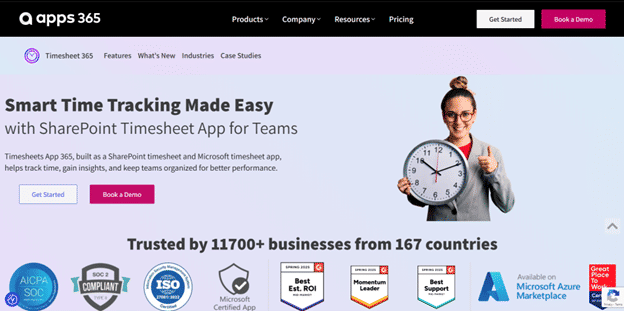
Best for: Microsoft 365 users who want time tracking embedded in their existing workspace
Timesheet 365 is a SharePoint-native time tracking application built specifically for organizations already using the Microsoft 365 ecosystem. Rather than introducing a new platform with separate logins and cloud storage, it operates entirely within your existing Microsoft infrastructure your data stays inside Microsoft 365, with no additional cloud accounts or credentials required.
It’s designed for both project-centric and operational teams, offering daily and weekly time reporting views, manager approval workflows, and comprehensive reporting capabilities — all within the familiar Microsoft environment.
8 Key Features:
- Microsoft 365 Native Architecture — Runs directly within your Microsoft 365 tenant, meaning no external data storage and full compatibility with SharePoint, Teams, and Azure AD.
- Flexible Time Reporting Views — Supports both daily and weekly timesheet views so employees can log hours in the format that suits their workflow.
- Project and Task Assignment — Managers can assign projects and tasks with deadlines, keeping team workloads organized and visible.
- Manager Approval Workflows — Built-in approval processes allow managers to review, approve, or reject submitted timesheets — with automatic reminders for overdue submissions.
- Billable and Non-Billable Hour Tracking — Employees can categorize time entries as billable or non-billable, supporting accurate client invoicing and internal cost analysis.
- Comprehensive Reporting — Generate reports broken down by project, task, user, or time period. Reports can be exported to Excel, CSV or PSD formats for further analysis.
- Automated Timesheet Reminders — The system sends automatic reminders for unsubmitted timesheets, reducing the need for manual follow-up.
- Mobile-Responsive Interface — The application is accessible from any device, allowing employees and managers to log or approve hours from desktop or mobile.
Why Choose Timesheet 365 as a Paymo Alternative?
If your organization runs Microsoft 365, Timesheet 365 eliminates the need for external tools or data transfers by keeping all time tracking within your existing tenant. Its seamless integration with Teams and SharePoint ensures faster adoption and reduced administrative effort. Plus, it’s ideal for organizations that prioritize data security and compliance, as your data never leaves the Microsoft environment.
Ratings:
- G2: 4.8/5
- Capterra: 5/5
2. Timely
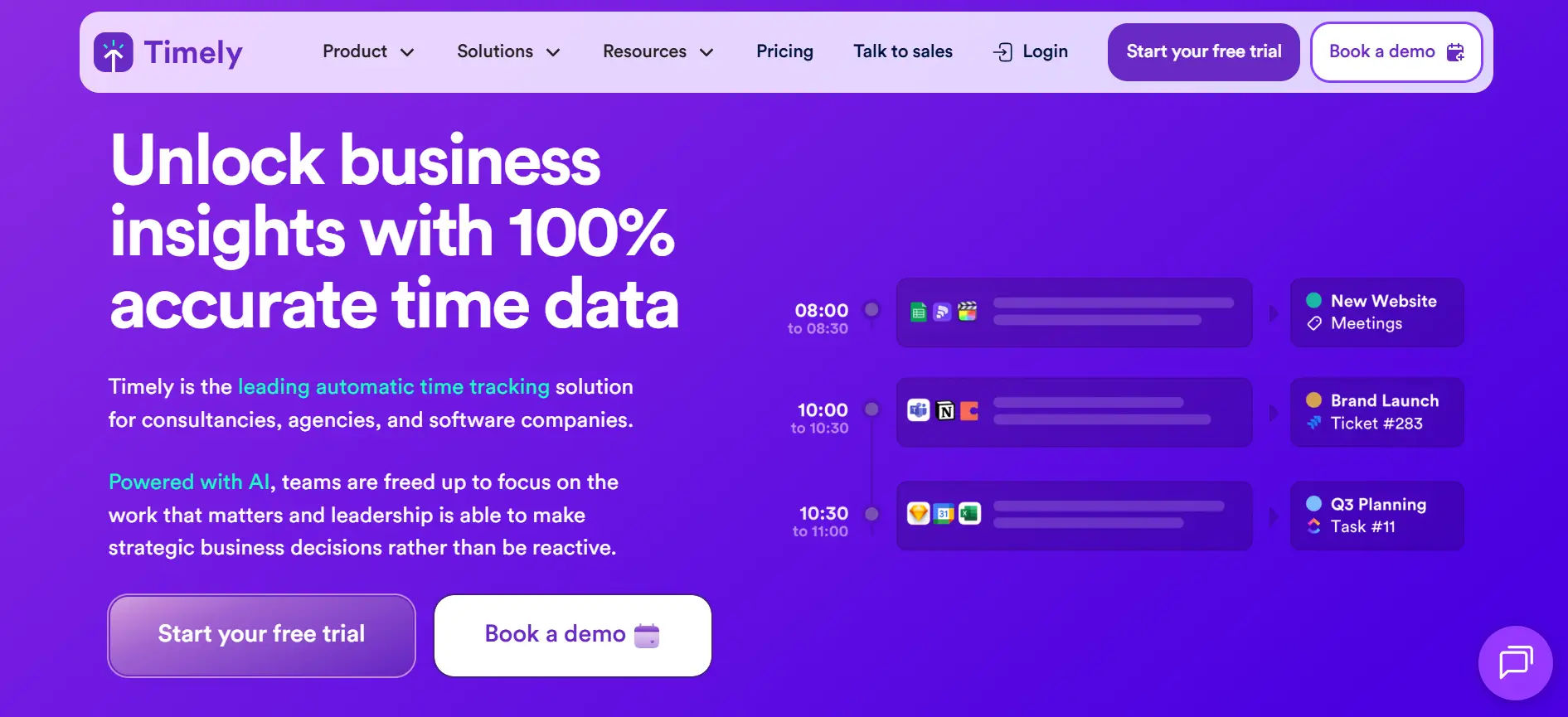
Best for: Teams that want automatic, AI-powered time tracking without manual timers
Timely takes a fundamentally different approach to time tracking. Rather than asking employees to start and stop timers, it runs a private AI-powered Memory tracker in the background that automatically logs activity across meetings, browser tabs, emails, and apps — then surfaces that data as draft timesheets that employees review and approve. This removes the administrative burden of time logging almost entirely.
5 Key Features:
- AI-Powered Automatic Time Capture — Memory AI logs work activity in the background across all applications and devices, eliminating the need for manual timers.
- Smart Timesheet Drafting — Automatically assembles accurate timesheet drafts based on logged activity, which users can review and confirm before submission.
- Project Budget Tracking — Monitor time spent against project budgets in real time, with alerts when projects approach their limits.
- Team Dashboard — Provides a consolidated view of what every team member is working on, without requiring micromanagement.
- Integrations with Project Management Tools — Connects with Asana, Jira, GitHub, Trello, and other tools so time entries are linked to existing project structures.
Why Choose Timely as a Paymo Alternative?
Timely suits teams where manual time tracking creates adoption resistance. Consultants, developers, and creative professionals often forget to log hours or find the discipline of starting and stopping timers disruptive to their focus. Timely sidesteps this entirely with its automatic tracking model, making it particularly effective for teams where time capture accuracy directly affects billing or project analysis.
Ratings:
- G2: 4.8/5
- Capterra: 4.7/5
3. Hubstaff
Best for: Distributed and remote teams that need time tracking combined with workforce visibility
Hubstaff is a comprehensive time tracking and workforce management platform designed for remote, hybrid, and field-based teams. Beyond basic time logging, it provides managers with GPS tracking, activity monitoring, and automated payroll integrations — making it one of the more feature-dense options in this category.
5 Key Features:
- One-Click Time Tracking — Employees start and stop timers with a single click across desktop, mobile, or browser extension.
- GPS and Geofencing — Track employee locations in real time and configure geofences that automatically start or stop timers when team members enter or leave defined job sites.
- Activity Monitoring — Optional activity level tracking with keyboard and mouse metrics, and screenshot capture at defined intervals.
- Automated Payroll — Set pay rates per employee and let Hubstaff calculate payroll automatically based on tracked hours.
- Project Budgeting — Set project budgets in dollars or hours and receive alerts when spending approaches limits.
Why Choose Hubstaff as a Paymo Alternative?
Hubstaff goes significantly deeper than Paymo on workforce visibility. For companies managing remote employees across multiple locations, the GPS tracking and activity monitoring features provide a level of operational oversight that Paymo doesn’t offer. It’s especially practical for field service teams, construction companies, or businesses with hourly workers where location verification and shift compliance matter.
Ratings:
- G2: 4.4/5
- Capterra: 4.6/5
4. Toggl Track
Best for: Freelancers and small teams that want clean, simple time tracking without complexity
Toggl Track has been a go-to time tracking tool for freelancers and independent professionals for nearly two decades. Its design philosophy prioritizes simplicity that the core time tracking experience is minimal and intuitive, with color-coded project entries, a calendar view, and strong reporting built on top.
5 Key Features:
- One-Click Timer — Start tracking with a single click; add project and task details during or after the session.
- Calendar View — Visual representation of tracked time across the week, helping users spot patterns and gaps in their time logs.
- Detailed Reporting — Summary, detailed, and weekly reports with filtering by project, client, tag, or team member.
- Billable Hours Tracking — Mark entries as billable and set hourly rates per project or client for accurate revenue reporting.
- Project and Client Management — Organize work by client and project with budgeting and profitability insights.
Why Choose Toggl Track as a Paymo Alternative?
Toggl Track is the cleaner, more focused option for teams that primarily need time tracking and reporting without the added weight of invoicing or project management modules. If Paymo feels over-engineered for your needs, or if you want a tool that your team will actually adopt because it doesn’t require a learning curve, Toggl Track delivers a polished experience at a competitive price.
Ratings:
- G2: 4.6/5
- Capterra: 4.7/5
5. Apploye
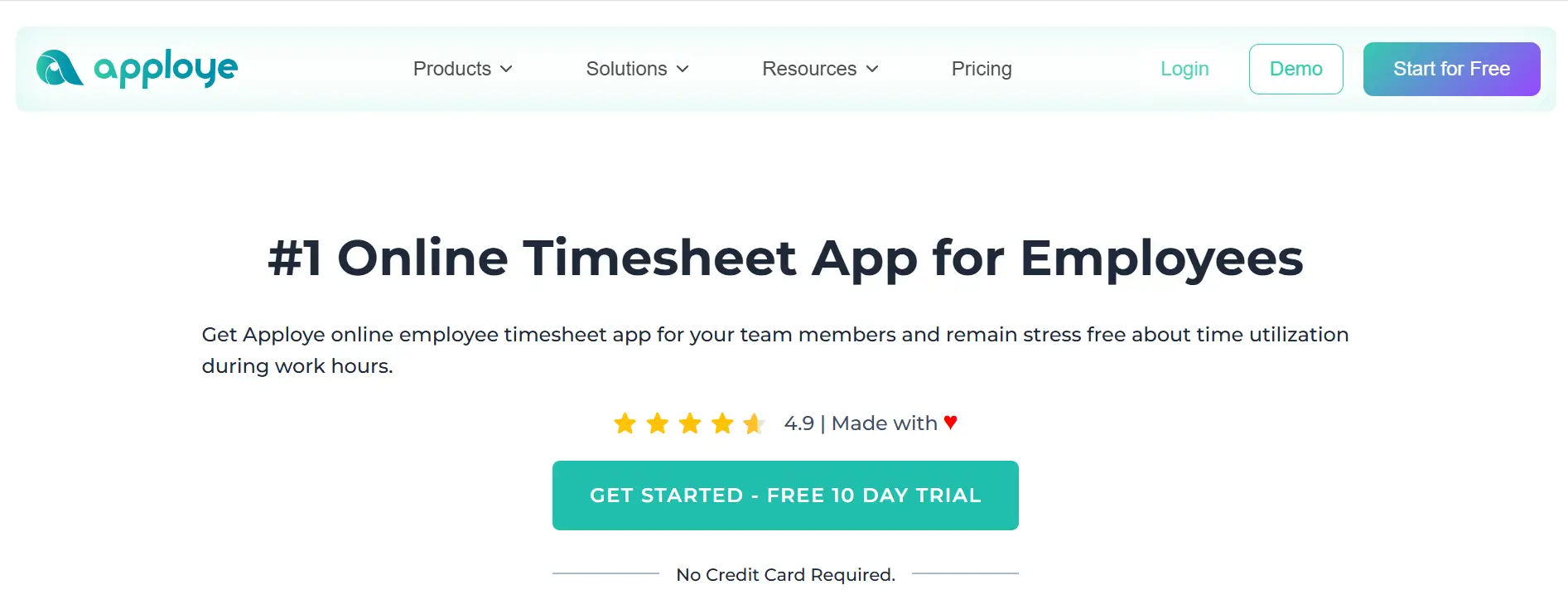
Best for: Remote teams that need time tracking combined with productivity monitoring at an affordable price
Apploye is a feature-rich time tracking and employee monitoring platform that punches above its weight in terms of value. It offers GPS attendance, screenshot capture, idle time detection, app and URL tracking, and project-based time logging — all at a pricing point that undercuts most competitors.
5 Key Features:
- Multi-Device Time Tracking — Clock in and out via desktop app, mobile, or Chrome extension across all platforms.
- Screenshot Monitoring — Automatically captures screenshots every ten minutes as activity proof for remote work accountability.
- GPS Attendance Tracking — Verify employee locations during work hours with real-time GPS data and geofencing capabilities.
- App and URL Tracking — Monitor which applications and websites employees use during work hours, with time breakdowns by category.
- Idle Time Detection — Automatically pauses timers during inactive periods to keep time records accurate.
Why Choose Apploye as a Paymo Alternative?
Apploye is a strong choice for teams managing remote or distributed workers where activity visibility matters alongside time tracking. It offers a broader monitoring feature set than Paymo at a lower price point starting at $5/user/month with a 50% discount on annual plans. For small to medium businesses that want more than just timer-based tracking without investing in enterprise-grade monitoring tools, Apploye offers a well-balanced middle ground.
Ratings:
- G2: 4.6/5
- Capterra: 4.8/5
6. My Hours
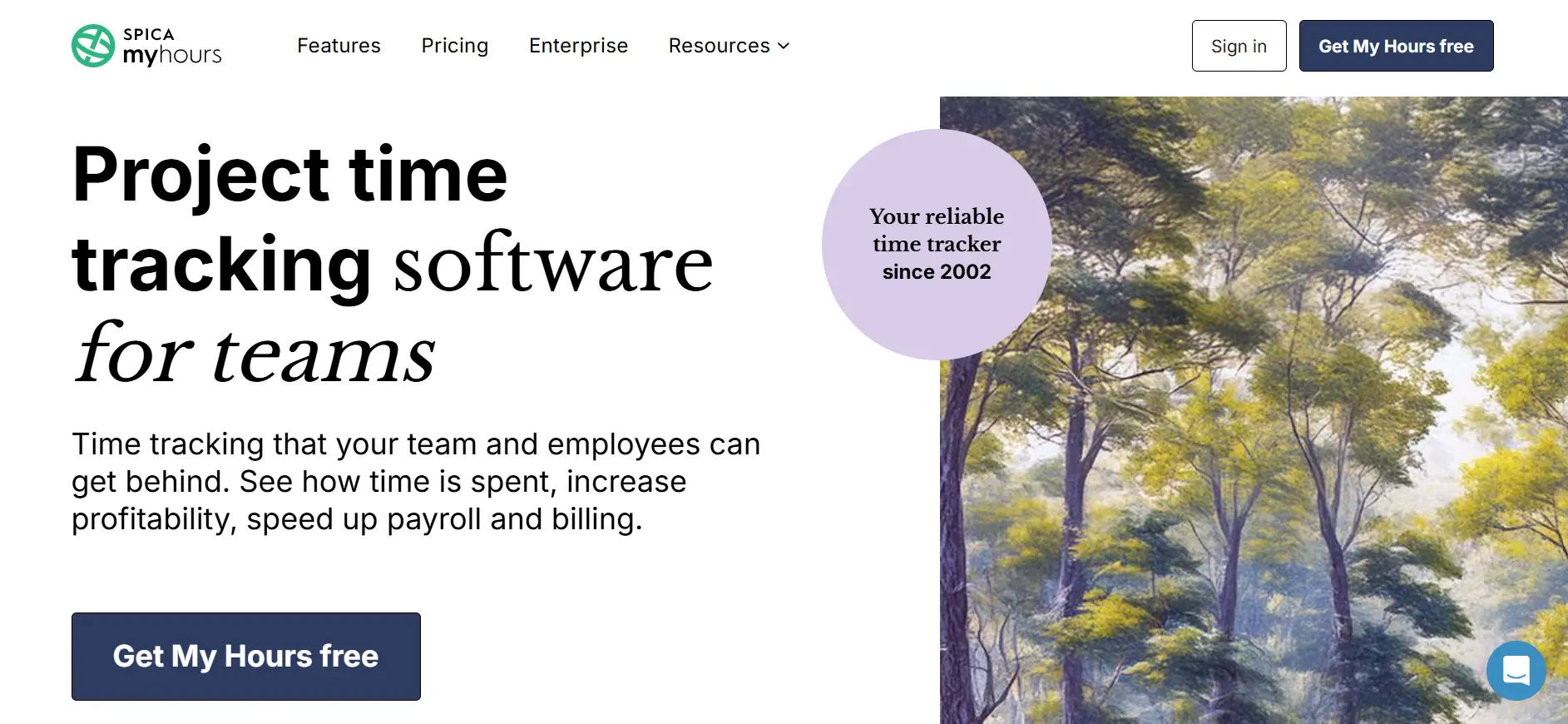
Best for: Small teams and consultants that want a straightforward, lightweight time tracking and billing tool
My Hours is a clean, approachable time tracking solution designed for small teams, freelancers, and consultants who primarily need to log hours, manage client projects, and produce accurate invoices. It removes complexity deliberately, focusing on doing a few things well rather than covering every possible workflow.
5 Key Features:
- Simple Time Logging — Start timers per task or log hours manually, with optional notes for each entry.
- Project and Client Management — Organize work into projects and clients with budget tracking for hours or monetary limits.
- Billable and Non-Billable Tracking — Set different billable rates per team member, project, or task type for granular billing accuracy.
- Invoicing — Generate professional invoices directly from logged billable hours and send them to clients within the platform.
- Detailed Reports — Export time reports by project, client, or team member in CSV or PDF format.
Why Choose My Hours as a Paymo Alternative?
My Hours is a compelling option for teams that found Paymo more complex than their work actually requires. If your workflow is primarily: log hours, track project budgets, invoice clients — My Hours covers that cycle with less overhead. It has a free plan for unlimited users with basic features, and paid plans remain affordable. It’s particularly well-rated for ease of use, making it a low-friction option for teams that have historically struggled with tool adoption.
Ratings:
- G2: 4.6/5
- Capterra: 4.8/5
7. Clockify
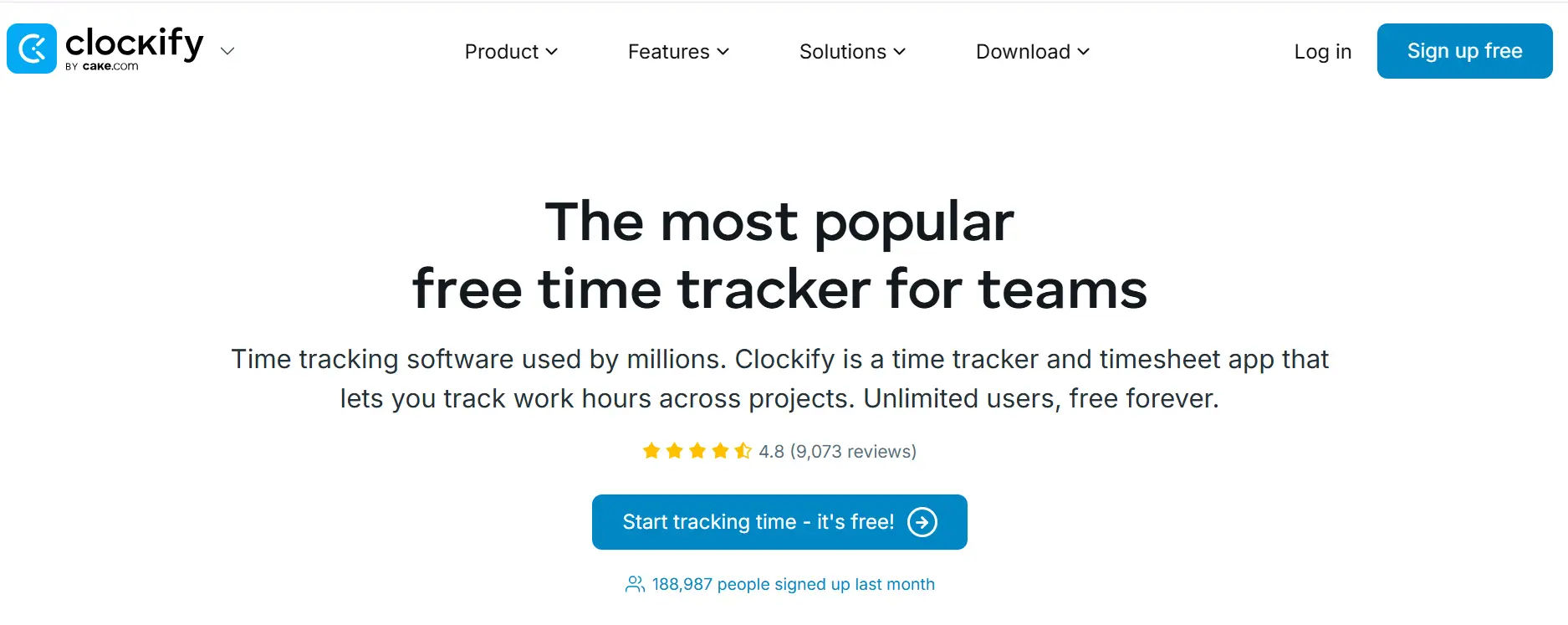
Best for: Teams that want free unlimited time tracking and are comfortable adding premium features selectively
Clockify is one of the most widely used free time tracking platforms available. It offers a genuinely feature-rich free tier with unlimited users and unlimited projects — a rarity in a market where most tools cap free usage aggressively. This makes it particularly attractive for growing teams managing tight budgets.
5 Key Features:
- Unlimited Free Time Tracking — The free plan covers unlimited users, projects, and clients with core time tracking functionality.
- Timer and Manual Entry — Track time with a live timer or enter hours manually after the fact.
- Timesheet View — A weekly grid view for reviewing and editing all time entries in one place.
- GPS and Location Tracking — Location tracking features for field teams, available on paid plans.
- Project Budgeting — Set project budgets in hours or money and monitor progress in real time (available on paid plans).
Why Choose Clockify as a Paymo Alternative?
Clockify’s biggest differentiator is accessibility. For teams that can’t justify a per-user monthly cost for every team member, Clockify’s free unlimited plan removes the financial barrier entirely. It’s also a sound stepping-stone option start on the free plan and only upgrade specific features as needed, rather than committing to a higher tier from day one. Note that some advanced features like budget forecasting and complex billing require higher-tier plans.
Ratings:
- G2: 4.5/5
- Capterra: 4.7/5
8. TimeCamp
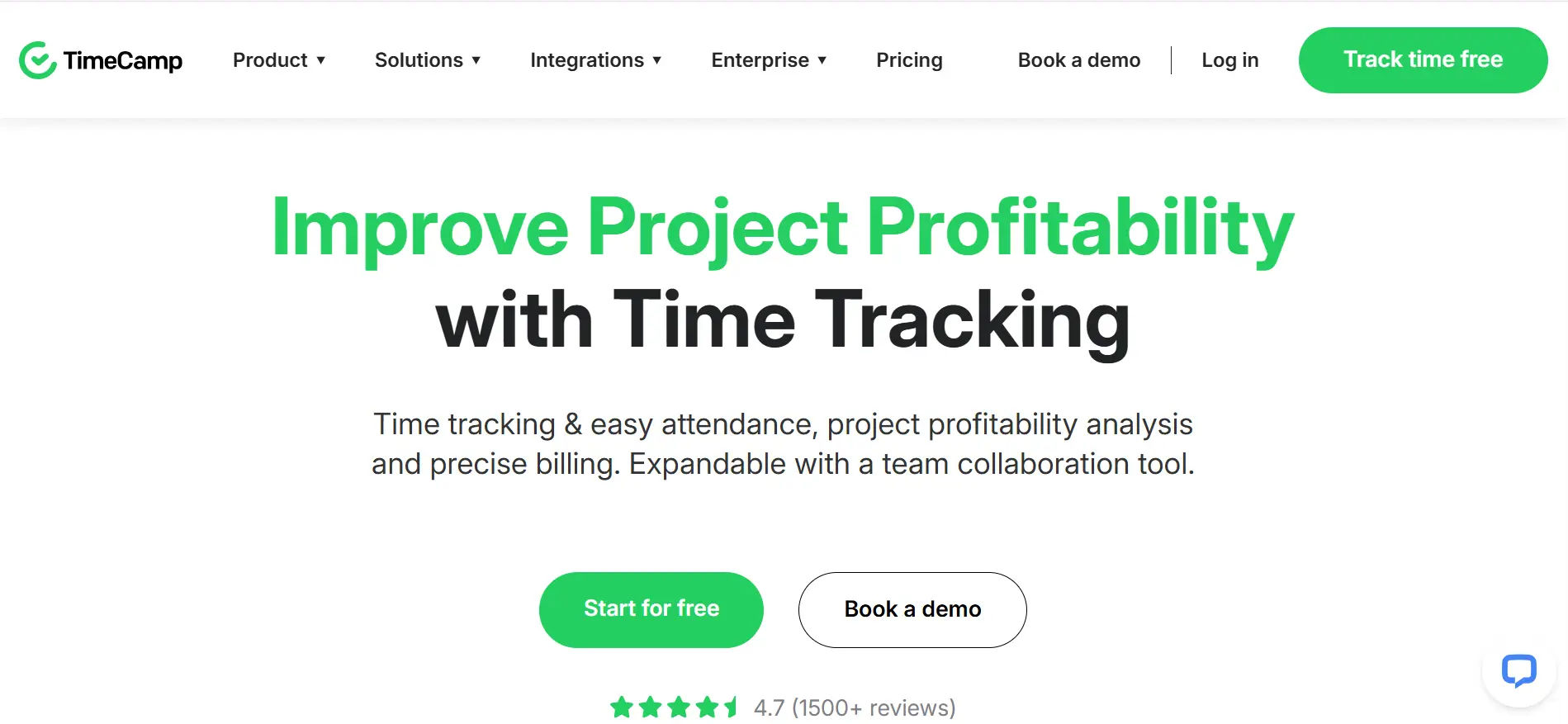
Best for: Teams seeking automatic time tracking with keyword-based project tagging and strong invoicing
TimeCamp offers an interesting combination of automatic time tracking and traditional timer-based tracking, with a keyword tagging system that automatically assigns logged computer activity to the correct project. For consultants and agencies working across many clients simultaneously, this feature significantly reduces the time spent organizing time entries.
5 Key Features:
- Automatic Time Tracking — Silently records computer activity in the background and assigns time to projects using customizable keywords.
- Keyword-Based Project Assignment — Define keywords for each project; TimeCamp automatically categorizes time entries based on app names, document titles, and URLs.
- One-Click Invoicing — Convert any time period’s billable hours into a branded PDF invoice with a single action, with export options to QuickBooks.
- App and Website Tracking — Visibility into which applications and sites employees use during work hours, broken down by time.
- Project Budgeting — Set monetary or hourly budgets per project and monitor spending against targets in real time.
Why Choose TimeCamp as a Paymo Alternative?
TimeCamp is particularly strong for consultants who manage multiple client mandates simultaneously and use calendar-based workflows. The keyword automation means time entries can be categorized with minimal manual effort, which directly speeds up the invoicing cycle. For teams that found Paymo’s manual time tracking approach too dependent on employee discipline, TimeCamp’s automatic capture provides a more reliable alternative.
Ratings:
- G2: 4.7/5
- Capterra: 4.7/5
9. Harvest
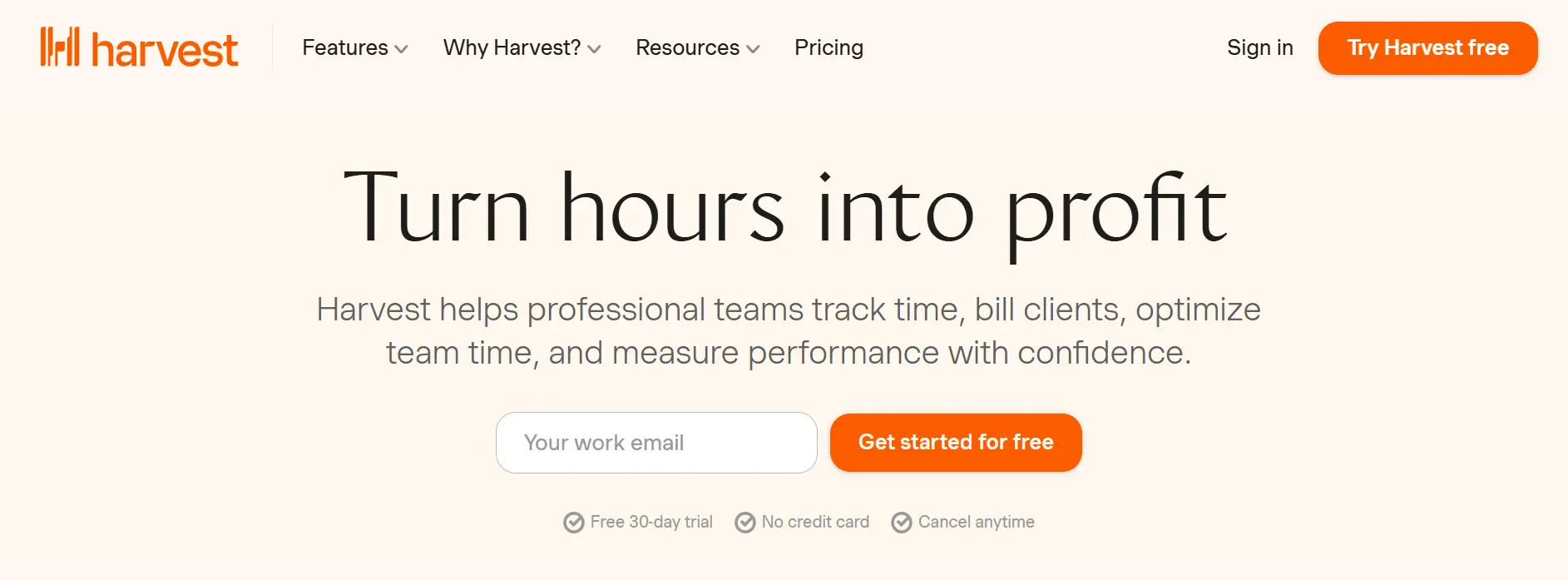
Best for: Agencies and service teams that want a refined, straightforward approach to time tracking and client invoicing
5 Key Features:
- Simple Timer Interface — Start/stop timers from desktop, browser extension, or mobile app with project and task selection built into the tracking flow.
- Expense Tracking — Log expenses alongside time entries and attach receipts for comprehensive project cost tracking.
- Project Budgeting — Set budgets in hours or dollars, monitor progress visually, and receive alerts when thresholds are reached.
- Professional Invoicing — Generate itemized invoices from tracked time and expenses, with options for partial invoicing and retainers.
- Online Payment Collection — Integrated Stripe and PayPal connections let clients pay invoices directly without leaving the invoice view.
Why Choose Harvest as a Paymo Alternative?
Harvest is the right fit for teams that want a polished, no-frills time tracking and invoicing experience without extensive configuration. Where Paymo bundles project management, Harvest focuses tightly on the billing cycle track time, manage budgets, send invoices, collect payment. If your project management already happens in Asana, Basecamp, or Trello, adding Harvest as a dedicated billing layer gives you a cleaner workflow than migrating everything into Paymo.
Ratings:
- G2: 4.3/5
- Capterra: 4.6/5
10. Deltek
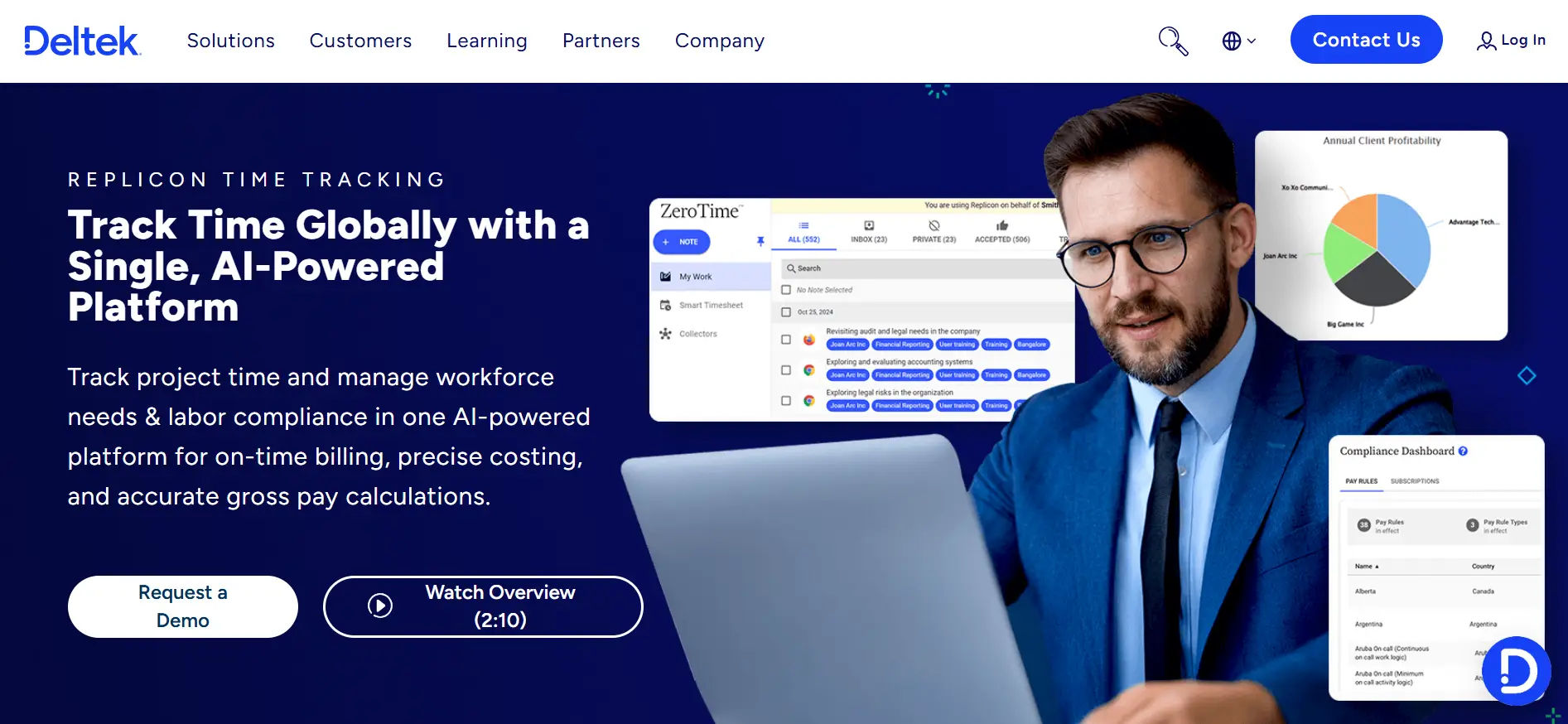
Best for: Professional services firms and government contractors that need enterprise-grade project accounting
Deltek operates in a different league from most tools on this list. It’s built for professional services organizations architecture firms, engineering & architects, government contractors, and management consulting firms – where project accounting, compliance reporting, and resource planning happen at enterprise scale.
Why Choose Deltek as a Paymo Alternative?
Deltek is not a direct Paymo replacement in the traditional sense; it’s a step up to a full enterprise project management and accounting system. If your organization has grown to the point where Paymo’s project management capabilities feel insufficient and you’re managing government contracts, large-scale professional services engagements, or complex multi-phase projects.
Ratings:
- G2: 3.8/5
- Capterra: 4.1/5
Best Practices to Choose an Alternative for Paymo
Making the right call on a new time tracking or project management tool comes down to honest self-assessment. Here are the principles worth following when evaluating Paymo alternatives:
Start with the problem, not the feature list. Before comparing tools, write down the specific friction points you’ve encountered with Paymo. Are your team members not logging time consistently? Is invoicing taking longer than it should? Are project visibility reports missing key data? The clearest product decisions come from documented problems, not from browsing feature matrices.
Match the tool to your team’s actual workflow. A tool with 200 features is only valuable if your team uses 20 of them. Prioritize fit over breadth. A simpler tool that gets adopted by 100% of your team will outperform a complex platform that half the team works around.
Take free trials seriously. Most tools on this list offer a 14–30 day trial. Run a real project through the trial not a test project. Actual friction surfaces quickly when the stakes feel real.
Consider the total cost of ownership, not just per-seat pricing. Evaluate the plan tier you’ll need (not the entry-level plan), the cost of integrations, and the time cost of migration and onboarding. A cheaper tool that requires three months of setup may not be cheaper at all.
Evaluate customer support quality before you need it. Read recent support reviews on G2 and Capterra, not just overall ratings. The quality of support you receive when something breaks is more telling than a five-star average.
Assess integration compatibility with your existing stack. The best time tracking tool for your team is one that plugs neatly into the systems your team already uses — your project management tool, accounting software, payroll provider, and communication platform.
Conclusion
Paymo is a reliable starting point, but as your team grows, the need for better scalability, automation, and integrations becomes clear. Choosing the right alternative helps streamline workflows and improve overall productivity.
Ready to simplify your time tracking? Book a demo today and see how the right solution can transform your team’s efficiency.
Join Our Creative Community
Frequently Asked Questions
What is Timesheet 365 and how does it work?
Timesheet 365 is a Microsoft 365-native time tracking application built on SharePoint. It works entirely within your existing Microsoft tenant — employees log daily or weekly hours against assigned projects and tasks, managers review and approve submissions through a built-in workflow, and all data stays inside your Microsoft 365 environment with no external cloud storage required.
Is Timesheet 365 a good Paymo alternative for Microsoft 365 users?
Yes, it is one of the most practical Paymo alternatives specifically for organizations already running on Microsoft 365. Unlike Paymo, which requires a separate subscription and external cloud account, Timesheet 365 operates inside your existing Microsoft infrastructure — Teams, SharePoint, and Azure AD — reducing setup overhead and eliminating additional credential management for your team.
Does Timesheet 365 support billable and non-billable hour tracking?
Yes. Timesheet 365 allows employees to categorize time entries as billable or non-billable at the task level. This makes it straightforward to separate client-facing work from internal operations, which supports accurate client invoicing and internal cost reporting without needing a separate tool.
Can managers approve timesheets in Timesheet 365?
Yes, Timesheet 365 includes a built-in manager approval workflow. Once employees submit their timesheets, designated managers receive notifications to review, approve, or reject entries. The system also sends automatic reminders to employees for unsubmitted timesheets, reducing the need for manual follow-up from managers.
What reporting and export options does Timesheet 365 offer?
Timesheet 365 provides reports broken down by project, task, user, and time period. Reports can be exported in Excel, CSV, or PSD formats, making it straightforward to share data with finance teams, use it for payroll processing, or feed it into external analytics tools like Power BI for deeper organizational insights.


_JiluXJRGNl.svg)









