

Best Paymo Alternatives for Productivity, Time Tracking, and Project Planning
.jpg?updatedAt=1759231347473)
Managing projects and managing time do not just have a connection; they are interdependent. You will never get optimum outcomes from your team unless you are both under control. And in a fast-paced work environment like we have today, that means leveraging software that brings together elements like time tracking and timesheets, budgeting, invoicing, and project workflows in an organized manner.
A contract management system software streamlines how teams draft, organize, and oversee contracts from start to finish all in a centralized platform. It minimizes mistakes, improves efficiency, and simplifies the entire workflow for both legal and business departments.
This is one of the reasons why many freelancers, small companies, and growing teams lean toward a piece of software like Paymo. In theory, Paymo offers a complete package on paper for project planning to time tracking. You may experience some limitations once it comes to using Paymo in an architectural manner for your everyday projects; Paymo has pros and some cons, and not the cons directly affect the level of comfort an individual working on the project would/could have, or simply if the project is shuttled along in an efficient or timely manner.
Perhaps it is a matter of needing greater automation. Perhaps it is dealing with invoicing that feels limited, or perhaps you love the aspect of time tracking but wish for project reporting that was easy to manage. Then again you may simply want a piece of software your team will use more readily as a part of its’ own process rather than having to adapt their process to it.
What is Paymo?
Paymo is a popular tool for managing work that gives teams and freelancers the ability to track time, manage projects, and bill clients. It is focused on helping users with time management, which makes it a great option for consultants, hourly employees, and service businesses that use time tracking and need bills that reflect time accurately.
Paymo includes many useful features such as:
- Multiple ways to view projects such as Kanban, lists, spreadsheets, and calendars
- Easy task and subtask creation
- Team scheduling capabilities for workload planning
- Gantt charts and milestones tracking
- Timesheets and detailed projects reports
- Expense tracking and budget management
On the surface, Paymo appears to be a complete solution. However, once you begin to use it on real projects, the flaws become apparent.
While it provides different views of your project, the actual project management capabilities of Paymo are limited. It doesn’t include more in-depth tools for strategic planning, custom workflows, or visualization on the grand scale; no mind maps, no whiteboards, no timelines to help teams think, plan, and creatively collaborate.
Collaboration is another major shortcoming. Communication is only possible through task comments, which can be lengthy and confusing messages that flow through a thread with no sequence.
And then there’s the pricing. Paymo’s free plan restricts most core features, pushing teams toward paid plans faster than expected. While the Starter plan costs under $5, it only supports one user. The moment you add even one team member; you’re forced into the Small Office plan at $9.95 per user per month.
Top 10 Alternatives to Paymo for Better Project Management
Paymo handles time tracking, budgeting, and profitability quite well. But it’s not the only platform capable of delivering these features, and some tools even go beyond what Paymo offers. You shouldn’t have to compromise on quality or pay more than necessary just to get reliable project and time management in one place.
To help you find the perfect fit, here are the 10 best Paymo alternatives worth considering.
1. Timesheet 365
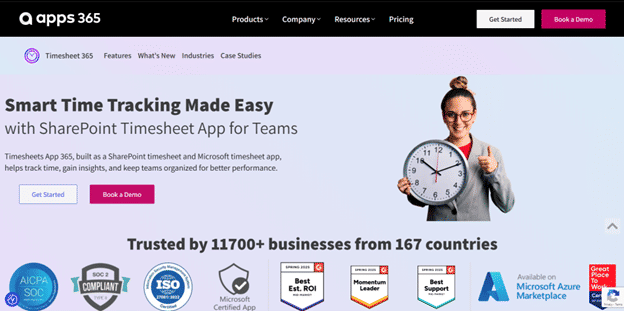
Timesheet 365 allows you to effortlessly visualize your own projects, goals, and daily work using over 15 different views from List, Board, Calendar, Gantt, and Workload. A complete productivity and time tracking platform that puts all your tasks, timelines, and team activities together in one organized workspace.
Built for teams in any industry, Timesheet 365 provides intuitive user-interface and robust features including flexible time tracking, reporting, labels and tags, and creating custom entries for time. With a centralized place to consolidate your team’s knowledge, teams can now work together and collaborate with more clarity and stay aligned while managing work together.
And with 1,000+ integrations and a large Template Library, teams can easily connect their tools, and begin optimizing their work.
Timesheet 365 is a great fit for teams that want full visibility to where their time is going, and how they can improve week after week.
Best Features of Timesheet 365
- Notes, labels, and tags for smarter sorting and added context
- 15+ project views including Calendar, List, Board, Gantt, and Workload
- A transparent workspace that keeps everyone aligned
- Global time tracking from any device or task
- Formulas for precision calculating of billable hours
- Custom timesheets, reports, and time-tracking widgets
- Fantastic Free Forever plan + budget-friendly paid options
- Advanced time estimates to forecast workloads
Timesheet 365 Limitations
- Slight learning curve due to its wide feature set
- Not all project views are available on mobile yet
Timesheet 365 Pricing
- Available on request
Timesheet 365 Ratings and Reviews
- G2:7/5 (5,510+ reviews)
- Capterra:7/5 (3,510+ reviews)
2. nTask
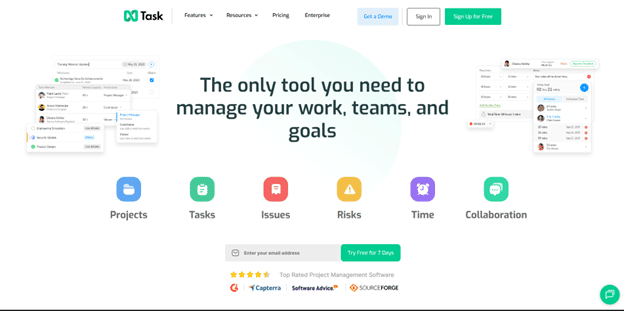
nTask is a productive and easy-to-use project management and time tracking software to help teams plan and execute their work better. Users can also measure time spent on tasks and projects to see how well the work is progressing and where improvements can be made. Having real time tracking and analytics will provide teams with data to make educated decisions and accountability at every step of a project.
Creating and managing tasks is intuitive; users can input lengthy task descriptions, assign work to team members or clients, set up due dates/deadlines, and have a clean view of all active projects. nTask also includes automated reminders for projects, helping teams proactively manage projects so due dates aren’t missed, and clients can be checked in on. nTask’s reporting outputs will allow for more straightforward performance reporting and faster identification of bottle necks and efficiency improvements in a subsequent project.
nTask Best Features:
- Easy document sharing and file management
- Gantt charts and task dependencies for project visualization
- Planned date v actual due date to help project stay on schedule
- Dedicated workspaces for collaboration
nTask Pricing
- Premium: $20/month for up to 5 users
- Business: $60/month for up to 5 users
- Enterprise: Custom pricing
nTask Ratings & Reviews
- Capterra:2/5 (100+ reviews)
- G2:4/5 (10+ reviews)
3. Wrike
Wrike is a strong software option for project execution and team collaboration, while helping you to stay organized and manage workloads to successfully accomplish projects. If it’s a simple task or a larger complicated project, Wrike can help you to structure and decide how to collaborate as a team so that you can feel accomplished.
Using Wrike, teams can simply create assignments, assign team members, set deadlines, log time, and notify others where work stands. The real-time collaboration features keep everyone updated instantly with comments, changes, real-time timelines, and file sharing without back-and-forth communication. Wrike is customized for how you need to work with all projects by allowing your team to be able to not use Wrike, or use Wrike to create structure, clarity, organization, and transparency for projects.
Some Wrike Capabilities We Like
- Robust Gantt-style charts to schedule assignments and track project progress
- Custom workflows and assignment statuses to accommodate different styles of projects
- Real-time co-editing and instant live updates
- The ability to create reports to capture meaningful insights and track performance
- Time tracking and resource management to better manage workloads
- Integrates with tools such as Google Drive, Slack, and Microsoft Teams
Wrike Cons
- Many advanced features are only available in higher tier pricing structures
- May feel overwhelming for smaller teams due to its feature-rich interface
- Learns steeper than other comparable tools
Wrike Pricing
- Free: Basic features for small teams
- Professional: $9.80/user/month
- Business: $24.80/user/month
- Enterprise: Custom pricing
Wrike Ratings & Reviews
- Capterra:4/5 (5,000+ reviews)
- G2:3/5 (2,000+ reviews)
4. Trello
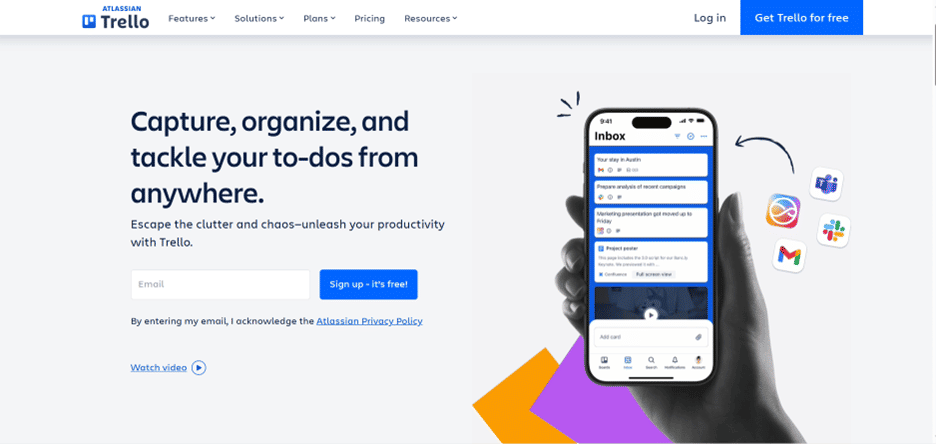
Trello is a simple visual project management application that allows teams to organize work, track deadlines, and stay in sync. Trello utilizes an established card-and-board interface; team members can use this interface to capture tasks (with due dates), information, files, labels, and comments. Trello helps everyone stay organized and know what work is to be done; Trello also has a very simple interface that may appeal to teams looking for a plain and simple workflow process.
While Trello does not offer any truly advanced time tracking features like other time tracking tools, Trello does have a number of Power-Ups that can fill that gap. Teams can use Power-Ups to connect Trello to 3rd party tools for invoicing, resource planning, time tracking, automation, and more. This makes Trello an effective and flexible project management application for teams that value simplicity and functionality.
Trello Best Features
- Multiple views of projects including Kanban, Timeline, Calendar and Dashboard
- Power-Ups to integrate with other tools and add functionality
- Built-in no-code automation to reduce manual work
- Pre-built project management templates for recurring workflows and processes
Trello Limitations
Free version has limited features for advanced project management and time management reporting
Boards can become cluttered and more difficult to maintain as projects grow
Trello Pricing
- Free: Great for individuals and small teams
- Standard: $5/user/month (billed annually)
- Premium: $10/user/month (billed annually)
- Enterprise: Custom pricing
Trello Ratings & Reviews
- Capterra:5/5 (22,000+ reviews)
- G2:4/5 (13,000+ reviews)
5. Teamwork
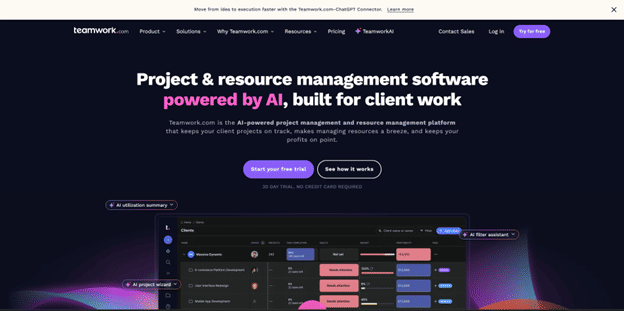
Teamwork is a nimble project management software catered towards freelancers, agencies, and growing teams who need clarity, organization, and collaboration. It boasts a range of features – including task management; time tracking; calendars; and file sharing – designed to bring team members into alignment as part of successful project delivery.
Among its most important advantages, Teamwork can convert tracked time into client-ready invoices. This is especially critical for service-based teams and agencies. Time tracking, including automated time tracking and a dedicated Timer app, provides all Teamwork users with insight into where their time goes each day. Enhanced visibility supports project managers with both productivity measurement and improvement.
Teamwork Best Features
- Resource management tools for planning team capacity and workloads
- Desktop, iOS or Android app for easily accessing work on the go
- Gantt charts and Kanban boards for visually tracking project stages
- Unlimited free client user, connecting stakeholders
Teamwork Limitations
Can feel overwhelming with its many features, for first time users
Some of the tools like dashboards and gold tracking are locked behind plans, and higher-tiered plans developers are promoting.
Teamwork Pricing
- Free Forever: Basic features for individuals or small teams
- Deliver: $9.99/month per user, billed annually
- Grow: $17.99/month per user, billed annually
- Scale: Custom pricing contact Teamwork for more information
Teamwork Ratings & Reviews
- Capterra: 4.5/5 (700+ reviews)
- G2: 4.4/5 (1,000+ reviews)
Teamwork Ratings & Reviews
- Capterra: 4.5/5 (700+ reviews)
- G2: 4.4/5 (1,000+ reviews)
6. Basecamp
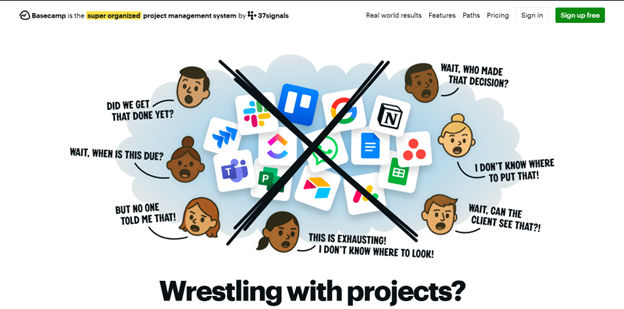
Basecamp is a straightforward, all-in-one project management platform designed to keep teams organized, communicate effectively, and help projects move along. It includes only the functionality your teams need like task lists, document sharing, team calendars, and several options for built-in messaging view in a clean space allowing your teams to work together without the hassle of switching between apps.
Basecamp’s simple and intuitive interface is one of Basecamp’s best-selling points – team members can easily jump in whether they work in-office or remote. Basecamp also offers some integrations with some time tracking applications, even if it doesn’t natively track time. You can integrate with many common time tracking tools, such as Everhour, Timesheet and Harvest to still manage to track those hours.
Basecamp’s Best Features
- Unified Dashboard: A clear one-page, overview of tasks, schedules, and current work In-app
- Messaging: Effectively chat one-on-one or in conference style with built-in discussions
- In-app Chat: Quickly communicate through a chat tool built into Basecamp Team
- Check-ins: Automated questions and polls to track progress without needing to hold meetings
Basecamp’s Limitations
Limited progress tracking features, less suited again for teams wanting specific project analytics
Not suited well for Agile teams as it lacks needed customization workflow feature and tools for sprint planning
Basecamp Pricing
Team Plan: $299/month for unlimited users (billed annually)
Freelancer & Small Teams: $15/user/month
Teamwork Ratings & Reviews
- Capterra: 4.5/5 (700+ reviews)
- G2: 4.4/5 (1,000+ reviews)
Teamwork Ratings & Reviews
- Capterra: 4.5/5 (700+ reviews)
- G2: 4.4/5 (1,000+ reviews)
7. Kantata
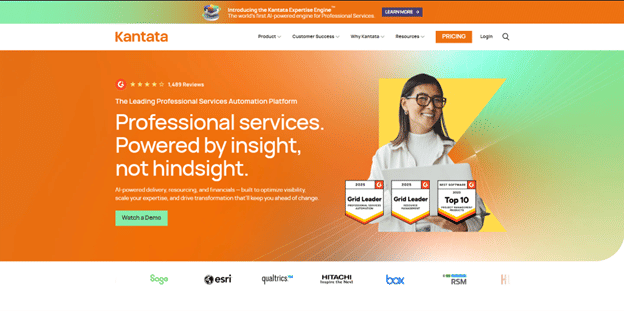
Designed for teams that require heavy time tracking, rich reporting, and complete project transparency, Kantata is an effective project management solution. It is particularly advantageous for organizations that have a strong reliance on precise project timing and resource planning. By capturing time through automated time entry notes and interactive dashboards, Kantata enables teams to discover how their time is being spent, determine possible challenges and plan accordingly.
Once the time tracking feature is enabled in the settings section, teams can record their hours via multiple methods – Clip Board Weekly Time Sheets, or unique, real-time methods. Kantata allows for structured approval of workflows. You may add a project to approve time of entry, expenses, or allow any trusted user to approve time and expenses.
Kantata’s Benefits
- Portfolio Overview: View project statuses, deadlines and deliverables across your entire portfolio
- Custom Dashboards: You can easily customize your dashboard to identify staffing gaps and or resource deficits immediately
- Drag and Drop Tools: You can use reuseable tools to easily move projects with drag and drop tools- these tools make more intuitive project management simple
- Segmented Reporting: You can view your project, in detail, to focus on key performance areas
Kantata Drawbacks
Kantata is created for small, medium and large enterprises so it may feel too cumbersome for very small teams.
Kantata Pricing
Pricing: Contact Kantata directly for a personalized quote.
Ratings & Reviews
Capterra: 4.2/5 based on over 500 reviews
G2: 4.1/5 from more than 1,200 reviews
Teamwork Ratings & Reviews
- Capterra: 4.5/5 (700+ reviews)
- G2: 4.4/5 (1,000+ reviews)
8. Asana
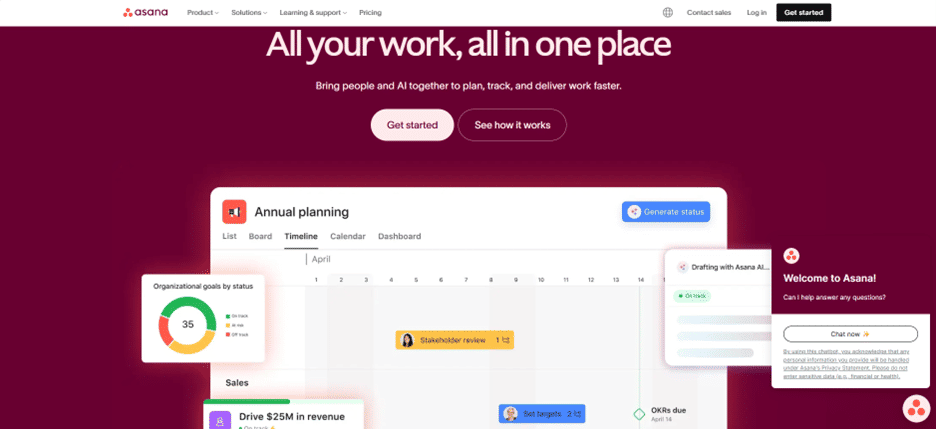
Asana is a robust project management software that helps teams organize work schedules and monitor project completion. The site has various project planning features that keep this process running smoothly while maximizing resource management.
When tracking time on Asana, the first step is creating a new project for the tasks you would like to track time. You will then create time-tracking tasks in that project, and, before you assign the tasks to team members, use the Estimated Time Appointee to see how long it may take for a person to do their work. This avoids unnecessary back and forth communication about a team member’s availability; that usually turns around decisions and resource allocation more quickly.
Asana Key Features
- Visual Project Management: track progress through Gantt charts, Kanban boards, or calendar views.
- App Integrations: seamlessly integrate with other apps in your team’s workflows.
- Informative Reporting: reports provide a detailed view of the task and project progress.
- Automated Workflows: Create custom automation processes to improve productivity.
Asana Limitations
- Time Tracking: Only Business and Enterprise users can track time, which limits smaller teams from using this feature.
- Export Limits: export is only offered in CSV and JSON formats, which won’t fulfill all reporting purposes.
Asana Pricing
- Basic: Free
- Premium: $10.99 per user/month (billed annually)
- Business: $24.99 per user/month (billed annually)
- Enterprise: Contact Asana for custom pricing
Ratings & Reviews
- Capterra: 4.5/5 from 11,000+ reviews
- G2: 4.3/5 from 9,000+ reviews
9. Monday.com
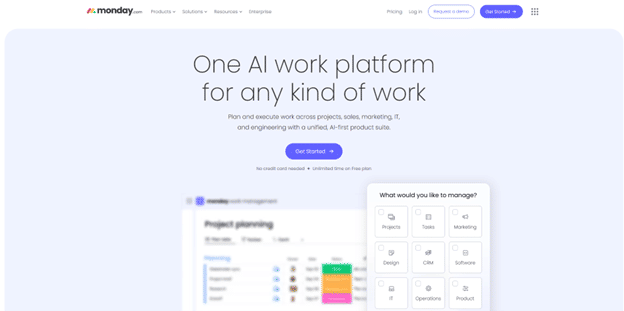
Monday.com is a dynamic and visually appealing work management platform intended to aid teams in staying organized, communicating effectively, and facilitating the clear management of projects. With its clean appearance and customizable displays, planning work, setting due dates, and collaboratively tracking progress in real-time in one organized workspace is simple, regardless of the size of the team.
A unique feature of Monday.com is the Time Tracking Column which tracks how long someone has worked on a task, agenda or project to the second or minute. With one click, teams can see historic time on tasks allowing for a real check on productivity and an evaluation of performance against target periods set to real-world practices.
Monday.com Best Features
- Unlimited Automations: CUSTOM automations are then created to eliminate manual work.
- Flexible Column Types: Customizable boards and columns to match your own workflow
- Kanban View: Turn projects into colorful views to see tasks and manage sprints, drag and drop view
- 200+ Templates: Choose from a huge library of templates that fit the order of all teams and project types
Monday.com Limitations
- The Time Tracking Column feature is only available with the Pro and Enterprise plans.
- Frequent updates and new features can lead to a longer learning curve for new users.
Monday.com Pricing
- Individual: Free forever
- Basic: $8 per seat/month (starting at 3 seats)
- Standard: $10 per seat/month (starting at 3 seats)
- Pro: $16 per seat/month (starting at 3 seats)
- Enterprise: Contact Monday.com for pricing
Ratings & Reviews
- Capterra: 4.6/5 from 3,300+ reviews
- G2: 4.7/5 from 6,600+ reviews
10. Timecamp
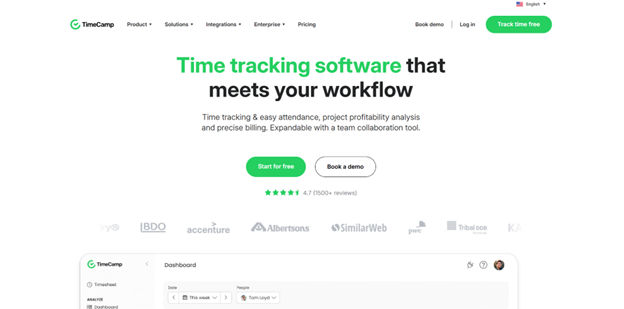
TimeCamp is a simple time tracking and resource management tool that enables individuals and teams to understand how their time is spent. It is especially useful for companies that rely on precision for billing purposes, as it provides detailed productivity data and precise invoices based on the tracked time.
An excellent aspect of TimeCamp is that it allows teams to create and track project budgets, which is crucial for a creative-based working group that is working quickly, such as simply creating a web page for a brand or creating a new web page or development project, where the cost for the project may shift rapidly. With TimeCamp, teams can see their expenses in real time, track the budget throughout the life of the project, and ensure some approval processes as a timeline approaches the budget overage.
TimeCamp Key Features:
- Billable vs Non-Billable Tracking: Track and separate types of work for accurate invoicing and resource planning.
- Report Sharing: Export reports and provide detailed sharing links in email, PDF, or Excel.
- Automatic and Idle Time Tracking: Tracks all time automatically, including idle time.
- Fast TimeSheet Approvals: Approval of time sheets is done with a click for faster workflow.
TimeCamp Cons:
- Productivity reports are included in the Free plan.
- Calendar integrations are provided froomss the paid plan only.
TimeCamp Pricing
- Free: Basic features at no cost
- Basic: $6.30 per user/month
- Pro: $9 per user/month
- Enterprise: Contact TimeCamp for custom pricing
Ratings & Reviews
- Capterra: 4.7/5 from 500+ reviews
- G2: 4.6/5 from 100+ reviews
Which Alternative to Paymo Should You Consider?
The best alternative to Paymo depends on your team’s requirements; whether that is better time tracking, easier workflows, and/or better reporting. All the tools above have useful features; however, Timesheet 365 is by far the most complete solution for most teams. Built on the trusted Microsoft and SharePoint environment, it offers time tracking, customizable workflows, unlimited tasks, and powerful reporting functionalities all in one clean solution. Timesheet 365 brings clarity, control, and functionalities many users will find they’re missing by using Paymo. Whether you are a freelancer, small business, or even a growing team, if you want to simplify project and time management, and be more organized and efficient, Timesheet 365 is the best option!
Conclusion
Choosing the right project management software can be challenging, but the right software could reshape how your team works. When Paymo is becoming limiting or does not afford your team the freedom that it deserves to have, you might consider, once again, looking at a product that provides more control, clarity, and efficiency. And this is where Timesheet 365 excels.
Using the familiar Microsoft and SharePoint platform, Timesheet 365 integrates into the tools that a lot of teams are already using at their organizations. Built for organizations of all sizes, Timesheet 365 comes with ease of time tracking, customizable workflows, and powerful collaboration functionalities so teams can stay organized, and keep aligned.
When you register for Timesheet 365, you will receive unlimited tasks, a searchable library of templates for a diverse range of work scenarios, as well as specific tools for understanding how your team is tracking its time. You can use it also to promote some oversight for projects, improve accuracy for their tracking of time, or provide an overall view of your team’s workload. Timesheet 365 is there to support you in managing everything!
Join today and see for yourself how simple and straight forward dealing with project and time management can be.
Join Our Creative Community
Frequently Asked Questions
What is the top alternative to Paymo for teams that need time tracking?
If accurate time tracking is your primary focus, Timesheet 365 is the best option. It offers time tracking you can trust, comprehensive timesheets, and strong reporting tools to improve organization and accountability for teams tracking the time they spend on work.
Which alternative to Paymo is the best option for smaller teams or startups?
If you’re a small team or startup that wants something simple and flexible, Timesheet 365 is a great choice. It has a clean interface, configurable boards, and easy task management that will give your team the clarity they want without confusion or complexity.
Is there an alternative to Paymo that provides advanced reporting features?
Yes. Timesheet 365 provides in-depth reporting tools, custom dashboards, and reporting for performance tracking features. All of these allow teams to understand workload better, see where bottlenecks may occur, and base decisions on analytics.
Which alternative to Paymo is best for collaboration and communication?
Timesheet 365 also comes with solid collaboration features, including task comments, file sharing, notifications, and integrations with very popular communication features and tools. This ensures that teams will stay coordinated, avoid confusion, and have project updates recorded in one single place.
Are there alternatives to Paymo with strong integrations?
Yes – Timesheet 365 offers a wide range of integration options that can connect hundreds of the apps your teams and organization already utilize. This facilitates connecting workflows, automating processes, and increasing productivity overall.


_JiluXJRGNl.svg)























