

Choosing an LMS sounds easy until you actually start looking.
Suddenly, there are too many options. Every platform claims to be the best. Features look similar. Pricing is confusing. And it becomes hard to know which one is right for you.
Finding the right LMS can feel confusing because many platforms look similar. This guide helps you compare options based on ease of use, features, pricing, and user experience so you can avoid wrong decisions.
It also shares simple tips and top LMS options to help you pick the right one. By defining your goals and testing demos, you can select a system that fits your needs and improves learning.
Many businesses and educators face this problem. They pick an LMS quickly, and later realize it does not match their needs. This leads to wasted time, higher costs, and poor learning results.
But it does not have to be this way.
When you compare LMS platforms the right way, the decision becomes clear. You can find a system that is easy to use, fits your goals, and supports your team from day one.
In this guide, you will learn:
- 12 simple and practical LMS comparison ideas
- Top LMS platforms you should know
- Easy side-by-side comparisons
- Common mistakes you should avoid
- Quick answers to help you decide faster
What is an LMS?
Imagine having all your training in one place no confusion, no scattered files, and no need to follow up again and again.
A Learning Management System (LMS) is a platform that helps you create, manage, and track learning in a simple and organized way. Instead of using different tools for courses, tracking, and communication, everything is handled in one system.
With an LMS, you can:
- Train employees with clear programs
- Deliver online courses anytime
- Improve skills and performance
Businesses, schools, and training teams use an LMS to make learning more structured, easy to manage, and focused on real results.
Why LMS Comparison is Important
Not all LMS platforms are built for the same purpose. Some are designed for small teams, while others are made for large companies or educational institutions. That is why choosing an LMS without comparing options can lead to the wrong decision.
Each platform has different features, pricing, and user experience. If you do not compare them properly, you may end up with a tool that does not fit your needs or is difficult to use.
Some LMS platforms are better suited for:
- Small businesses
- Large enterprises
- Schools and universities
When you compare LMS platforms, you:
- Avoid paying for features you do not need
- Find tools that match your goals
- Improve user experience
- Get better results from training
Taking time to compare helps you choose a system that works well for your team and supports long-term growth.
Top 12 LMS Platforms to Compare in 2026
Choosing an LMS is not just about features it is about finding a system that fits how your team learns and works every day.
At first, many platforms may look similar. But once you go deeper, you will notice clear differences in usability, flexibility, pricing, and overall experience. Some LMS platforms are built for large companies with complex needs, while others are designed for small teams or course creators.
That is why understanding the top LMS platforms is an important step before making a decision. When you know what each tool does best, it becomes easier to compare and choose the right one.
Below are the most popular LMS platforms in 2026, explained in a simple and practical way.
1. LMS365
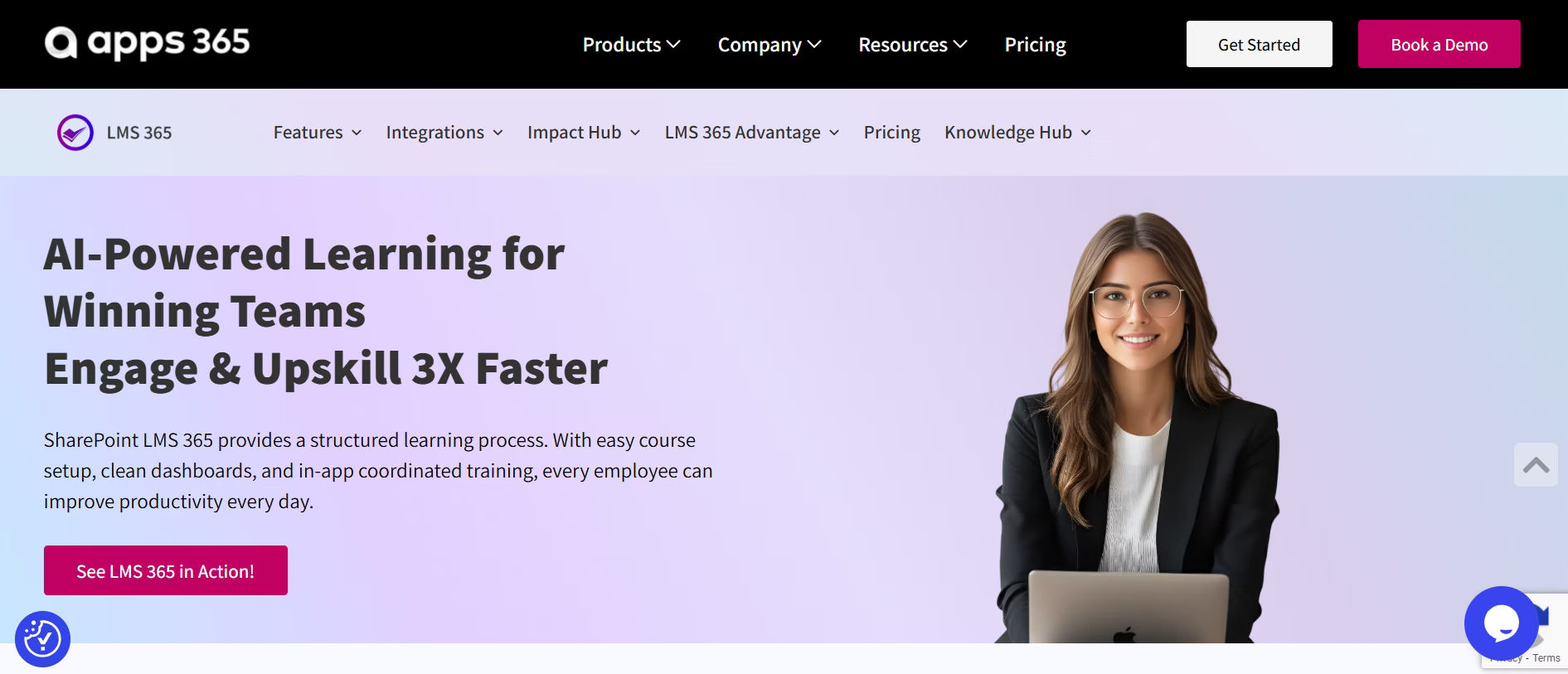
Best for: Organizations using Microsoft tools
If your team already works inside Microsoft tools like Teams, SharePoint, and Outlook, LMS365 feels like a natural extension of your workflow. Instead of asking employees to learn a new system, it brings learning directly into the tools they already use.
This makes training easier to adopt, especially for companies that want to manage learning without changing their existing setup.
Why it stands out:
- Works directly inside Microsoft Teams
- Strong compliance and training tracking
- Familiar interface reduces learning curve
Where it may not fit:
- Limited flexibility outside Microsoft environment
This is a strong choice for companies that want learning to feel like part of daily work instead of a separate system.
2. Disprz
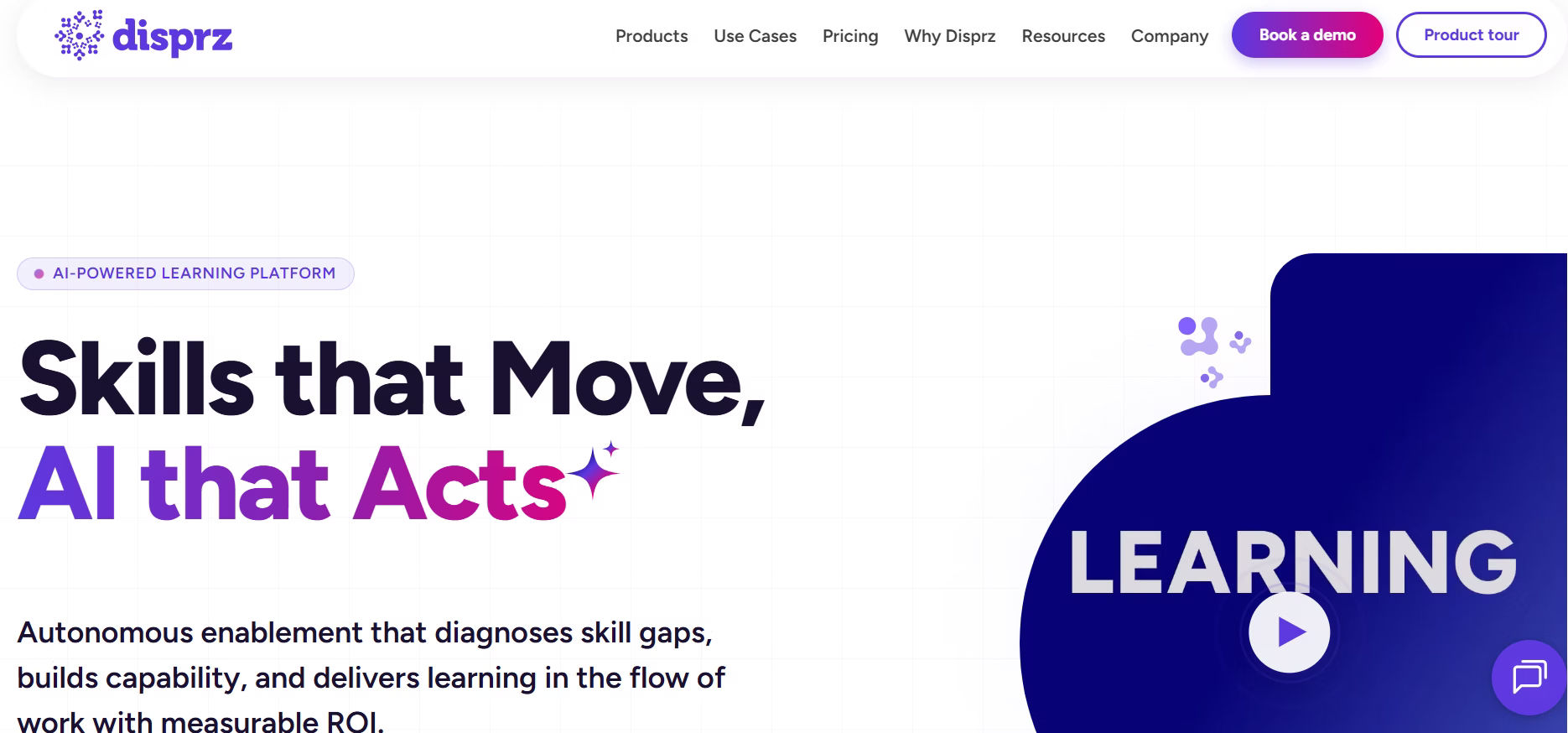
Best for: AI-powered learning and skilling
Pricing: Custom pricing
Disprz is a modern LMS focused on continuous learning and skill development. It uses AI to personalize learning paths based on roles and goals.
Why it stands out:
Fully AI-driven learning experience
Personalized learning paths
Strong focus on upskilling and reskilling
Where it may not fit:
Can be complex for small teams
Pricing is not publicly transparent
Best for organizations that want a smart, skill-focused LMS with AI-driven insights.
3. TalentLMS
.avif)
Best for: Teams that want a simple start
Pricing: Affordable and scalable
TalentLMS is built for simplicity. It allows you to set up training quickly without spending too much time on configuration.
It is a good option if you want a platform that works right away and does not require much training to use.
Why it stands out:
- Easy to use and set up
- Clean and simple dashboard
- Quick onboarding
Where it may not fit:
- Limited advanced customization
- Not ideal for complex enterprise needs
Best for small to mid-size teams that want a fast and simple solution.
4. Docebo
.avif)
Best for: Large organizations with advanced needs
Pricing: Premium
Docebo is designed for companies that need more than basic training tools. It offers advanced features like automation, AI-based recommendations, and deep analytics.
This makes it suitable for organizations that manage large-scale learning programs.
Why it stands out:
- Advanced reporting and analytics
- Strong integrations with business tools
- Scales easily for large teams
Where it may not fit:
- Higher cost
- Longer setup time
Best for enterprises that need a powerful and scalable LMS.
5. LearnWorlds
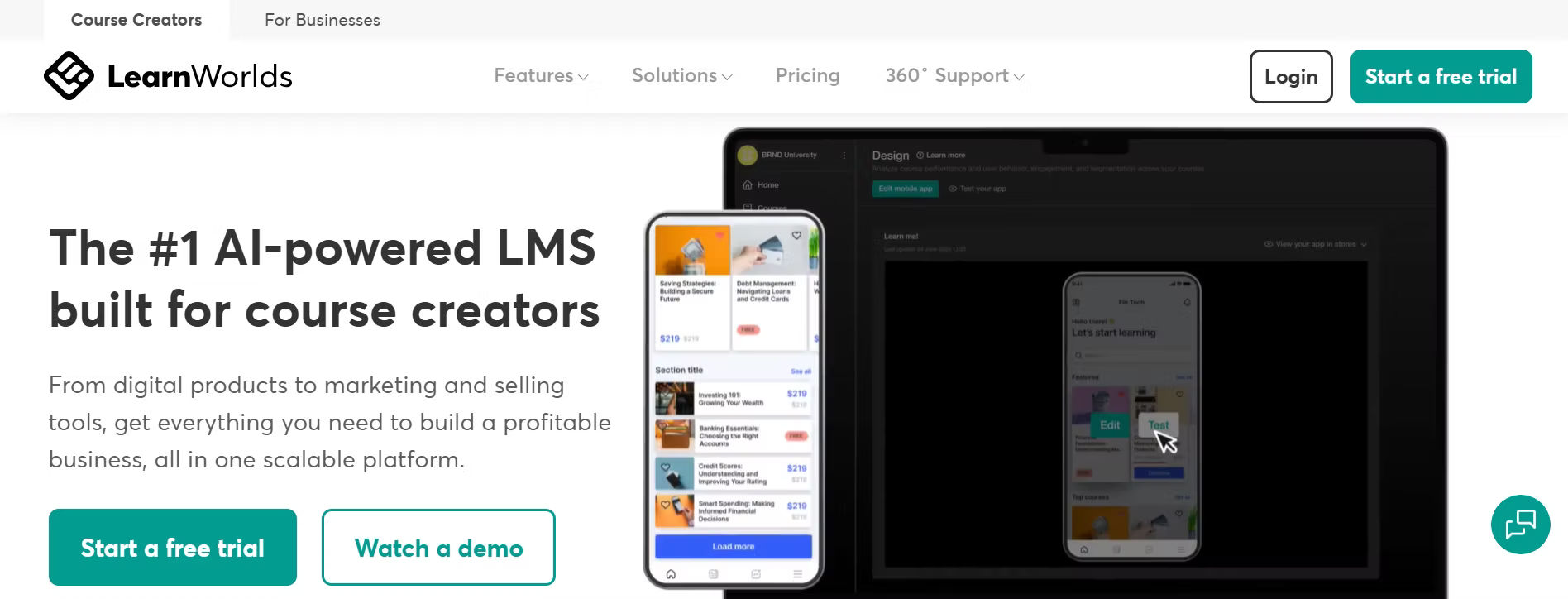
Best for: Selling online courses
Pricing: Mid-range
LearnWorlds is built for creators who want to design and sell courses online. It focuses on engagement and provides tools to make courses more interactive.
It is more than just an LMS—it also helps you build a learning business.
Why it stands out:
- Interactive video learning
- Built-in website and course pages
- Monetization features
Where it may not fit:
- Limited features for corporate training
Best for educators and creators who want to sell courses
6. Absorb LMS
.avif)
Best for: Structured corporate training
Pricing: Custom
Absorb LMS focuses on making training simple and effective for businesses. It balances usability with strong reporting tools.
It is a good choice for companies that want a clean and organized learning system.
Why it stands out:
- User-friendly interface
- Strong reporting features
- Easy administration
Where it may not fit:
- Pricing details are not always clear
Best for organizations that want a balance between simplicity and performance.
7. SAP Litmos
.avif)
Best for: Quick deployment
Pricing: Mid to high
SAP Litmos is known for helping teams start training quickly. It offers ready-to-use content and a simple setup process.
This makes it useful for organizations that need to launch training programs fast.
Why it stands out:
- Fast implementation
- Mobile-friendly
- Pre-built training content
Where it may not fit:
- Limited customization options
Best for teams that want speed and convenience.
8. Thinkific
.avif)
Best for: Individuals and small businesses
Pricing: Free + paid plans
Thinkific makes it easy to create and sell courses without technical knowledge. It focuses on simplicity and user experience.
It is a popular choice for people starting their online course journey.
Why it stands out:
- Easy course creation
- Simple setup
- Beginner-friendly
Where it may not fit:
- Not designed for corporate training
Best for entrepreneurs and small teams.
9. Kajabi
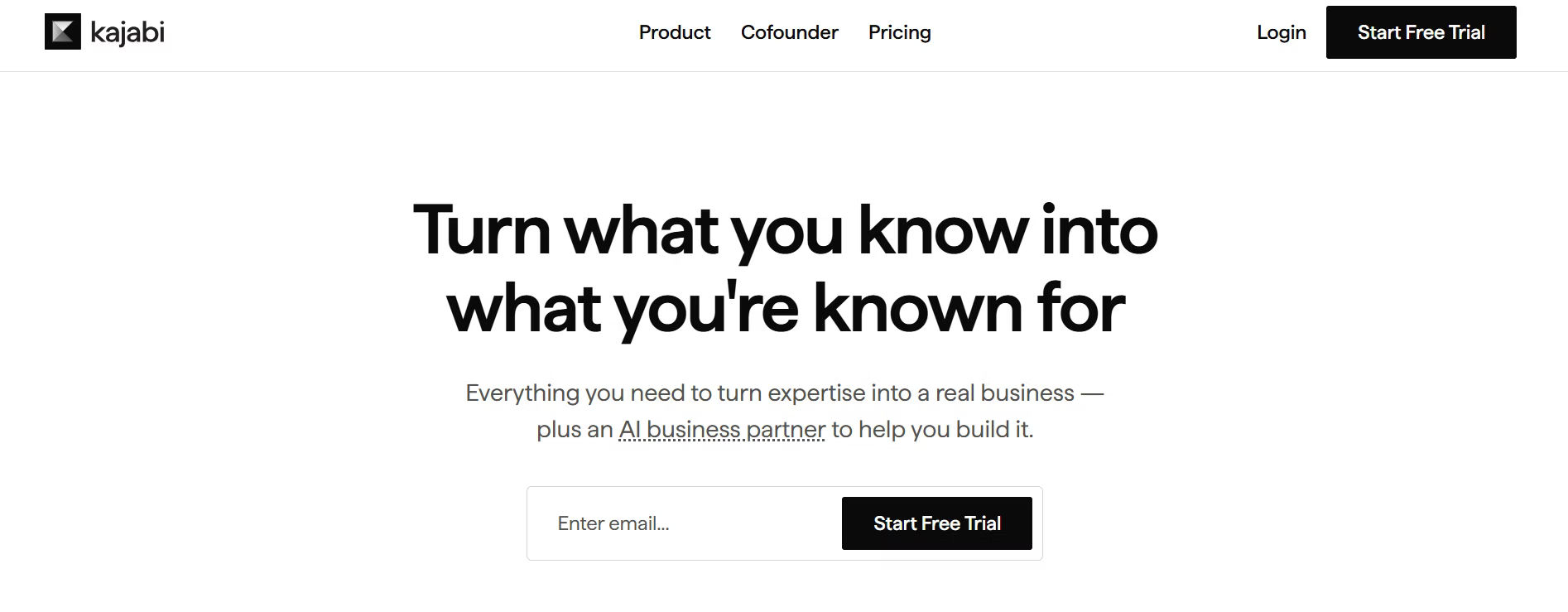
Best for: Course creators with marketing needs
Pricing: High
Kajabi combines learning and marketing in one platform. It allows you to create courses and promote them using built-in tools.
This reduces the need for multiple tools.
Why it stands out:
- Marketing + LMS in one platform
- Email automation and funnels
- Strong branding tools
Where it may not fit:
- Expensive
- Not focused on corporate use
Best for creators who want both learning and marketing tools.
10. iSpring Learn
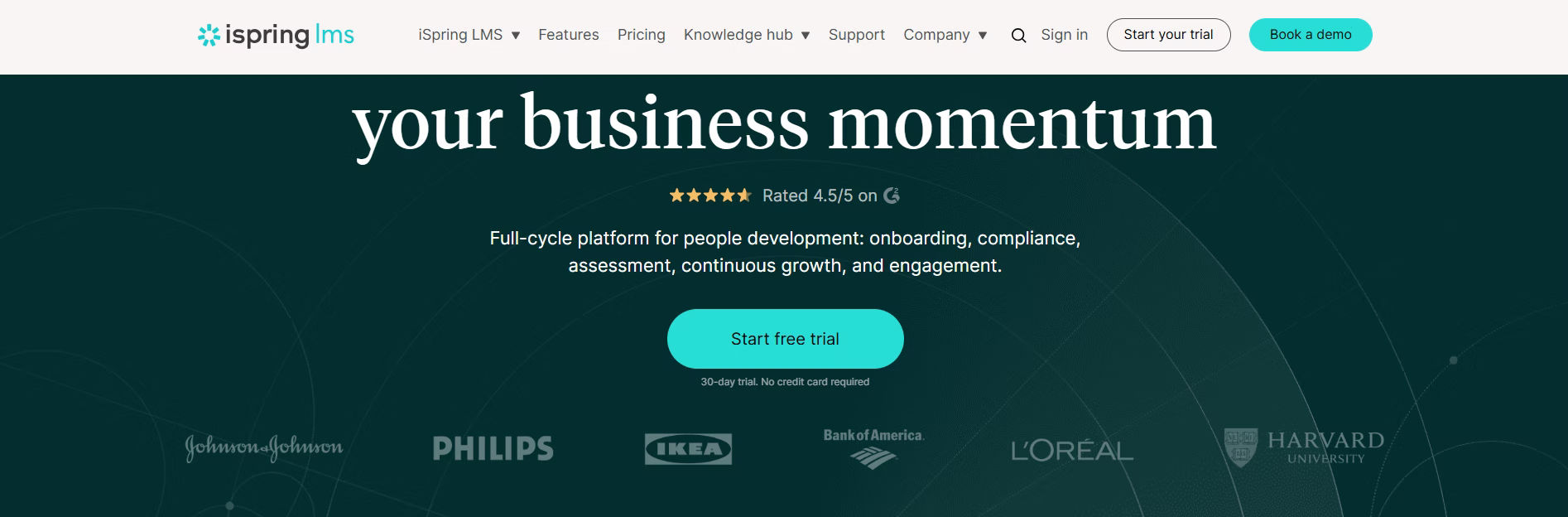
Best for: Practical employee training
Pricing: Mid-range
iSpring Learn is known for its simplicity and speed. It works well for teams that want to create and deliver training quickly.
It is especially useful for companies that already use PowerPoint for training content.
Why it stands out:
- Fast course creation
- Easy onboarding
- Simple interface
Where it may not fit:
- Limited customization
Best for teams that want a straightforward solution.
11. Cornerstone OnDemand
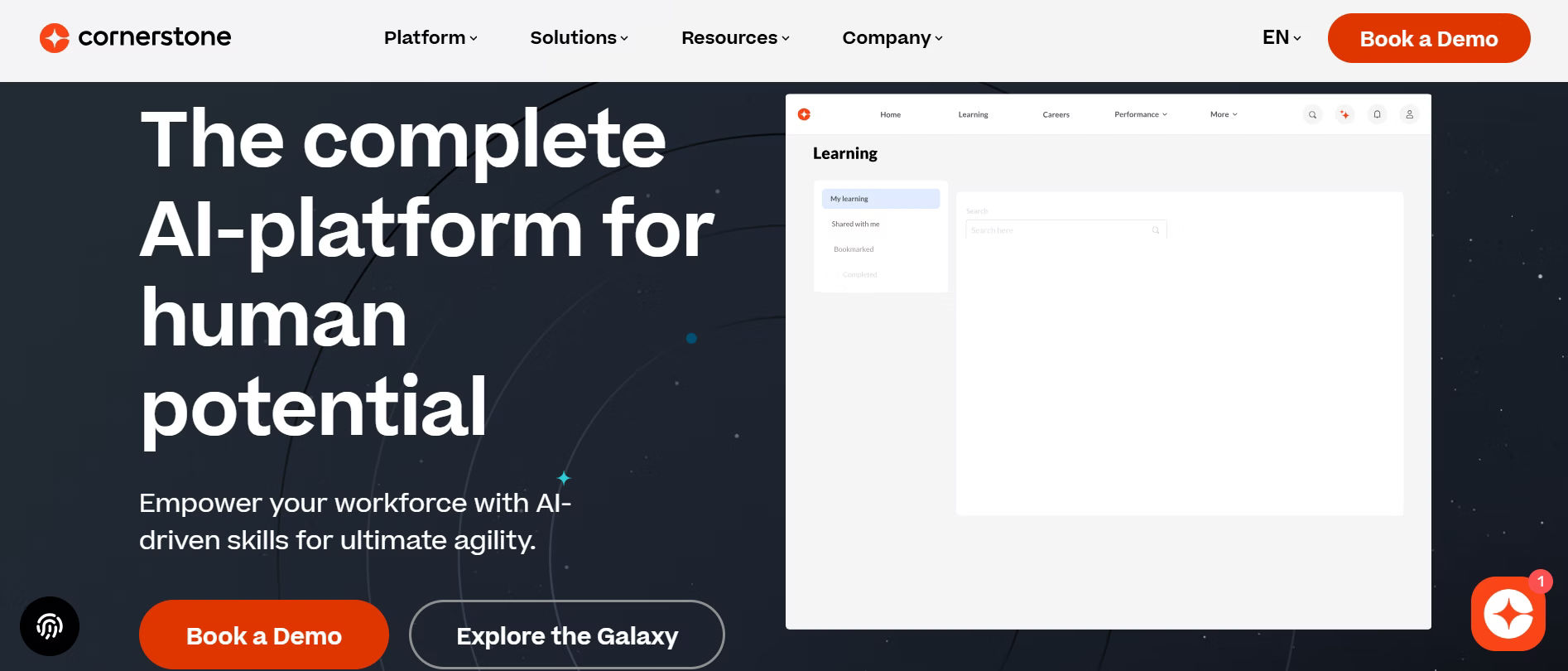
Best for: Large enterprises with complex needs
Pricing: Premium
Cornerstone OnDemand offers a complete learning and talent management system. It is designed for organizations that need advanced features and scalability.
Why it stands out:
- Full learning and development suite
- Strong compliance features
- Highly scalable
Where it may not fit:
- Complex setup
- High cost
Best for organizations managing large-scale training programs.
12. Canvas LMS
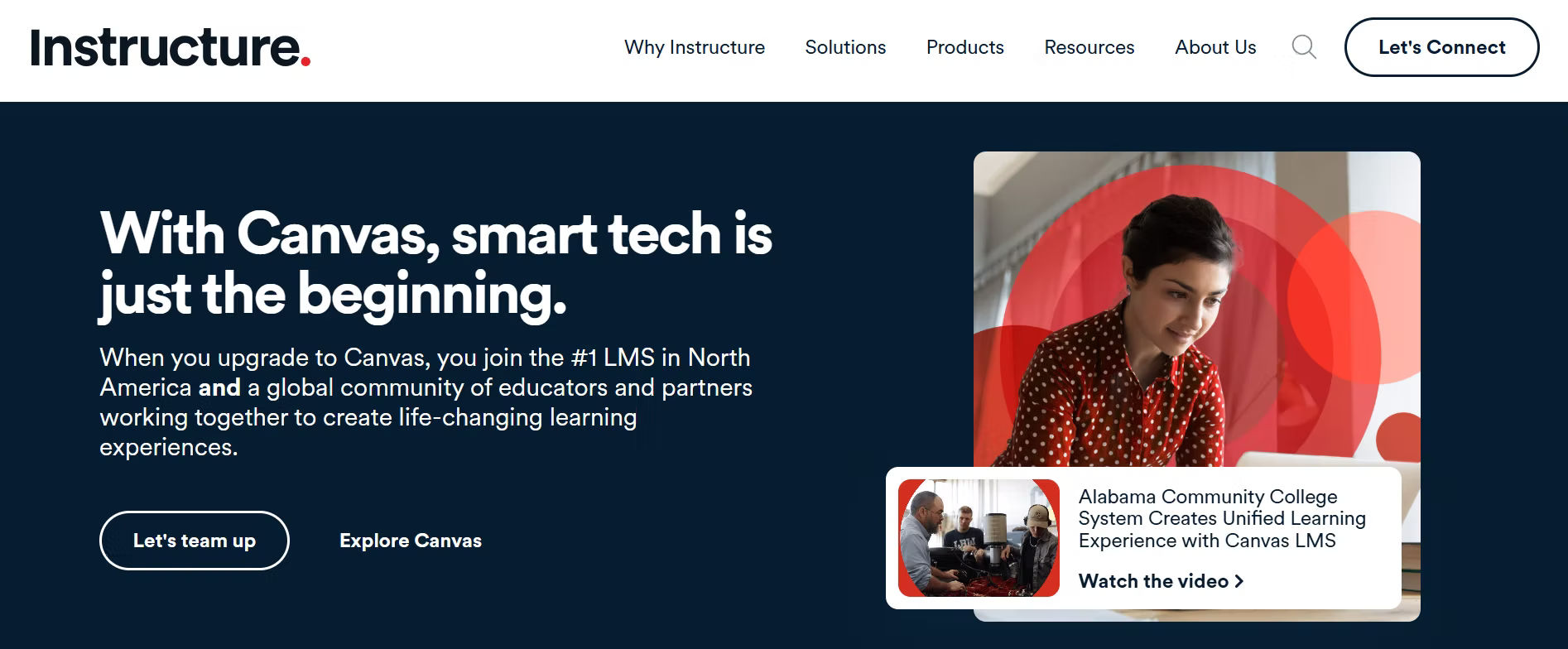
Best for: Schools and universities
Pricing: Free + paid
Canvas LMS is widely used in the education sector because of its clean design and ease of use.
It helps teachers and students manage courses efficiently.
Why it stands out:
- Simple and clean interface
- Strong integrations
- Easy course management
Where it may not fit:
- Limited features for corporate training
Best for academic institutions.
12 LMS Comparison Ideas to Select the Best LMS
Choosing the right LMS is not just about checking a few features. It is about selecting a system that fits your team, supports your learning goals, and works smoothly in daily use. A good LMS should make learning easy, not complicated. To make the right decision, you need to compare LMS platforms based on factors that directly affect user experience, training results, and long-term value.
1. Ease of Use
An LMS should be simple and easy to use from the first day, because if users find it difficult to navigate or access courses, they may stop using it completely. A clean dashboard, clear menus, and simple navigation help users quickly understand how the platform works, which increases adoption and saves time for both learners and administrators.
2. Course Creation
Course creation should be smooth and flexible so that you can build training programs without technical knowledge, as a good LMS allows you to upload videos, add quizzes, create modules, and structure lessons easily. Features like drag-and-drop builders, templates, and content libraries help reduce effort and allow you to create engaging courses faster.
3. Content Management
A strong content management system helps you organize all your training materials in a clear and structured way, making it easier to manage large volumes of content as your learning programs grow. It should support different file formats, allow quick updates, and ensure that learners can easily access the right content at the right time.
4. Analytics
Analytics play an important role in measuring the success of your training programs, as they provide clear insights into learner progress, course completion rates, and overall performance. With the right data, you can identify gaps, improve content, and make better decisions to enhance learning outcomes.
5. Customization
Customization allows you to tailor the LMS according to your brand and workflow, which helps create a more personalized experience for users. Features like custom dashboards, branding options, and role-based access ensure that the platform fits your organization’s needs and feels familiar to users.
6. Integrations
An LMS should integrate smoothly with the tools you already use, such as HR software, CRM systems, and communication platforms, because this helps reduce manual work and keeps all your data connected. Strong integrations improve efficiency and make it easier to manage training without switching between multiple systems.
7. Mobile Support
Mobile support is essential because many users prefer learning on their phones or tablets, especially in remote or flexible work environments. A mobile-friendly LMS or dedicated app ensures that users can access courses anytime and continue learning without interruption, which improves engagement and completion rates.
8. User Experience
User experience goes beyond design and includes how fast, simple, and smooth the platform feels during use, as a system that loads quickly and requires fewer steps to complete tasks keeps users engaged. A good user experience reduces frustration and encourages learners to complete courses successfully.
9. Gamification
Gamification makes learning more interactive and engaging by adding elements like points, badges, and leaderboards, which motivate users to participate actively and complete courses. This approach is especially useful in employee training where engagement can directly impact learning outcomes.
10. Pricing
Pricing should be evaluated carefully by looking beyond the basic monthly or yearly cost, because many LMS platforms include additional expenses such as setup fees, upgrades, and hidden charges. Understanding the total cost helps you plan your budget better and avoid unexpected expenses in the future.
11. Scalability
An LMS should be able to grow with your organization, allowing you to add more users, courses, and features as your training needs expand. A scalable platform ensures long-term usability and prevents the need to switch systems as your business grows.
12. Support
Reliable support is important because even the best LMS may require assistance during setup or daily use, and having access to quick and helpful customer support can save time and reduce disruptions. Good support also includes guides, tutorials, and training resources to help your team use the platform effectively.
How to Choose the Right LMS
Choosing the right LMS can feel difficult at first, but when you follow a clear process, it becomes much easier and more practical. Instead of getting confused by too many features or options, you can focus on what truly matters for your team and your learning goals. The steps below will help you make a confident and well-informed decision.
1. Define Your Goals
Start by clearly understanding why you need an LMS, because this will guide every decision you make. You may need it for employee training, onboarding, compliance, customer education, or selling online courses, and each goal may require different features and capabilities. When your goals are clear, it becomes easier to filter out platforms that do not match your needs and focus only on relevant options.
2. List Required Features
Once your goals are defined, the next step is to list the features that are essential for your use case. These may include course creation tools, reporting and analytics, mobile access, integrations with other systems, or user management features. It is important to separate must-have features from optional ones, so you do not get distracted by extra features that may look useful but are not necessary for your current needs.
3. Shortlist 3–5 LMS Tools
After identifying your requirements, research and shortlist a few LMS platforms that match your criteria. Limiting your options to 3–5 tools makes the comparison process easier and more focused. Choosing too many platforms can lead to confusion and delay your decision, while a smaller list helps you evaluate each option more carefully.
4. Compare Them
Now compare the shortlisted LMS tools based on key factors such as ease of use, features, pricing, scalability, and support. You can create a simple comparison table to clearly see the differences between each platform. This step helps you identify which LMS provides the best value and aligns closely with your requirements.
5. Test Demos
Before making a final decision, always test the LMS through demos or free trials. This allows you to experience how the platform works in real situations, including how easy it is to navigate, create courses, and manage users. Testing also helps you identify any limitations or challenges that may not be visible in product descriptions or feature lists.
6. Make Final Decision
After testing and comparing all options, choose the LMS that offers the best balance of usability, features, and cost. It is important to think about long-term use, not just short-term needs, so select a platform that can grow with your organization and support future training requirements.
Conclusion
Choosing the right LMS does not have to be confusing if you focus on what matters most for your team. By comparing key factors like ease of use, course creation, and user experience, you can find a platform that truly fits your needs.
Before making a decision, shortlist a few LMS tools and test them to see how they work in real use. This will help you choose with confidence.
If you are looking for a simple and effective solution, LMS365 is worth exploring, especially for teams using Microsoft tools.
Book a demo of LMS365 to see how it can support your training and improve learning for your team.
Join Our Creative Community
Frequently Asked Questions
What is an LMS and how does it work?
A Learning Management System (LMS) is a platform that helps you create, manage, and deliver training programs in one place. It allows you to upload courses, assign them to users, track progress, and measure performance through reports. Instead of using multiple tools, an LMS brings everything together so you can manage learning in a simple and organized way.
Why is LMS comparison important?
LMS comparison is important because not all platforms offer the same features or experience. By comparing different options, you can identify which LMS fits your goals, team size, and learning needs. This helps you avoid choosing a system that is difficult to use or does not support your training requirements.
What factors should I consider when comparing LMS platforms?
When comparing LMS platforms, you should focus on factors like ease of use, course creation, content management, analytics, integrations, mobile support, user experience, and scalability. These factors directly impact how effective your training programs will be and how easily your team can use the platform.
Which LMS is best for small businesses?
Small businesses usually need an LMS that is simple, quick to set up, and easy to manage without technical support. Platforms like TalentLMS are a good fit because they offer a clean interface, fast onboarding, and essential features without complexity, making them ideal for growing teams.
Which LMS is best for large organizations?
Large organizations often require advanced features such as detailed analytics, automation, and scalability to manage large numbers of users. Platforms like Docebo and Cornerstone OnDemand are strong choices because they support complex training programs and large-scale learning environments.
What is the best LMS for Microsoft users?
Organizations that already use Microsoft tools can benefit from an LMS that integrates directly into their workflow. LMS365 is designed for this purpose, as it works within Microsoft Teams and SharePoint, making it easier for employees to access and complete training without switching platforms.
How do I choose the right LMS for my needs?
To choose the right LMS, start by defining your learning goals and identifying the features you need. Then shortlist a few platforms, compare them based on usability and performance, and test them through demos or trials. This step-by-step approach helps you make a practical and informed decision.
Can I try an LMS before buying it?
Yes, most LMS platforms offer demos or free trials that allow you to explore their features and test usability. Trying the platform helps you understand how it works in real situations and whether it meets your expectations before making a commitment.
What is the difference between LMS for businesses and course creators?
LMS platforms for businesses are designed for employee training, compliance, and performance tracking, while LMS platforms for course creators focus on building, marketing, and selling courses. The choice depends on whether your goal is internal training or external course delivery.
How long does it take to implement an LMS?
The time required to implement an LMS depends on the platform and your requirements. Simple LMS tools can be set up within a few days, while more advanced systems with custom features and integrations may take several weeks to fully implement.
Is mobile learning important in an LMS?
Mobile learning is important because it allows users to access training anytime and from anywhere, which improves flexibility and engagement. A mobile-friendly LMS ensures that learners can continue their training without being limited to a desktop.
What are common mistakes to avoid when choosing an LMS?
Common mistakes include not defining clear goals, focusing only on features instead of usability, ignoring user experience, and not testing the platform before making a decision. Avoiding these mistakes helps you choose an LMS that works effectively in the long run.


_JiluXJRGNl.svg)























