

_eH2jDg7dZ.png)
Customer expectations are rising. Even small businesses are now expected to respond quickly, resolve issues effectively, and provide seamless support experiences across channels. Help desk software makes this possible by giving your team the right tools to track, prioritize, and resolve customer requests, without needing a huge IT department.
An IT trouble ticket system helps track and resolve tech issues quickly. It improves organization, speeds up response times, and keeps users informed with clear updates and progress tracking.
Modern support teams use ticketing systems to spot repeated problems, plan fixes, and improve service. It ensures faster solutions, better communication, and higher user satisfaction in any IT environment.
In this blog, we’ll explore the Top 14 Help Desk Software for Small Businesses in 2026, highlighting their unique strengths, use cases, and why they matter for growing teams.
What is Helpdesk Software
Helpdesk software is a tool that helps businesses manage customer queries, service requests, and internal issues in an organized way. Instead of juggling emails, calls, and chats separately, helpdesk software centralizes them in one system, making it easier for small and large teams to deliver fast, reliable support.
Key Functions of Helpdesk Software
- Ticket Management – Every customer query is turned into a “ticket,” so nothing gets lost. Teams can assign, prioritize, and track tickets until resolved.
- Multi-Channel Support – Combines emails, live chat, phone calls, and even social media into one platform.
- Automation – Routes tickets to the right agent, sets up auto-replies, and applies workflows to save time.
- Knowledge Base – Provides self-service resources so customers can find answers without waiting for support.
- Reporting & Analytics – Tracks response times, resolution rates, and customer satisfaction to improve service quality.
How Help Desk Software Improves Customer Support
Help desk software is a game-changer for customer support, enabling businesses to provide faster, more efficient service. Here’s how it improves support:
Faster Response Times
Help desk software automates ticket creation, prioritization, and assignment, ensuring quicker response times. It streamlines support across channels, improving efficiency and reducing wait times.
Streamlined Ticket Management
With all customer issues tracked in one place, agents can quickly manage and resolve tickets. This organization minimizes mistakes and ensures no issues are overlooked.
Consistency in Support
Help desk software ensures that customer interactions are logged and accessible, providing consistent responses. Agents can reference previous tickets, ensuring customers get reliable and uniform service.
Self-Service Options
Many solutions offer self-service features like knowledge bases and FAQs, reducing the need for direct support and empowering customers to solve their problems independently.
Personalized Support
By storing customer history and preferences, help desk software allows agents to offer tailored solutions, improving the overall customer experience and fostering loyalty.
Better Collaboration
Collaboration features enable support agents to share information, escalating issues or providing internal updates, improving team effectiveness in handling complex cases.
Analytics and Reporting
Built-in analytics give insights into performance, such as response times and customer satisfaction. These reports help businesses optimize their support processes and improve service quality.
Omnichannel Support
Help desk software integrates communication channels like email, chat, and social media, allowing businesses to offer seamless support across all touchpoints, meeting customers wherever they are.
Automated Workflows
Automation helps reduce manual tasks, such as ticket assignment or follow-ups, freeing up agents to focus on more complex issues and improving efficiency.
24/7 Support
With features like chatbots and automated responses, help desk software can provide round-the-clock assistance, ensuring customers receive support even outside business hours.
Benefits of Help Desk Software for Small Businesses
Help desk software can transform how small businesses handle customer support. Here are the top 5 benefits:
Improved Customer Satisfaction
Help desk software streamlines support processes, ensuring faster response times and consistent communication. This leads to quicker issue resolution, making customers feel valued and increasing their loyalty.
Increased Efficiency
Automation of routine tasks such as ticket creation, prioritization, and follow-ups frees up support agents to focus on more complex problems. This boosts productivity and ensures no customer request is missed.
Centralized Communication
By consolidating all customer interactions into one platform, help desk software helps businesses manage and respond to inquiries from multiple channels, including email, chat, and social media, in a more organized manner.
Cost-Effective
For small businesses, help desk software is a cost-effective solution that reduces the need for a large support team. It cuts down on labor costs while automating repetitive tasks, improving overall team efficiency.
Scalability
As small businesses grow, so do their support needs. Help desk software scales easily, allowing businesses to handle more customer requests without sacrificing the quality of service, making it a long-term solution for growth.
Why Helpdesk Software Matters for Small Businesses
For small businesses, customer service isn’t just a function, it’s a lifeline. With limited staff, tighter budgets, and growing customer expectations, the way you handle support can make or break your reputation. This is where helpdesk software becomes essential.
Every Customer Counts
Small businesses often rely on repeat customers and word-of-mouth referrals. A missed email or delayed response can cost you more than just a single sale — it can damage long-term trust. Helpdesk software ensures no query is lost, and every customer gets timely attention.
Professionalism Without a Large Team
Even if you only have two or three people handling support, helpdesk software makes your business look and feel professional. Automated ticketing, quick replies, and organized workflows help you deliver enterprise-level service on a small-business budget.
Saves Time and Reduces Stress
Without a system, managing queries across emails, chats, and phone calls quickly becomes overwhelming. Helpdesk software centralizes everything, automates repetitive tasks, and helps your team focus on solving issues instead of tracking them.
Scales as You Grow
Growth brings more customers and more support requests. Helpdesk software grows with your business, allowing you to add new channels, team members, and automation without overhauling your entire process.
Builds Customer Loyalty
In competitive markets, great service is a differentiator. By responding faster, resolving issues efficiently, and offering self-service options, small businesses can turn customer support into a loyalty-building advantage.
Helpdesk software helps small businesses punch above their weight. It gives them the tools to compete with larger companies, delight customers, and focus energy on growth instead of chaos.
14 Best Helpdesk Software for Small Business
1. Helpdesk 365
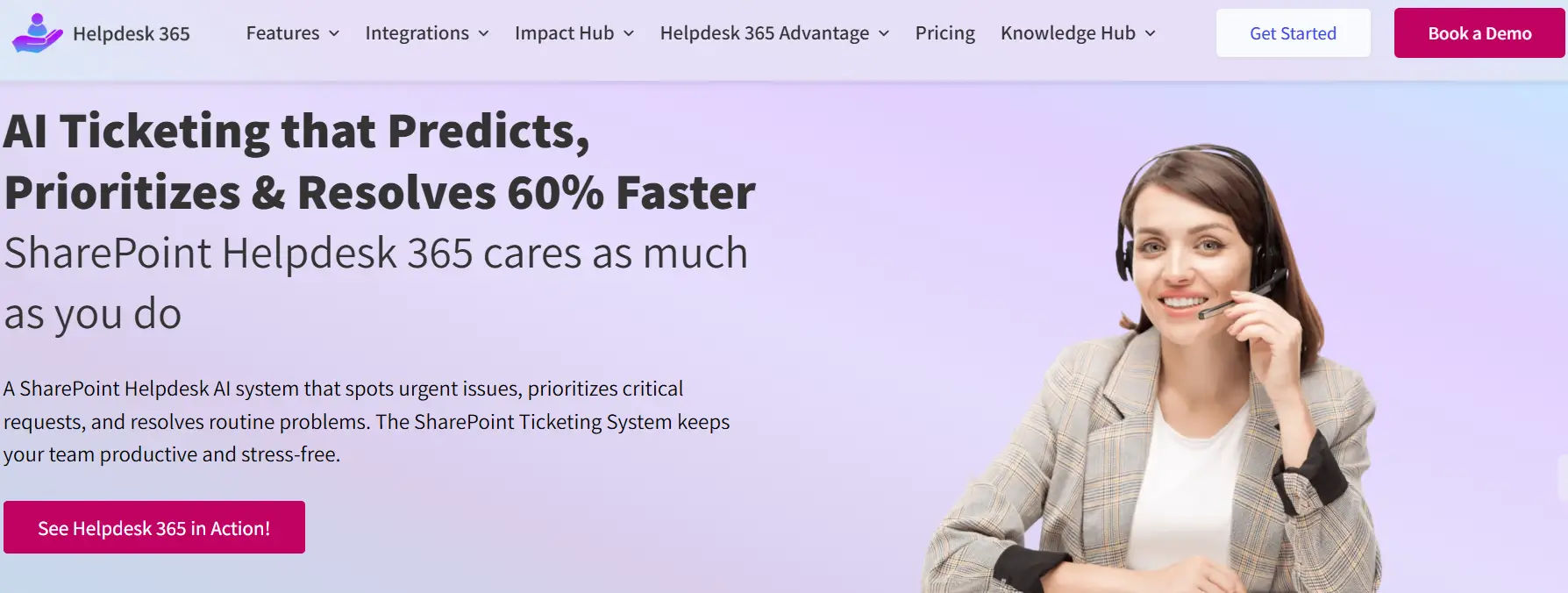
Helpdesk 365 is a modern help desk solution built right inside Microsoft 365, designed to make customer and internal support simple, efficient, and collaborative. Unlike traditional tools that require jumping between multiple apps, Helpdesk 365 integrates directly with Microsoft Teams and SharePoint, so your team can manage tickets where they already work every day.
Key Highlights of Helpdesk 365
- Microsoft Teams Integration – Create, assign, and track tickets directly from Teams. Support conversations stay within your daily workflow, reducing context switching.
- SharePoint Knowledge Base – Build a centralized hub of FAQs and guides so employees or customers can resolve common issues without waiting for an agent.
- Ticket Automation & SLAs – Define response and resolution times, set priorities, and let the system automatically route tickets to the right person.
- Custom Workflows – Adapt the software to your business needs with customizable fields, categories, and processes.
- Reports & Insights – Track resolution times, agent productivity, and overall support health with easy-to-read dashboards.
Why Small Businesses Love It
- Familiar Environment – Since it works within Microsoft 365, there’s no steep learning curve.
- Affordable & Scalable – Get enterprise-level ticketing features without the high costs of traditional help desk tools.
- Improved Collaboration – Teams can chat, share files, and resolve tickets seamlessly in one place.
- Boosts Customer Experience – Faster responses and clear tracking ensure customers feel valued.
Helpdesk 365 empowers small businesses to provide professional-grade support without needing a large IT team. It’s built for organizations that want to maximize their Microsoft 365 investment while ensuring every customer or employee issue is resolved quickly and effectively.
2. Freshdesk
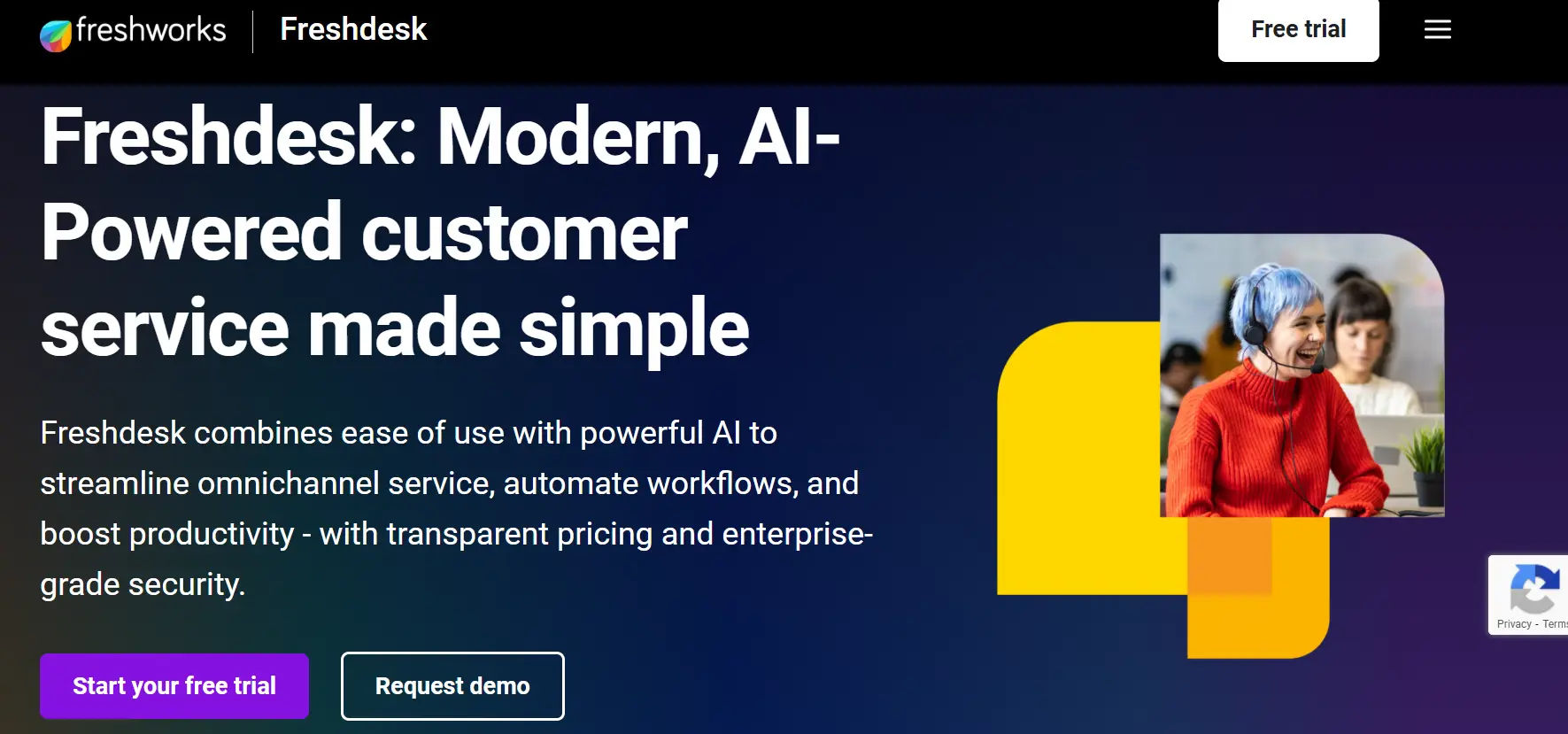
Freshdesk, developed by Freshworks, is one of the most popular help desk solutions for small businesses. Known for its ease of use, affordability, and powerful automation features, it helps teams deliver faster and smarter customer support without adding complexity.
Key Features
- Omnichannel Support – Manage emails, chat, phone, social media, and website queries from a single platform.
- AI-Powered Freddy – Freshdesk’s AI assistant can suggest responses, route tickets automatically, and even engage with customers for quick answers.
- Automation Rules – Reduce repetitive work with intelligent workflows, ticket assignments, and SLA-based escalation.
- Collaboration Tools – Internal notes, team huddles, and shared ownership make it easy for multiple agents to work on the same issue.
- Self-Service Options – Create knowledge bases, community forums, and chatbots to empower customers to find answers themselves.
Why It’s Great for Small Businesses
- Quick Setup – Freshdesk is cloud-based and easy to implement, with minimal training required.
- Scalable Plans – From startups to growing businesses, its flexible pricing adapts as your team expands.
- Affordable – Offers a free plan for small teams and competitively priced paid tiers with advanced features.
- Improved Efficiency – Automation and AI save time, allowing small teams to manage higher ticket volumes without burnout.
Freshdesk combines simplicity with advanced features, making it one of the best help desk platforms for small businesses that want to deliver enterprise-level service without the enterprise-level price.
3. Zoho Desk
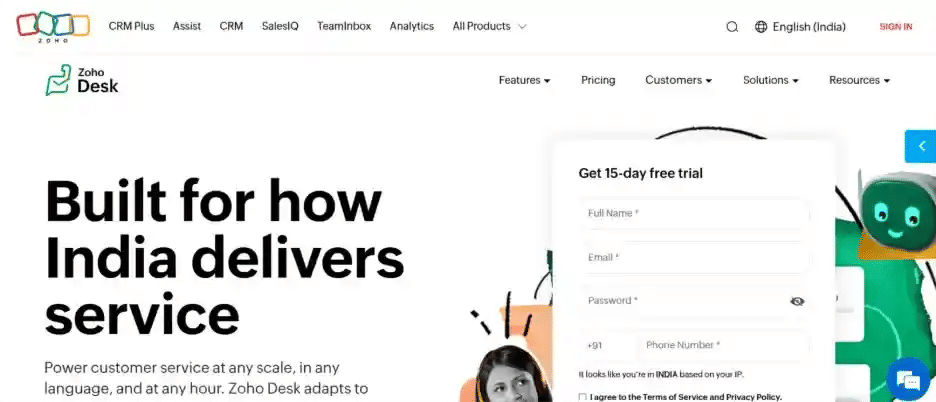
Zoho Desk is a versatile help desk solution built to empower small businesses with contextual customer service. As part of the broader Zoho ecosystem, it integrates seamlessly with Zoho CRM, Projects, and other apps, making it especially valuable for companies already using Zoho tools.
Key Features
- Contextual Ticket Management – Pulls in customer history and CRM data so agents understand issues in context.
- Multi-Channel Support – Handle emails, calls, chat, and social media from one platform.
- AI Assistant Zia – Uses sentiment analysis, suggests responses, and identifies trends in customer conversations.
- Customizable Dashboards – Tailor metrics and reports to track performance, SLA compliance, and customer satisfaction.
- Self-Service Portals – Offer branded knowledge bases and community forums to reduce ticket load.
Why It’s Great for Small Businesses
- Ecosystem Advantage – Works natively with Zoho CRM and other apps, creating a unified system for sales, support, and operations.
- Affordability – Offers a free plan and budget-friendly tiers, ideal for growing teams.
- Ease of Use – Intuitive interface with low learning curve, even for non-technical staff.
- Scalable – Supports everything from small teams to larger operations as businesses expand.
Zoho Desk helps small businesses provide smarter, faster, and more personalized support. Its AI-powered tools and strong integrations make it a practical choice for companies that want enterprise-grade capabilities without leaving the Zoho ecosystem.
4. Zendesk
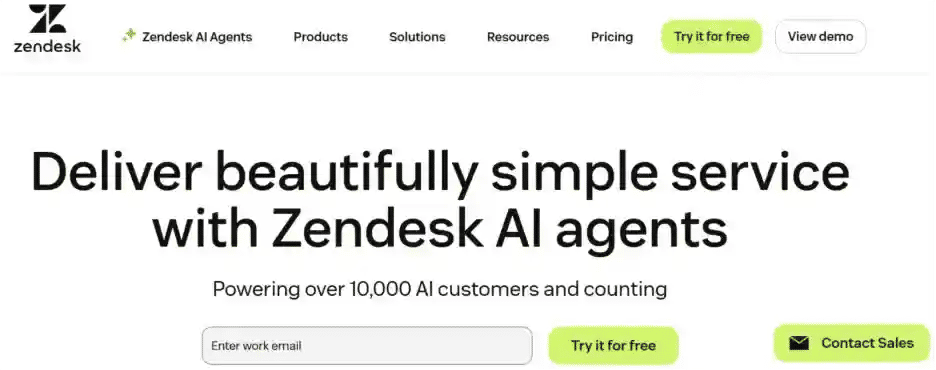
Zendesk is a widely-used help desk platform designed to deliver seamless and efficient customer support. With its robust set of features, it empowers small businesses to provide excellent service across multiple channels. Known for its scalability and ease of use, Zendesk is an ideal solution for businesses looking to streamline their support operations while ensuring a high level of customer satisfaction.
Key Features
- Omni-Channel Support – Manage customer interactions across email, chat, social media, phone, and more from a unified platform.
- Ticketing System – Automatically track, prioritize, and assign customer tickets, ensuring that no query is missed.
- Automation & Workflow – Automate repetitive tasks, such as ticket routing and response templates, saving time and improving efficiency.
- AI-Powered Bots – Zendesk’s AI bot, Answer Bot, helps provide immediate answers to customers, reducing the workload on support agents.
- Customizable Reports & Analytics – Gain valuable insights into team performance, customer satisfaction, and support efficiency with customizable reporting tools.
Why It’s Great for Small Businesses
- Easy Integration – Integrates effortlessly with third-party tools like CRMs, marketing platforms, and e-commerce systems, making it a flexible solution for small businesses with diverse needs.
- Affordability – Zendesk offers a range of pricing plans, including budget-friendly options, making it accessible for businesses of all sizes.
- Scalable – From startups to growing enterprises, Zendesk scales with your business, providing powerful tools that adapt to your evolving needs.
- User-Friendly – Designed with simplicity in mind, Zendesk’s intuitive interface makes it easy for both technical and non-technical staff to get started quickly.
Zendesk is a versatile help desk solution that combines advanced features like omni-channel support, AI-powered tools, and automation, making it perfect for small businesses. With its scalability, affordability, and easy integration with other tools, Zendesk enables businesses to offer faster, more personalized customer support while supporting future growth.
5. Help Scout
Help Scout is a customer service platform built with simplicity and personalization in mind. Unlike traditional ticketing systems that feel rigid, Help Scout offers a shared inbox approach that keeps support human while still giving teams powerful tools to stay organized.
Key Features
- Shared Inbox – Looks like email but comes with advanced features like tagging, assignments, and collision detection so multiple agents don’t reply to the same query.
- Beacon Widget – Embeds live chat, a knowledge base, and email contact into your website or app.
- Customer Profiles – Provides context with past conversations and data integrated from CRMs.
- Automation Rules – Route and prioritize tickets based on business needs.
- Reporting – Track response times, customer happiness, and team performance with clear dashboards.
Why It’s Great for Small Businesses
- Easy Transition from Email – Small teams often start with shared email inboxes; Help Scout feels familiar while adding structure and efficiency.
- Affordable Plans – Transparent pricing that suits startups and growing companies.
- Collaboration Without Complexity – Internal notes and real-time visibility keep team members aligned.
- Customer-Centric Approach – Designed to keep interactions personal, so customers don’t feel like “ticket numbers.”
Help Scout is perfect for small businesses that want to maintain a personal touch in customer support while benefiting from the efficiency of a professional help desk. It bridges the gap between simplicity and functionality.
HappyFox Help Desk is a cloud-based customer support platform known for its clean interface, ease of use, and reliable performance. It’s designed to simplify ticket management for small to mid-sized businesses, offering just the right balance of automation and functionality.
Key Features
- Multi-Channel Ticketing – Collect and manage tickets from email, live chat, phone, and social media in one place.
- Automation & Smart Rules – Automates repetitive tasks like ticket categorization, assignment, and escalation.
- Knowledge Base – Build self-service portals where customers can find answers anytime.
- Asset Management – Track and manage hardware or IT resources alongside service requests.
- Reports & Dashboards – Visualize agent productivity, ticket resolution times, and SLA compliance.
Why It’s Great for Small Businesses
- Simple Setup – No complex onboarding process; teams can get started quickly.
- Scalable Pricing – Plans that grow with your business without forcing expensive upgrades.
- User-Friendly Design – Minimal learning curve makes it ideal for non-technical staff.
- Improved Efficiency – Automation reduces manual work, freeing up small teams to focus on customer engagement.
HappyFox Help Desk helps small businesses manage customer support effectively without overwhelming teams with unnecessary complexity. Its mix of intuitive design and strong features makes it a practical choice for businesses that want reliable, no-frills customer service management.
7. Jira Service Desk (Jira Service Management)
Jira Service Desk, now known as Jira Service Management, is Atlassian’s powerful help desk solution designed to bring IT service management (ITSM) practices to businesses of all sizes. While it’s widely used by larger IT teams, its flexibility and scalability make it a solid option for small businesses that need structured support processes.
Key Features
- Deep Integration with Jira – Connects seamlessly with Jira Software, making it ideal for businesses already using Atlassian tools.
- Custom Workflows – Build service request, incident, and change management processes tailored to your team’s needs.
- Knowledge Base Integration – Works with Confluence to provide self-service resources and instant knowledge suggestions.
- Automation – Automates ticket assignments, SLAs, and approvals to reduce manual work.
- Service Portals – Create branded portals where customers or employees can log requests easily.
Why It’s Great for Small Businesses
- Structured Approach – Perfect for small businesses that need ITSM-style processes without heavy enterprise systems.
- Flexibility – Highly customizable workflows adapt to different industries and team sizes.
- Scalable – Supports growth as small businesses expand into mid-size operations.
- Collaborative – Developers, IT staff, and support teams can work together seamlessly on the same platform.
Jira Service Desk is best suited for small businesses with technical teams or those needing formal IT service processes. It offers advanced functionality and tight integrations, making it a smart choice for businesses serious about scaling support.
SolarWinds Service Desk is a cloud-based IT service management (ITSM) solution built to streamline support operations for both small and mid-sized businesses. It focuses on delivering structured service processes without overwhelming teams with enterprise-level complexity.
Key Features
- Incident & Problem Management – Tracks and resolves recurring issues efficiently.
- Change Management – Provides structured workflows for planning and approving system changes.
- Service Catalog – Enables users to request services through a simple, self-service portal.
- Knowledge Base – Offers a centralized repository of solutions and FAQs to reduce ticket volume.
- Automation – Automates ticket routing, approvals, and repetitive tasks to boost efficiency.
- Reporting & Dashboards – Delivers actionable insights into support performance and SLA compliance.
Why It’s Great for Small Businesses
- Professional-Grade Support – Offers ITIL-ready processes in a simplified format, ideal for small IT teams.
- User-Friendly Design – Easy for agents and end users to adopt, with minimal training required.
- Scalability – Grows with the business, adding more advanced ITSM functions as needed.
- Improved Efficiency – Automation and self-service reduce workloads, allowing small teams to handle more with fewer resources.
SolarWinds Service Desk gives small businesses access to enterprise-level IT service management features without the complexity or cost of traditional ITSM platforms. It’s a strong choice for small IT teams that want reliability, structure, and scalability in one package.
9. Intercom
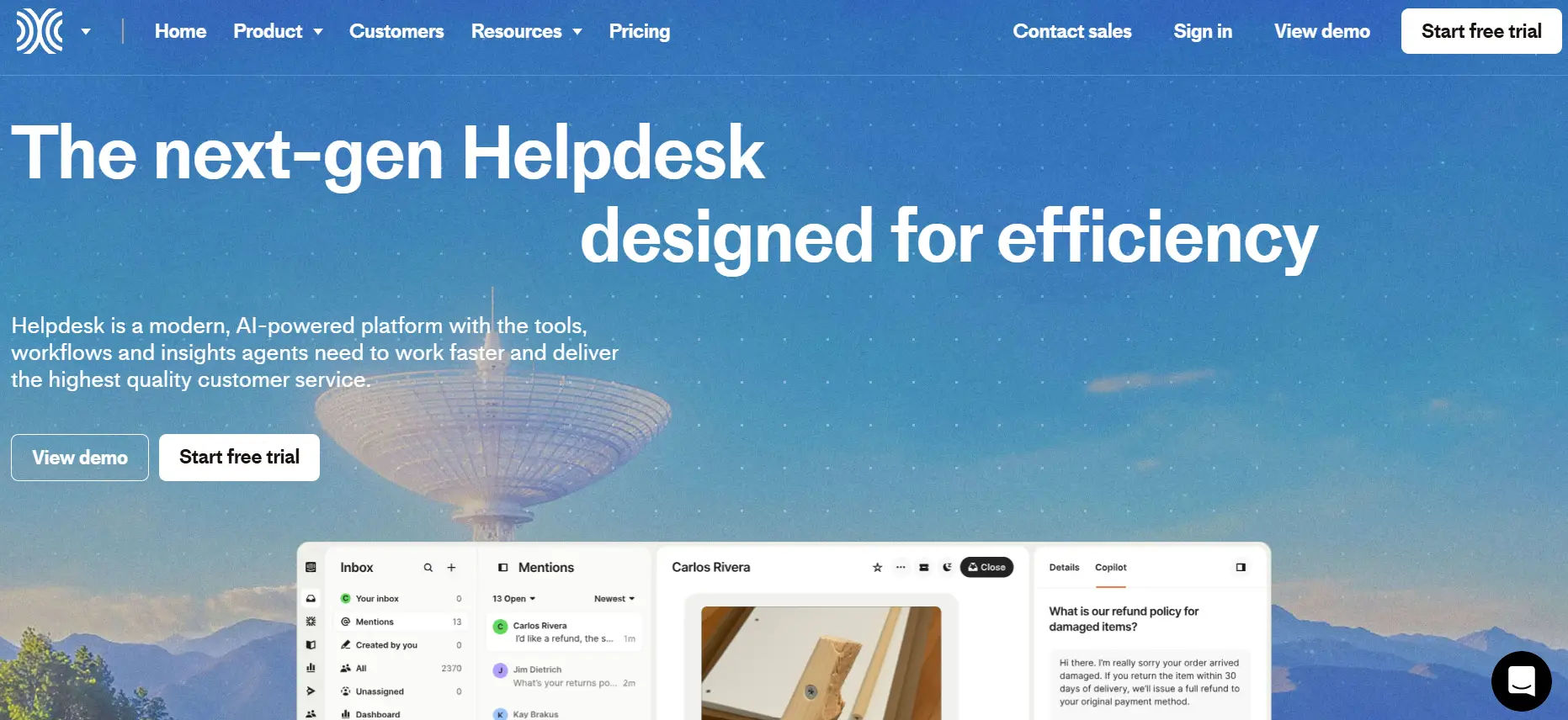
Intercom is a customer communication and help desk platform that blends live chat, bots, and ticketing into one unified solution. It’s especially popular among SaaS companies and digital-first businesses that want to offer proactive, conversational support.
Key Features
- Live Chat & Messaging – Engage customers instantly through your website, app, or product with real-time chat.
- AI Chatbots – Automate common queries and provide 24/7 assistance without needing a large team.
- Ticketing System – Convert conversations into trackable tickets for structured support.
- Help Center – Build a searchable knowledge base so customers can self-serve.
- Customer Data Integration – Pulls in user behavior and context to personalize interactions.
- Proactive Messaging – Send targeted messages to users based on activity, lifecycle stage, or support triggers.
Why It’s Great for Small Businesses
- Conversational Support – Moves beyond traditional tickets to build real relationships with customers.
- Scalable Automation – Bots handle repetitive queries, freeing up teams to focus on complex issues.
- Ideal for SaaS & Online Businesses – Perfect for companies that rely on in-app or real-time support.
- Customer Retention – Proactive engagement helps reduce churn and increase satisfaction.
Intercom is more than a help desk, it’s a customer engagement tool. For small businesses in SaaS, tech, or e-commerce, it delivers fast, personalized, and scalable support that feels human while keeping workloads manageable.
10. LiveAgent
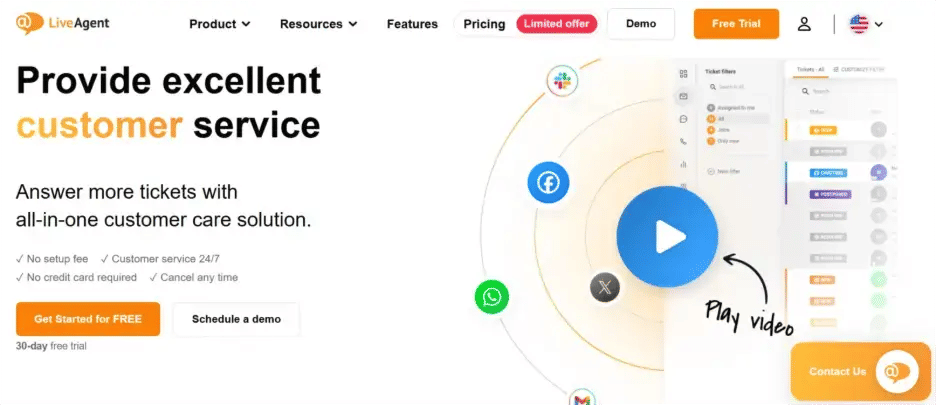
LiveAgent is an all-in-one help desk and customer support platform with a strong emphasis on real-time communication. It combines ticketing, live chat, and call center features in one affordable solution, making it a favorite among small businesses that need multichannel support without high costs.
Key Features
- Universal Inbox – Collects tickets from email, live chat, calls, and social media in one place.
- Live Chat – Offers real-time customer interaction with unlimited chat history.
- Call Center Integration – Includes built-in call center capabilities for voice support.
- Social Media Monitoring – Manage Facebook, Twitter, and Instagram interactions directly from the dashboard.
- Automation Rules – Automates ticket assignment, prioritization, and responses.
- Reporting Tools – Provides detailed insights on response times, agent productivity, and customer satisfaction.
Why It’s Great for Small Businesses
- Affordable & Accessible – Offers competitive pricing with strong value for money.
- Quick Setup – Easy to implement and use without extensive training.
- All-in-One Solution – Eliminates the need for separate tools for email, chat, and phone support.
- Scalable – Grows with your business, supporting more agents and advanced features as needed.
LiveAgent equips small businesses with enterprise-style support features at a budget-friendly price. Its blend of ticketing, live chat, and call center tools makes it a powerful option for teams that want to handle customer queries efficiently across multiple channels.
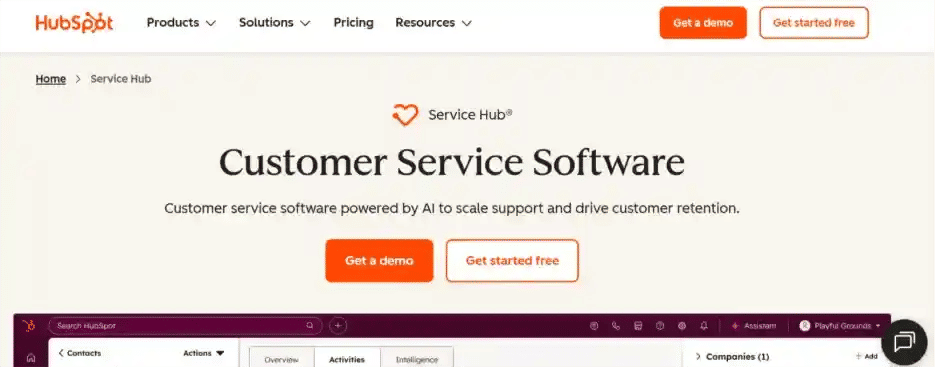
HubSpot Service Hub extends the power of the HubSpot CRM into customer support, giving small businesses a unified platform for managing sales, marketing, and service in one place. It’s designed to help teams deliver exceptional customer experiences while maintaining a single source of truth for customer data.
Key Features
- Integrated Ticketing – Convert customer queries into tickets directly within HubSpot CRM.
- Knowledge Base – Build searchable self-service portals so customers can resolve issues on their own.
- Customer Feedback Tools – Collect CSAT, NPS, and CES surveys to measure satisfaction and improve service.
- Automation – Use workflows to route tickets, send notifications, and escalate based on SLAs.
- Reporting Dashboards – Track team performance, ticket status, and customer happiness in real time.
- Omnichannel Support – Manage conversations across email, chat, and social media.
Why It’s Great for Small Businesses
- Single Ecosystem – Keeps sales, marketing, and support teams aligned in one platform.
- Customer Context – Every ticket is linked with CRM data, so agents understand history and relationships.
- Ease of Use – Simple interface with minimal training needed for small teams.
- Flexible Plans – Offers both free and paid tiers, making it accessible for startups and scalable for growth.
HubSpot Service Hub is ideal for small businesses already using HubSpot or those looking for an all-in-one solution. It turns customer support into a growth engine by combining ticketing, feedback, and CRM insights in one seamless platform.
12. Desk365
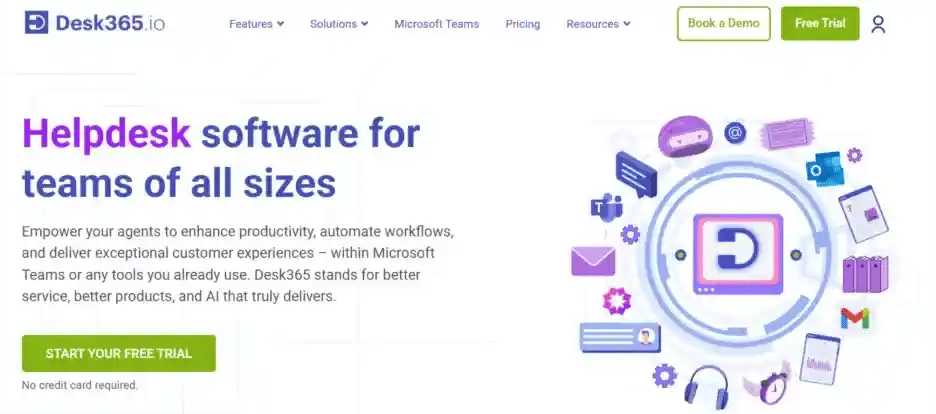
Desk365 is a modern, cloud-based help desk software built specifically for small and mid-sized businesses. With its strong focus on Microsoft Teams integration, it allows teams to handle support requests directly within their everyday collaboration environment. This makes it a practical solution for companies already invested in Microsoft 365.
Key Features
- Microsoft Teams Ticketing – Create, assign, and resolve tickets without leaving Teams.
- Email-to-Ticket Conversion – Automatically turns customer emails into tickets for easy tracking.
- Automation Rules – Set up workflows for ticket routing, prioritization, and SLA enforcement.
- Customizable Dashboards – Track ticket trends, agent productivity, and performance metrics.
- Knowledge Base – Build a self-service portal to reduce ticket volume.
- Mobile-Friendly – Agents can manage tickets on the go with web and mobile access.
Why It’s Great for Small Businesses
- Seamless Microsoft 365 Integration – Perfect for businesses already using Teams, Outlook, and other Microsoft tools.
- Easy to Use – Intuitive interface with minimal learning curve for agents and end users.
- Affordable Pricing – Offers budget-friendly plans tailored for small teams.
- Improved Collaboration – Keeps conversations and ticket management in one familiar platform.
- Scalable – Grows with your business without forcing a switch to a new tool.
Desk365 is an excellent choice for small businesses that run on Microsoft 365. By embedding help desk capabilities into Teams, it delivers efficient, organized, and cost-effective customer and employee support.
13. Front
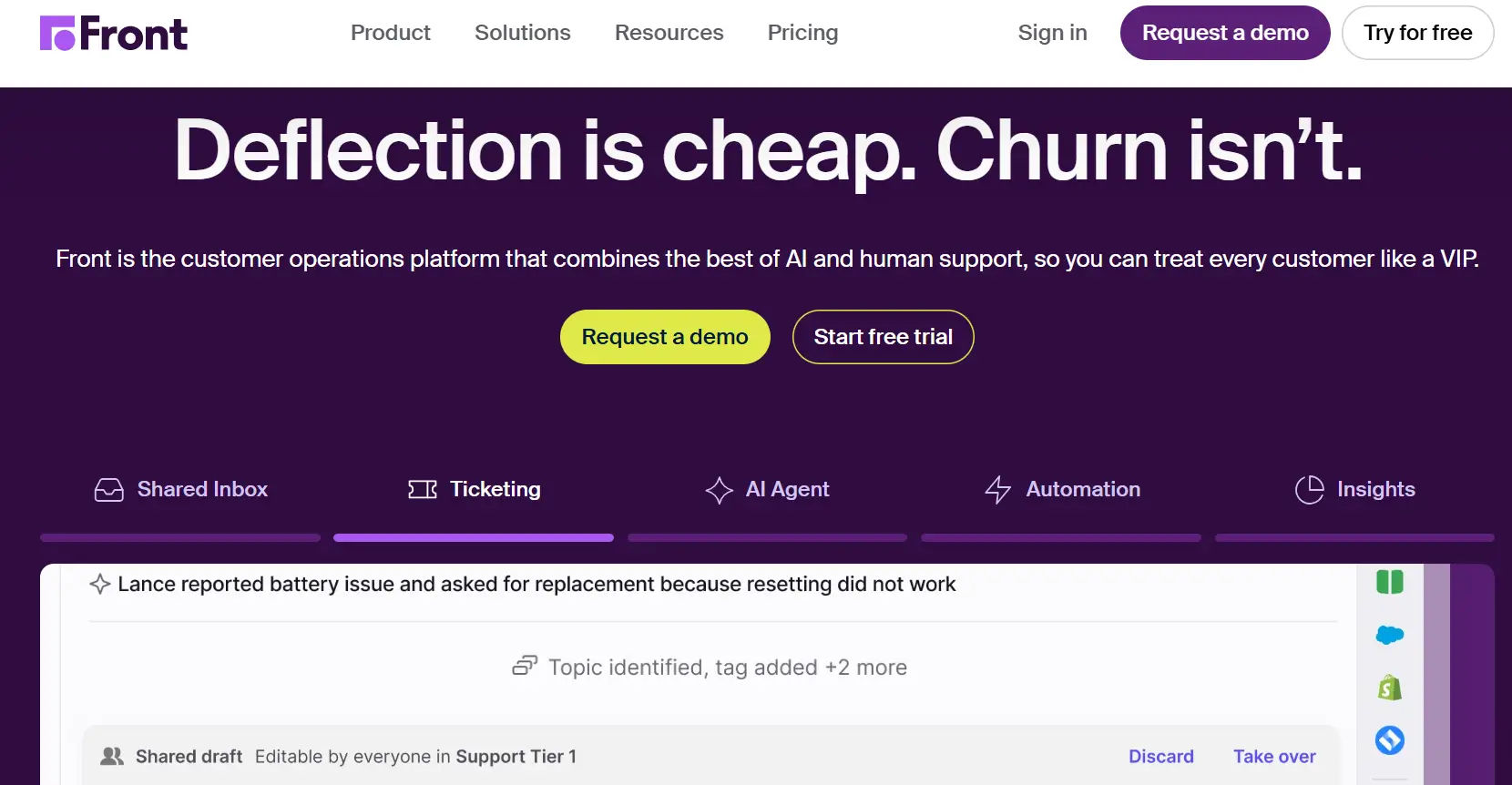
Front is a collaborative help desk solution that transforms the traditional shared inbox into a powerful customer communication hub. Instead of treating support requests as faceless tickets, Front emphasizes personalization and teamwork, making it an appealing choice for small businesses that value strong customer relationships.
Key Features
- Shared Inbox – Centralizes customer emails, SMS, live chat, and social media messages in one place.
- Collaboration Tools – Internal comments, mentions, and shared drafts let team members work together without confusion.
- Automation & Rules – Automatically assign, prioritize, and route messages to the right person.
- Customer Data Integration – Connects with CRMs and apps to display customer history alongside conversations.
- Analytics & Reporting – Tracks team performance, response times, and customer satisfaction.
- App Integrations – Works with Slack, Salesforce, HubSpot, and over 50 other tools.
Why It’s Great for Small Businesses
- Humanized Support – Keeps the customer experience personal instead of reducing queries to ticket numbers.
- Email-Friendly – Ideal for small teams moving from a shared inbox but not ready for complex ITSM tools.
- Boosts Productivity – Reduces duplicate replies and miscommunication through shared visibility.
- Scalable Collaboration – Perfect for small teams that need transparency as they grow.
- Flexible Deployment – Works across multiple industries, from e-commerce to professional services.
Front bridges the gap between a shared inbox and full-featured help desk software. For small businesses that want collaboration, personalization, and efficiency in customer communication, it’s a strong and modern choice.
14. Gorgias
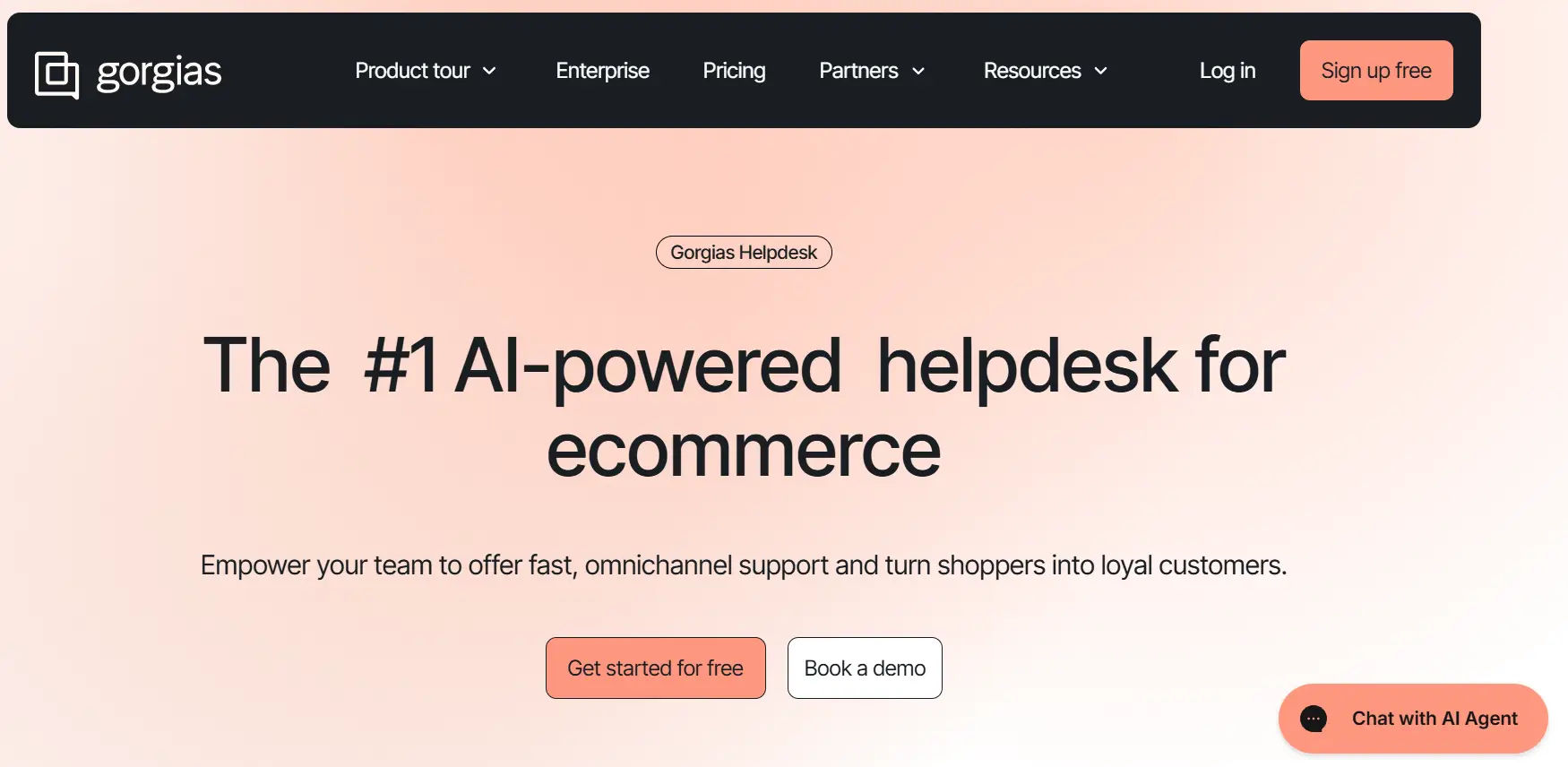
Gorgias is a customer support and help desk platform built specifically for e-commerce businesses. Its deep integrations with platforms like Shopify, Magento, and BigCommerce make it stand out, giving support agents instant visibility into customer orders, refunds, and shipping details without switching between systems.
Key Features
- E-commerce Integrations – Pulls in customer and order data directly from Shopify, Magento, WooCommerce, and more.
- Macros & Automation – Automates responses for repetitive queries like shipping updates, refunds, and returns.
- Multi-Channel Support – Centralizes emails, live chat, SMS, and social media (Facebook, Instagram, etc.) in one place.
- Revenue Tracking – Links support conversations to sales to show the direct impact of customer service.
- Collaboration Tools – Internal notes, tagging, and assignments make teamwork smooth.
- Self-Service Options – Offers automated responses and FAQ widgets to reduce ticket load.
Why It’s Great for Small Businesses
- E-commerce Focus – Tailored for online retailers, so features align with real needs like order tracking and refunds.
- Time-Saving Automation – Small teams can handle large volumes of customer queries without adding headcount.
- Personalized Support – Agents can respond with full customer context, improving satisfaction and loyalty.
- Sales-Oriented – Turns support into a revenue driver by helping agents upsell or cross-sell during interactions.
Gorgias is the go-to help desk for e-commerce-focused small businesses. By combining automation, multichannel support, and deep store integrations, it helps online retailers deliver efficient, personalized, and sales-driven customer service.
How to Choose Help Desk Software for Small Business
Choosing the right help desk software for your small business is essential for providing efficient and high-quality customer support. Here are the five most important factors to consider:
1. Multi-Channel Support
Ensure the software consolidates customer inquiries from various channels, email, live chat, social media, and phone, into one platform. This helps streamline communication and ensures no query is missed.
2. Ease of Use
Look for a user-friendly interface that’s easy to set up and navigate. A simple, intuitive system will reduce training time for your team and help them get to work quickly.
3. Automation and AI Features
Automation tools like ticket assignment and response templates, as well as AI-powered chatbots, can save time and improve response efficiency, ensuring faster and more accurate support.
4. Scalability
Choose software that can grow with your business. Whether it’s adding more support agents, increasing ticket volume, or integrating new features, the software should be flexible enough to accommodate your business’s needs as it expands.
5. Affordability
Consider pricing plans that fit your budget. Many help desk solutions offer tiered plans that are scalable, allowing you to choose a plan that meets your needs today and can evolve as your business grows.
Conclusion
Choosing the right help desk software can transform how small businesses handle customer support. From simple shared inboxes to AI-powered platforms, each tool offers unique strengths. Helpdesk 365, with its seamless Microsoft 365 integration, is especially ideal for teams already using Teams and SharePoint. Ultimately, the best solution is the one that matches your business needs, budget, and growth goals.
Get started today by exploring the helpdesk 365 for your small business.
Join Our Creative Community
Frequently Asked Questions
What is help desk software for small businesses?
Help desk software for small businesses is a tool that centralizes customer queries from email, chat, phone, and social channels into one system. It helps teams assign, track, and resolve issues efficiently, improving customer satisfaction without needing a large support staff.
Which is the best help desk software for small businesses?
The best help desk software depends on your needs. Helpdesk 365 is excellent for Microsoft 365 users, while Freshdesk and Zoho Desk are affordable all-rounders. Gorgias is perfect for e-commerce, and Front works well for teams that rely heavily on email.
How much does help desk software cost for small businesses?
Pricing varies by vendor. Many tools like Freshdesk, Zoho Desk, and HubSpot Service Hub offer free or entry-level plans, while premium features typically start from $10–$30 per user per month. Small businesses can choose a plan based on their team size and support needs.
Why should small businesses use help desk software?
Small businesses benefit from faster response times, organized workflows, and improved customer loyalty. Help desk software ensures no request is lost, automates repetitive tasks, and provides insights to help businesses scale support as they grow.
Can help desk software integrate with other tools?
Yes. Most modern help desk solutions integrate with CRMs, email platforms, collaboration apps, and e-commerce systems. For example, Helpdesk 365 integrates with Microsoft Teams and SharePoint, while Gorgias connects with Shopify and other online store platforms.


_JiluXJRGNl.svg)























