

Top 10 Harvest Alternatives for Better Time Tracking in 2026
_mVFFaHUZhS.webp)
Finding the right time tracking solution can significantly impact your business operations and team productivity. While Harvest has established itself as a popular choice for tracking time and managing projects, it may not align with every organization’s specific requirement, budget constraints, or workflow preferences.
This guide highlights the best Harvest alternatives in 2026, comparing tools based on features, pricing, and integrations. Alternatives like Timesheet 365, Toggl, Clockify, and Hubstaff offer better flexibility, reporting, and scalability depending on your business needs.
This complete guide reviews 10 of the top Harvest alternatives exploring their key features, pricing plans and where they may fit best. Whether you’re looking for a cheaper alternative, better reporting or just more collaborative features, here’s what you need to know to choose the right target practice software.
Why Look for Harvest Alternatives
There are many reasons for an organization to consider alternatives to Harvest. Cost is certainly a factor, especially as teams grow and the per-user pricing model becomes more expensive over time. While others need more granular reporting, additional project management capabilities, or deeper integration with their other software tools.
The time tracking software market has become very mature and there are many solutions that are available with tailored functionality for industries or specific ways of working. Make no mistake too that human preference varies greatly between teams (for user experience), and so you want to select the tool best suited towards how your team actually operates.
About Harvest
Harvest is one of the original tools that helped shape today’s landscape for time tracking and invoicing. The software integrates the use of time tracking with expense tracking and invoicing to provide an all-in-one solution for businesses that rely on billable hours.
Pros
- Intuitive User Interface: Clean, straightforward design that minimizes the learning curve for new users
- Robust Invoicing Features: Converts tracked time into professional invoices with customizable templates and automated billing reminders
- Extensive Integration Ecosystem: Connects with numerous popular business tools including project management platforms and accounting software
- Detailed Reporting: Comprehensive reports providing insights into project profitability and team utilization
- Mobile Accessibility: Full-featured mobile apps for iOS and Android enable time tracking on the go
10 Harvest Alternatives & Competitors
1) Timesheet 365
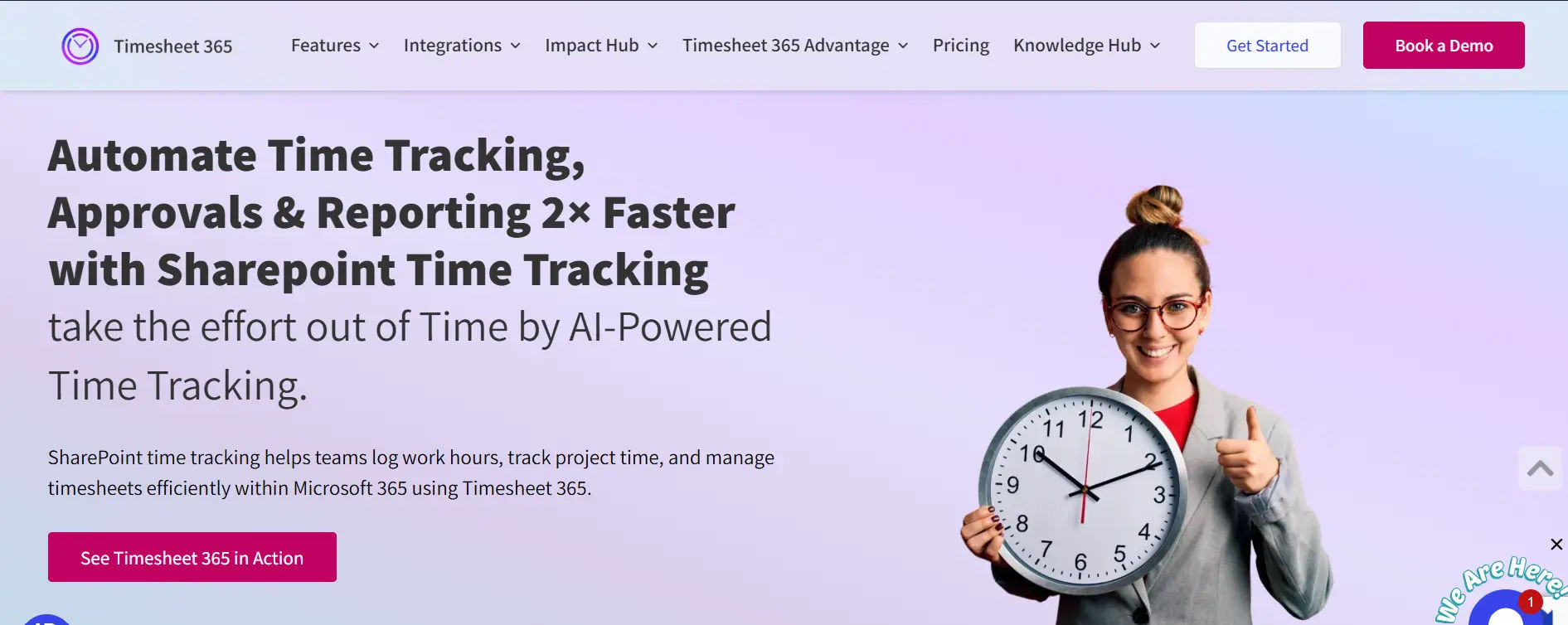
Timesheet 365 is the time tracking app that leverages Office 365 and Azure for its benefits. This tool seamlessly integrates with Microsoft & SharePoint world, which is perfect for teams that are already using their ecosystem.
8 Key Features:
- Native Microsoft 365 Integration
- Project-Based Time Tracking
- Automated Timesheet Reminders
- Approval Workflows
- Real-Time Reporting and Analytics
- Mobile Time Entry
- Compliance and Audit Trail
- Resource Capacity Planning
Why Choose Timesheet 365 as Harvest Alternative
For companies who are heavily invested in the Microsoft stack, Timesheet 365 will have a better integration compared to Harvest. It cuts through data silos by operating right within tools that your team is already using every day. For companies that require strong approval processes and reporting for compliance, Timesheet 365 delivers enterprise-class functionalities which go far beyond what Harvest offers.
2) Apploye
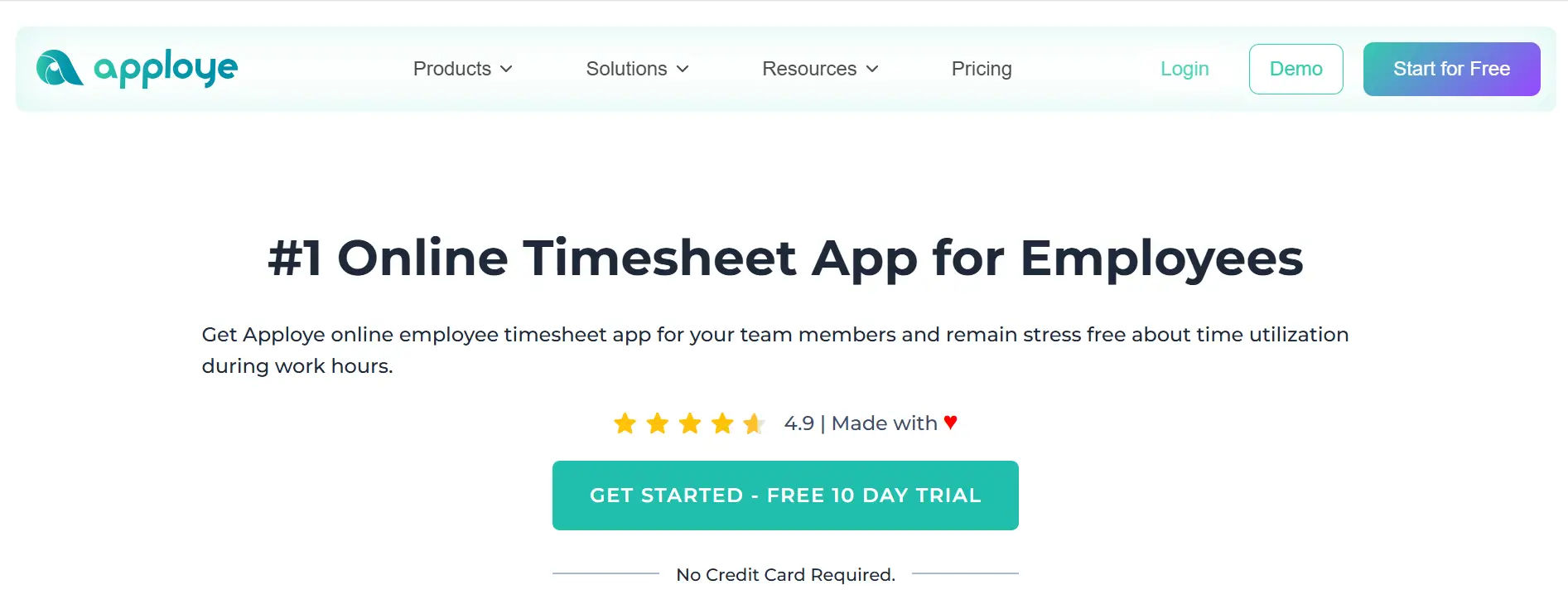
Apploye is a time tracking tool, which also has features for employee monitoring and it’s a great app for remote jobs or business with remote employees.
8 Key Features:
- Automatic Time Tracking
- Screenshot Monitoring
- Project and Task Management
- GPS Location Tracking
- Productivity Metrics
- Payroll Integration
- Team Scheduling
- Client Access Portal
Why Choose Apploye as Harvest Alternative
Apploye is meant for businesses that require advanced time tracking, specifically those with remote teams or need activity monitoring. While Harvest is limited to time tracking and invoicing, Apploye offers the complete project management solution you’re looking for including employee monitoring and GPS tracking at a competitive price.
Ratings:
G2: 4.7 out of 5
Capterra: 4.6 out of 5
3) Toggl Track
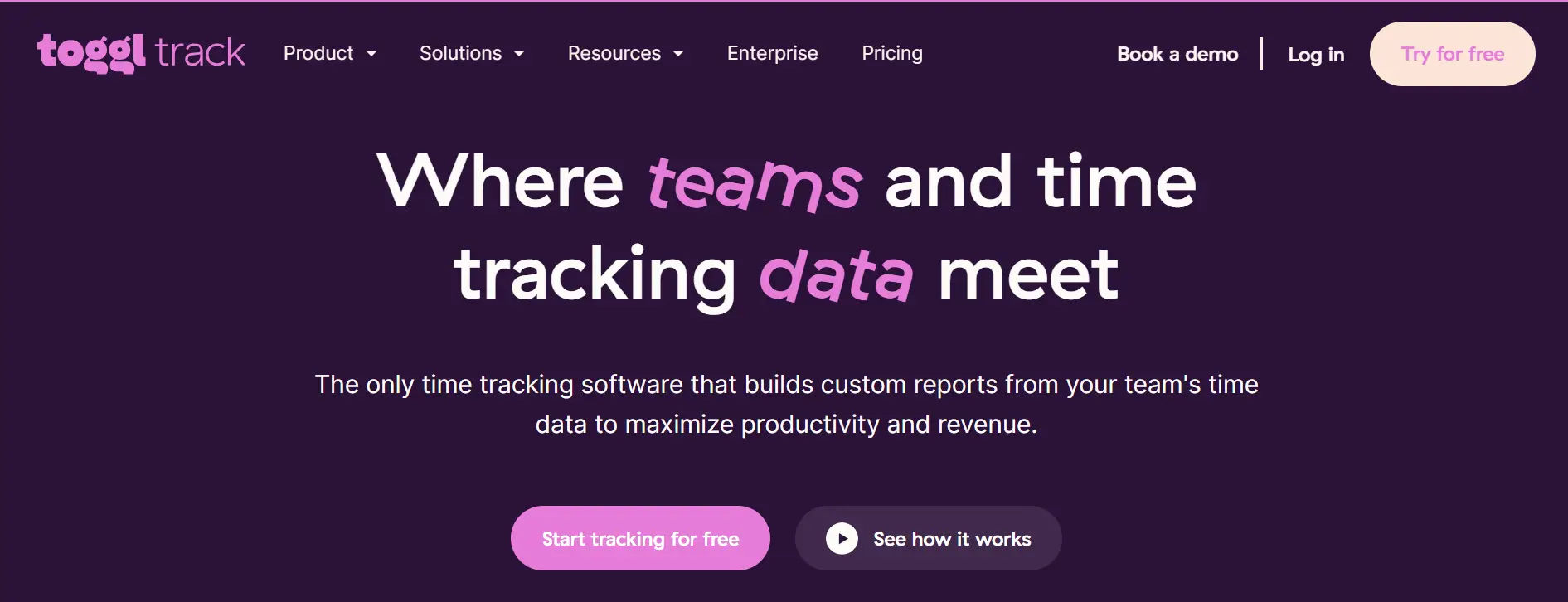
Toggl Track has become widely known for its simplicity and intuitiveness, attaching time tracking to individual teams resistant to using new software.
8 Key Features:
- One-Click Time Tracking
- Idle Time Detection
- Project Color Coding
- Pomodoro Timer Integration
- Calendar Integration
- Detailed Reporting Dashboard
- Browser Extension (100+ integrations)
- Billable Rates Management
Why Choose Toggl Track as Harvest Alternative
User adoption is a standout feature of Toggl Track with almost no training needed. Rates are typically but not always more cost-effective for smaller to medium-sized teams, although there is a very attractive free tier Harvest doesn’t have. Toggl Track is a more streamlined solution for companies that already employ separate invoicing tools yet desire robust time tracking.
Ratings:
G2: 4.6 out of 5
Capterra: 4.7 out of 5
4) Clockify
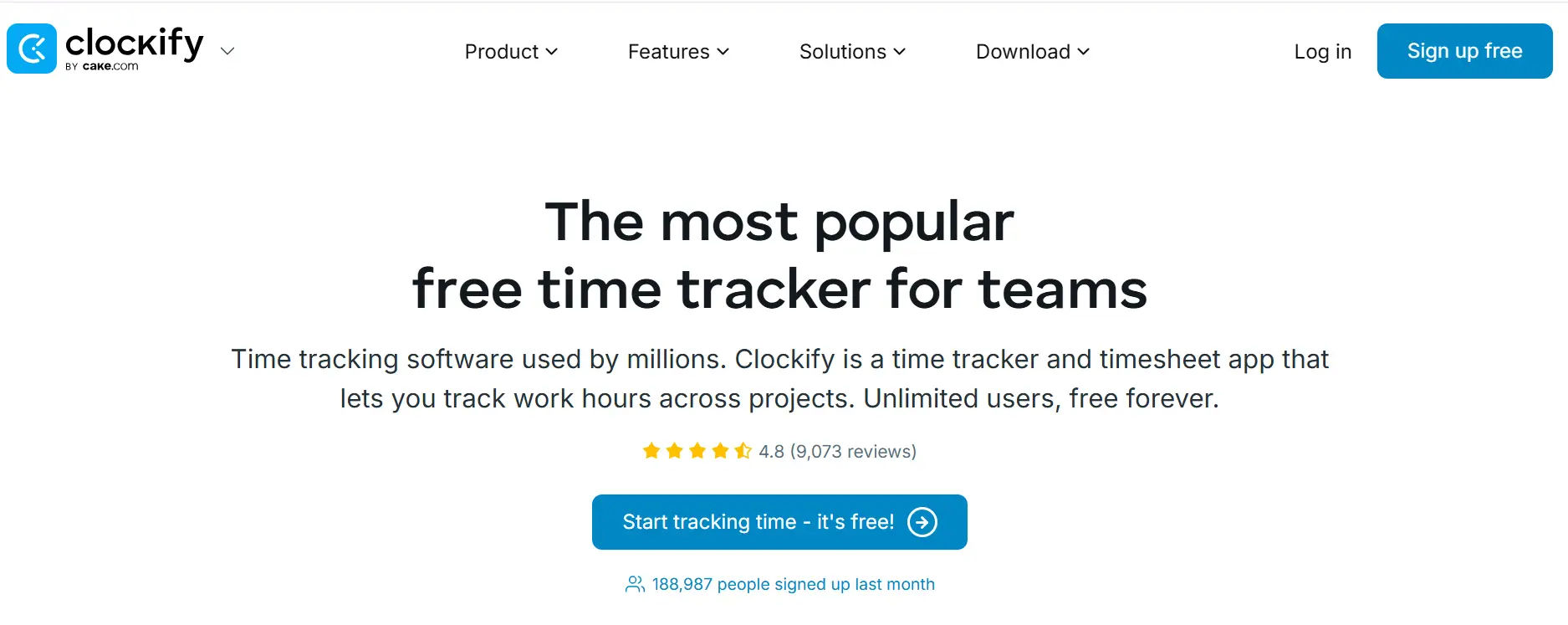
Clockify markets itself as a totally free time tracking software with unlimited users, which is especially appealing to startups, non-profits and businesses that don’t have the budget for more robust solutions.
8 Key Features:
- Unlimited Users on Free Plan
- Timesheet View (timer and manual entry)
- Kiosk Mode
- Project Budgeting
- Mandatory Fields
- Time Audit
- Custom Reports
- Time Rounding Rules
Why Choose Clockify as Harvest Alternative
If you are looking for an alternative without budget limitations, clockify’s free tier with no restrictions is the best harvest alternatives. Harvest billing is per user, per month: but Clockify offers unlimited team members the ability to track time for free with its premium options at a fraction of the cost of Harvest.
Ratings:
G2: 4.5 out of 5
Capterra: 4.7 out of 5
5) My Hours
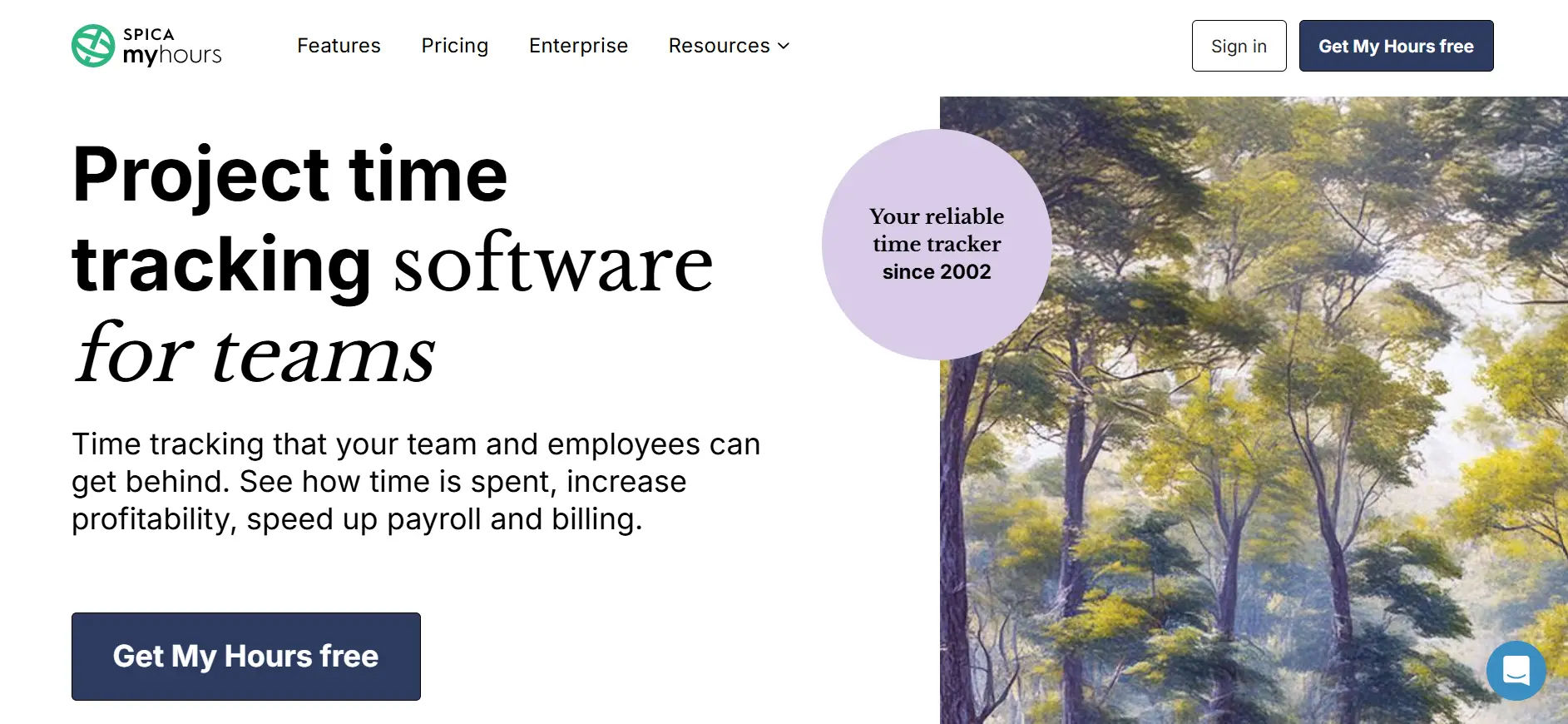
My Hours combines easier data collection and more powerful analysis of the data, focused on project profitability and resource planning for agencies and professional services.
8 Key Features:
- Visual Timeline View
- Task-Level Time Tracking
- Team Capacity Planning
- Profitability Analysis
- Customizable Billing Rates
- Expense Tracking
- Client Portal
- Historical Data Analysis
Why Choose My Hours as Harvest Alternative
My Hours is particularly tailored to enable businesses gain the insight in project profitability that they need thanks to intuitive capacity planning and deep financial analysis. And its free tier is more generous than that of many Harvest competitors with a cleaner, more focused interface tailored for metrics creators in the service business.
Ratings:
G2: 4.6 out of 5
Capterra: 4.8 out of 5
6) Paymo
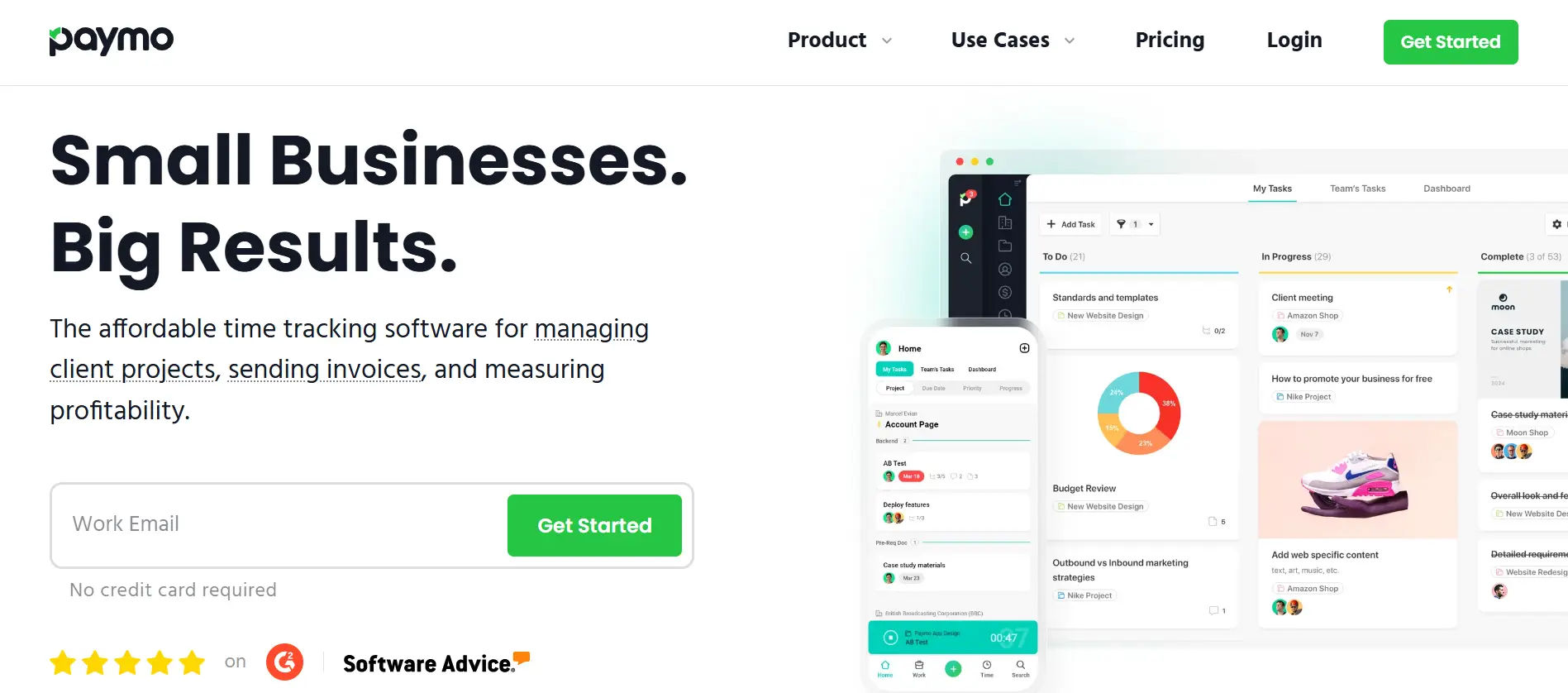
Paymo combines time tracking with comprehensive project management capabilities, creating an all-in-one solution for creative teams and agencies.
8 Key Features:
- Kanban Board View
- Gantt Chart Planning
- Automatic Invoicing
- File Proofing and Approval
- Resource Scheduling
- Client Collaboration
- Profitability Dashboard
- Mobile Time Tracking with offline mode
Why Choose Paymo as Harvest Alternative
Paymo is for teams who require time tracking and project management all in one place. Where Harvest is time and invoicing centred, Paymo offers Kanban boards, Gantt charts and project management tools. With an all-in-one suite, there isn’t a stand-alone tool to need separate maintenance on, and usually it is cheaper than Harvest software.
Ratings:
G2: 4.6 out of 5
Capterra: 4.7 out of 5
7) Harvest
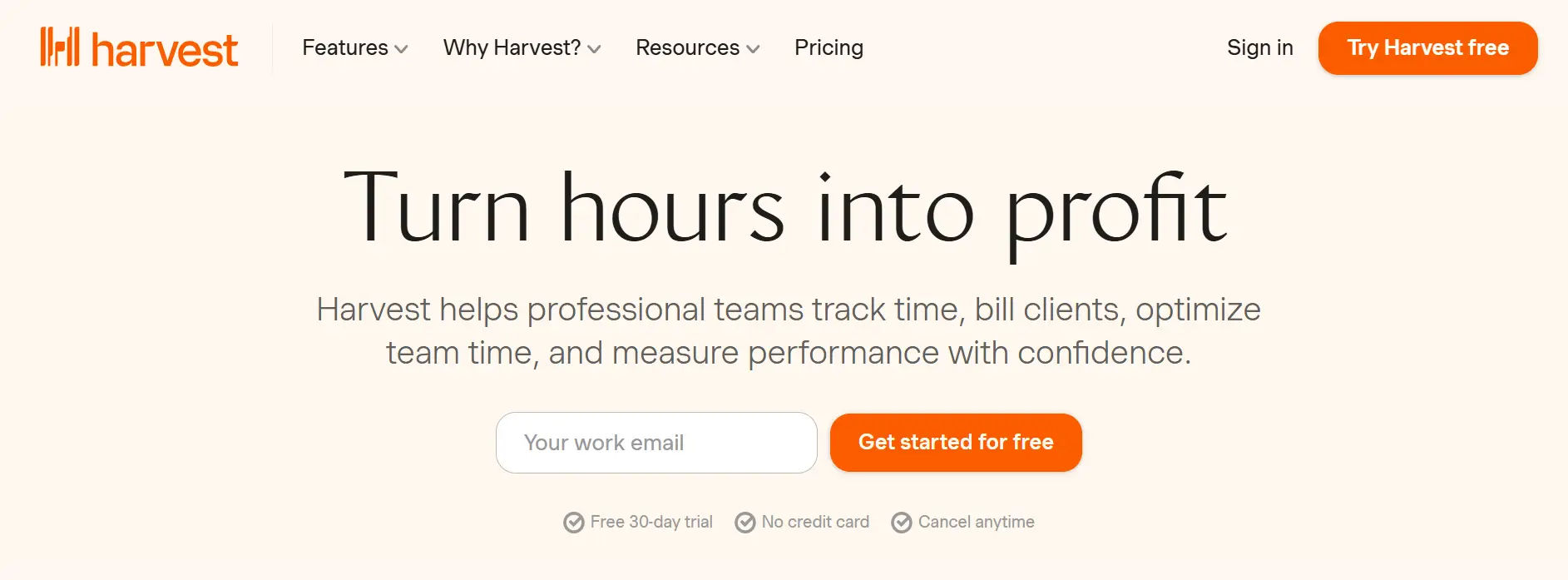
Harvest is still a good option for many companies, especially for those that prize user friendliness and proven reliability in time tracking and invoicing.
8 Key Features:
- Simple Time Tracking
- Professional Invoicing
- Expense Management
- Team Capacity Reports
- Integration Marketplace
- Visual Reports
- Timesheet Approvals
- Forecast Integration
Why Choose Harvest as Harvest Alternative
Harvest is still the right pick for companies that appreciate its particular mix of functionality, especially if you’re committed to its integrations. Thanks to its age, there’s comprehensive documentation, community support and a century of proof behind it for teams who just need time tracking plus invoicing without the extra layers.
Ratings:
G2: 4.3 out of 5
Capterra: 4.6 out of 5
8) Time Champ
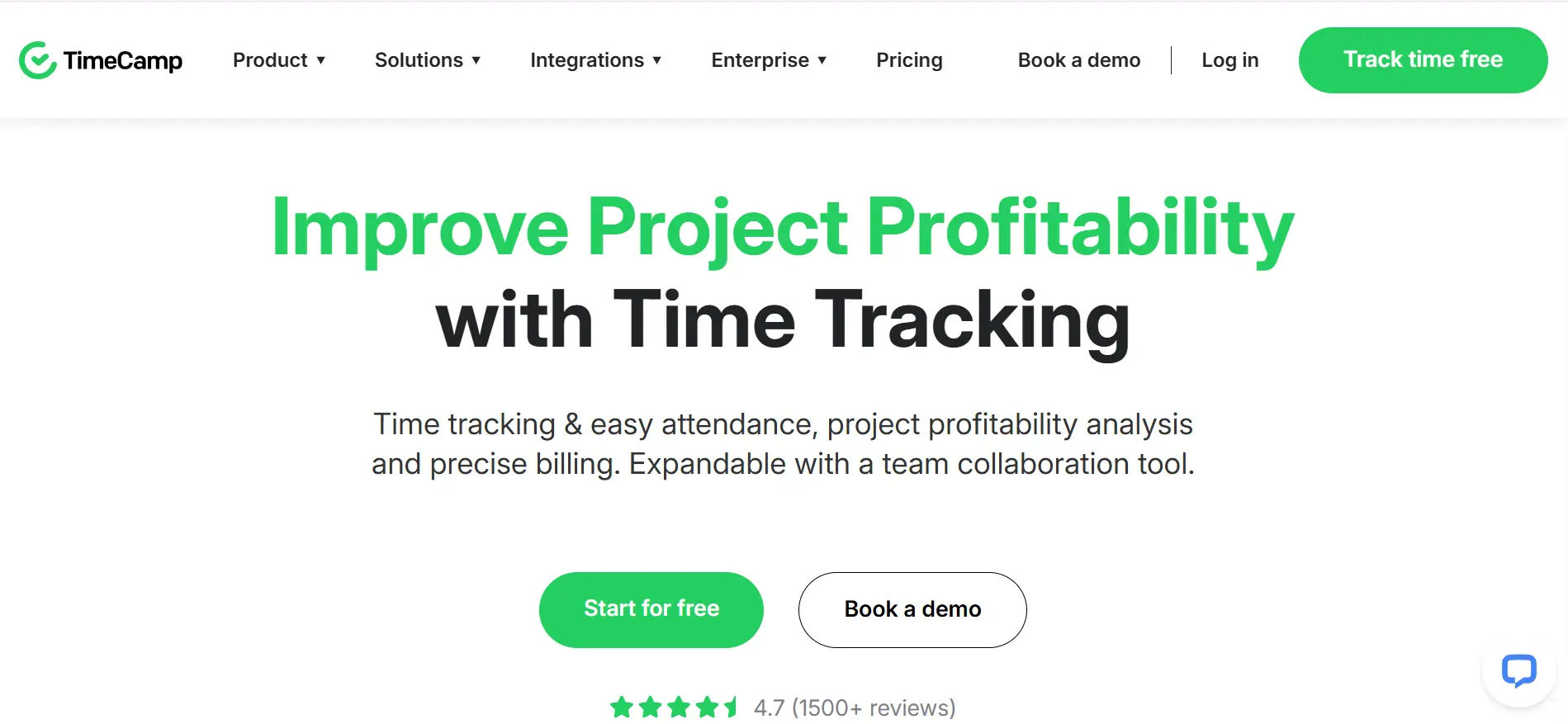
Time Champ focuses on productivity monitoring and automated time tracking, making it suitable for organizations prioritizing workforce analytics and accountability.
8 Key Features:
- Automatic Activity Tracking
- Productivity Classification
- Screenshot Capture
- Detailed Activity Logs
- Attendance Management
- Idle Time Detection
- Project Time Allocation
- Customizable Reports
Why Choose Time Champ as Harvest Alternative
Time Champ is for companies requiring more in-depth understanding of how time gets spent at work. Time Champ automatically records activity instead of Harvest where most time tracking is manual entry, meaning less overhead and higher accuracy. Pricing point is usually lower than that of Harvest, with more monitoring capabilities.
Ratings:
G2: 4.7 out of 5
Capterra: 4.8 out of 5
9) Zoho Timesheet
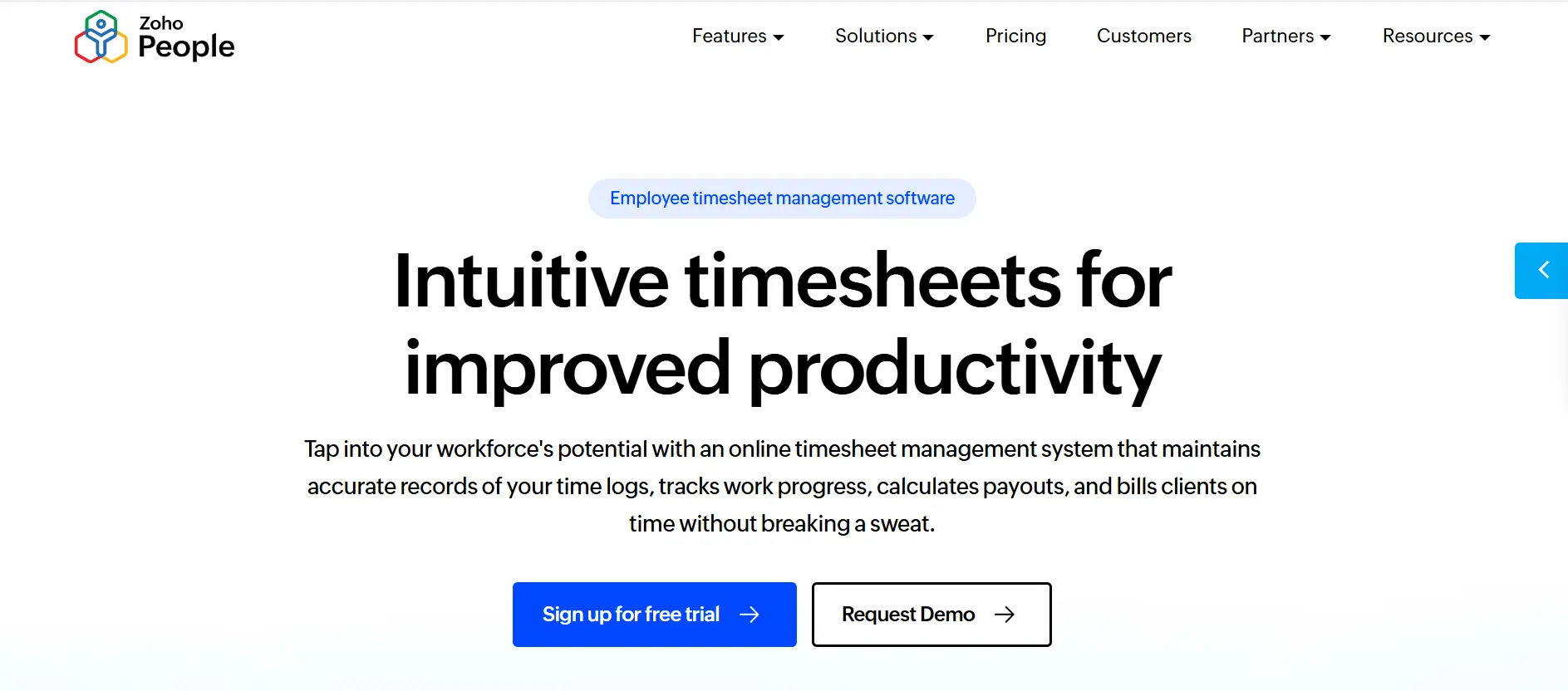
Zoho Timesheet integrates time tracking within a comprehensive project management platform, part of the larger Zoho ecosystem of business applications.
8 Key Features:
- Task Management
- Integrated Time Tracking
- Gantt Charts
- Document Management
- Issue Tracking
- Resource Utilization Charts
- Client Portal
- Zoho Ecosystem Integration
Why Choose Zoho Projects as Harvest Alternative
Zoho Projects is a fit for companies looking for an integrated solution, especially if they already use Zoho’s suite of business tools. Harvest is a time and billing app, while Zoho Projects offers full-blown project management functions. Pricing may be more cost-effective, depending on if you are packed with other Zoho programs.
Ratings:
G2: 4.3 out of 5
Capterra: 4.3 out of 5
10) Hubstaff
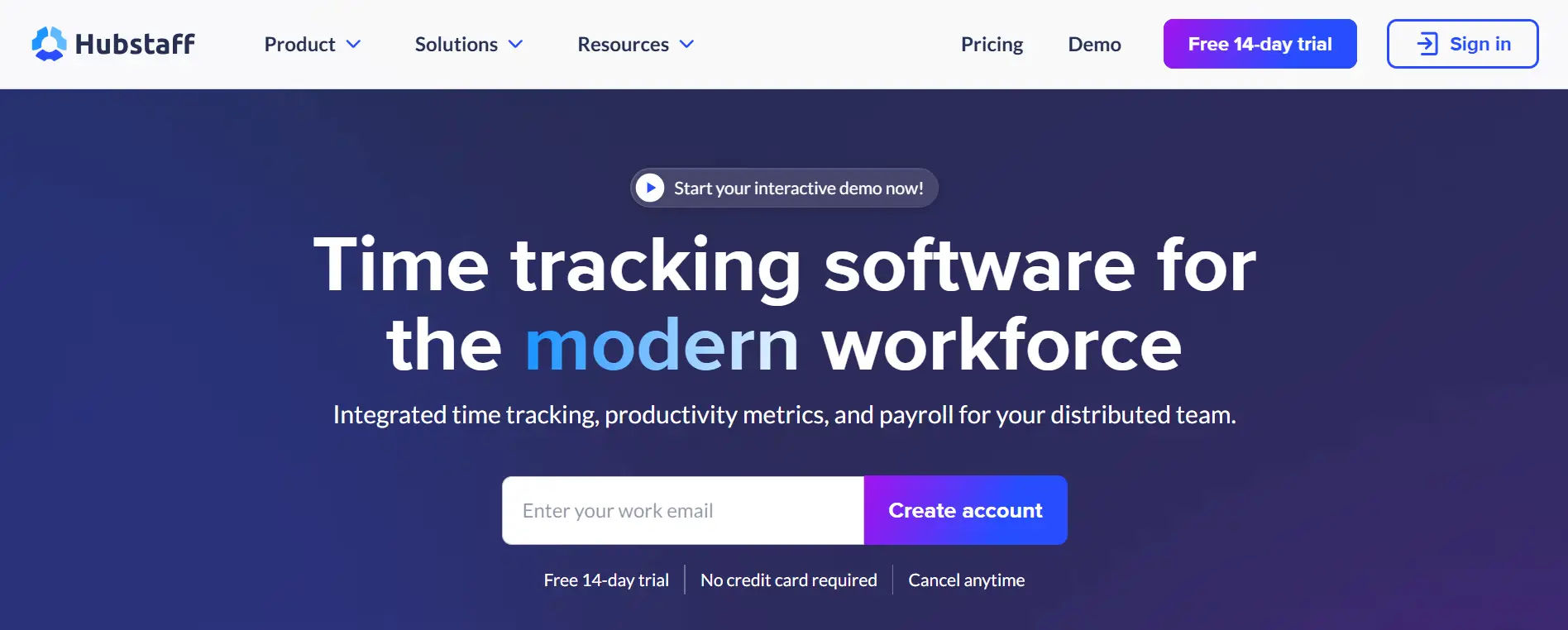
Hubstaff provides time tracking paired with work management and productivity monitoring, all in one tool for your remote and distributed teams.
8 Key Features:
- GPS Location Tracking
- Activity Level Monitoring
- Random Screenshot Capture
- Automated Payroll
- Project Budgeting
- Online Timesheets
- URL and Application Tracking
- Team Scheduling
Why Choose Hubstaff as Harvest Alternative
Hubstaff is a time tracking software that helps businesses with full in-depth staffing management, not just tracking hours. While Harvest has nothing of the sort, Hubstaff does help you keep an eye on remote employees and running things efficiently with time tracking services like monitoring, GPS, and productivity analytics. However, firms with mobile workers should consider Hubstaff’s GPS and mobile features at a very attractive price.
Ratings:
G2: 4.3 out of 5
Capterra: 4.6 out of 5
Best Practices to Choose Alternative for Harvest
Evaluate Your Main Needs: It is important to identify what you require out of a time tracking solution. Separate must-have features and nice-to-have additions so as not to pay more than is necessary.
Assess Integration Requirements: Review your existing software ecosystem and ensure that possible Harvest integrations provide strong integrations with your existing software. Native integrations are usually more reliable in data flow as compared to third-party connectors.
Think about the Technical Comfort of Your Team: Assess the technical expertise and readiness to adopt new systems of your team. Engaging team members in the evaluation process enhances buy-in and early detection of possible challenges to the adoption.
Examine Pricing Structures Thoroughly: Go beyond headline pricing to learn the total cost of ownership. Think about how pricing will increase as your team expands and consider possible integration, storage, or advanced reporting costs.
Test Mobile Functionality: In case your team is working remotely or in the field, test mobile applications to the full extent. Determine the presence of offline capability in regions with low connectivity.
Review Reporting Capabilities: Demo Reporting features and ensure that you can access the exact metrics that your business needs. It is important to understand the constraints of customization to establish the right expectations.
Research Customer Support Quality: Research on the support options, response times, and channels. Responsive support is important in business critical systems such as time tracking.
Carry out Comprehensive Trials: Use free trials to test platforms using actual projects and team members. Engage people of various positions to get different views on real work processes.
Confirm Data Security and Compliance: Check the potential platforms against the security and compliance needs of your industry. Check their data handling policies, encryption policies and certifications.
Scalability: Think about the growth of your business in 12-24 months. Ensure that platforms are scalable to increase team size, project complexity, and data volume to prevent migrations in the future.
Conclusion
Choosing the right option from these Harvest alternatives ultimately depends on your business size, workflow complexity, integration needs, and budget. While Harvest remains reliable for time tracking and invoicing, many modern tools now offer deeper reporting, project management, automation, and remote workforce monitoring.
Before making a decision, focus on scalability, total cost of ownership, mobile functionality, and security compliance. Testing platforms with your actual team and real projects will give you clearer insight into long-term usability and return on investment.
Join Our Creative Community
Frequently Asked Questions
What is the best Harvest alternative for Microsoft 365 users?
Timesheet 365 is the ideal Harvest alternative for organizations using Microsoft 365. It integrates natively with Teams, Outlook, and Azure, eliminating the need to switch between platforms. Unlike Harvest, Timesheet 365 works directly within your existing Microsoft environment, offering approval workflows, compliance tracking, and resource capacity planning at competitive pricing.
Which Harvest alternative is affordable?
Clockify offers a completely free plan for unlimited users with core time tracking features. Toggl Track also provides a free tier for up to 5 users. Both are more budget-friendly than Harvest’s per-user pricing model.
Can I migrate my Harvest data to Timesheet 365?
Yes, Timesheet 365 supports data migration from Harvest. Their team provides migration assistance to transfer time entries, projects, and client data. Contact their support for specific migration tools and professional services to help transition your historical data smoothly.
Which alternative offers better project management than Harvest?
Timesheet 365 delivers superior project management with resource capacity planning and real-time analytics. Paymo and Zoho Projects also provide Gantt charts, Kanban boards, and task management features that exceed Harvest’s capabilities.
What's the best Harvest alternative for remote teams?
Timesheet 365 excels for remote teams within Microsoft 365 environments, offering automated reminders and approval workflows. Hubstaff and Apploye are also strong choices, providing GPS tracking, activity monitoring, and productivity metrics specifically designed for distributed workforces.


_JiluXJRGNl.svg)























