

_eH2jDg7dZ.png)
Zendesk works well for large support teams, but many small businesses find it complex and costly for everyday use. This is why teams often look for Zendesk alternatives that are easier to manage and better suited to smaller support needs.
The best Zendesk alternatives focus on simple ticketing, clear pricing, and faster setup. Many also fit specific use cases such as Microsoft Teams–based support, internal IT helpdesk, or email-driven support workflows.
These factors drive many small businesses to seek alternatives that are affordable, user-friendly, and tailored to their needs.
In this comprehensive guide, we explore the best Zendesk alternatives, this in-depth analysis will help you find the perfect helpdesk software to streamline your customer support and boost efficiency.
Why Small Business need Zendes Alternatives
Zendesk’s enterprise-grade capabilities don’t always align with small business priorities. Common pain points include:
- High Costs: Pricing starts at $55 per agent per month, with advanced features like AI or multi-brand support requiring costly add-ons.
- Steep Learning Curve: Its extensive tools demand significant training, which can burden small teams with limited resources.
- Slow Setup: Implementation can take weeks, delaying support improvements for fast-paced businesses.
- Limited Support for Small Teams: Users report slow or impersonal customer support, frustrating smaller organizations.
- Feature Overload: Many features are irrelevant for small businesses, cluttering the interface and complicating workflows.
The alternatives below address these issues, offering cost-effective, intuitive, and scalable solutions designed for small businesses. Whether you prioritize affordability, simplicity, or specialized integrations, this list has a solution for you.
Best 15 Zendesk Alternatives for Small Business
1. Helpdesk 365
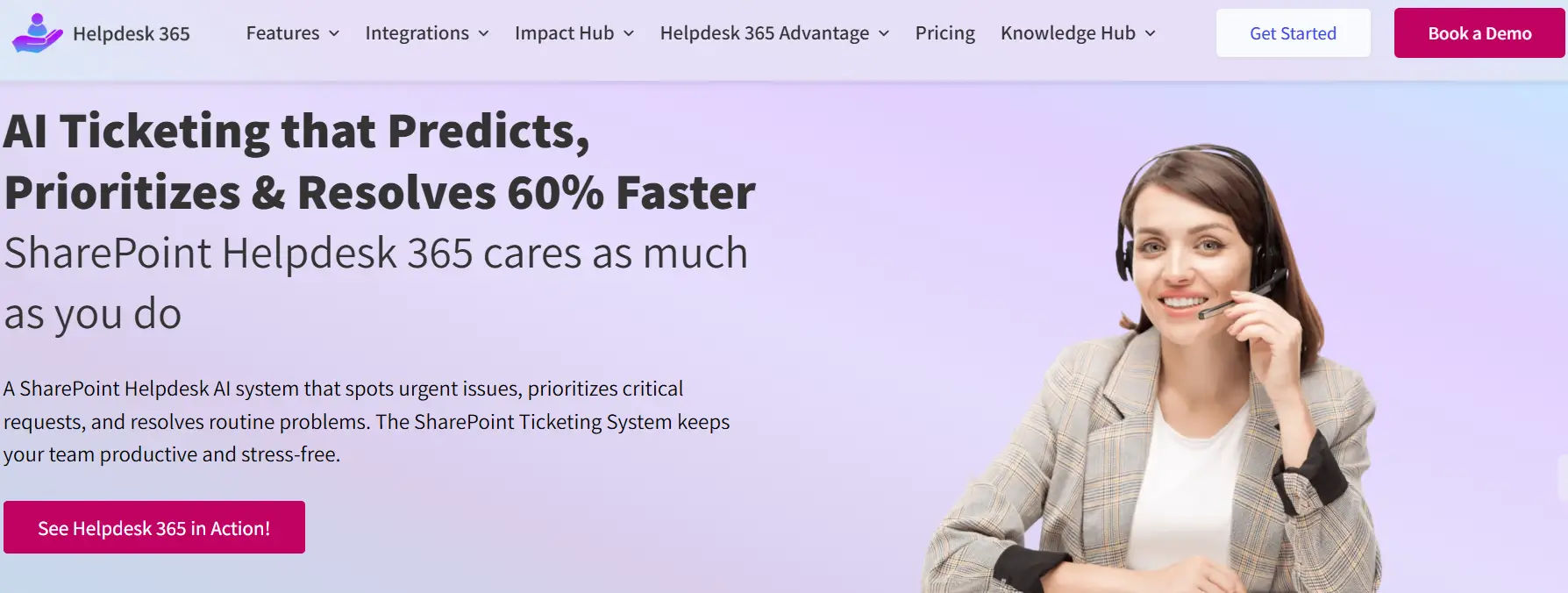
Overview: Helpdesk 365 is a Microsoft-powered helpdesk solution built on the Power Platform, offering seamless integration with Microsoft 365 tools like Outlook, Teams, and Dynamics 365. Its affordability, AI-driven automation, and intuitive design make it a top Zendesk alternative for small businesses seeking efficiency without complexity.
Key Features:
- Omnichannel support for email, live chat, Microsoft Teams, and web forms.
- AI-driven ticket routing based on keywords, urgency, or customer history.
- Native integration with Microsoft 365 for centralized workflows.
- Customizable dashboards with real-time analytics on ticket volume and agent performance.
- Self-service knowledge base with searchable articles and FAQs.
- Mobile app for iOS and Android for on-the-go ticket management.
- SLA management to prioritize urgent tickets and ensure timely responses.
- Multi-language support for diverse customer bases.
- Ticket tagging and categorization for streamlined organization.
Pros:
- Affordable at $19 per user per month, significantly cheaper than Zendesk’s $55.
- Seamless Microsoft 365 integration eliminates the need for additional tools.
- Intuitive interface requires minimal training, ideal for non-technical teams.
- Scalable plans support growing businesses without feature gaps.
- AI automation reduces manual work, boosting agent productivity.
Cons:
- Limited third-party integrations outside the Microsoft ecosystem (e.g., no native Slack or Shopify support).
- Advanced AI features like predictive analytics require higher-tier plans.
- Knowledge base customization is basic compared to specialized tools like Helpjuice.
Who is Helpdesk 365 a good fit for?
Helpdesk 365 is ideal for small businesses already using Microsoft 365, such as consultancies, agencies, or startups, that need an affordable, easy-to-use helpdesk with strong automation. It suits teams prioritizing Microsoft ecosystem integration over extensive third-party app connectivity.
2. Freshdesk
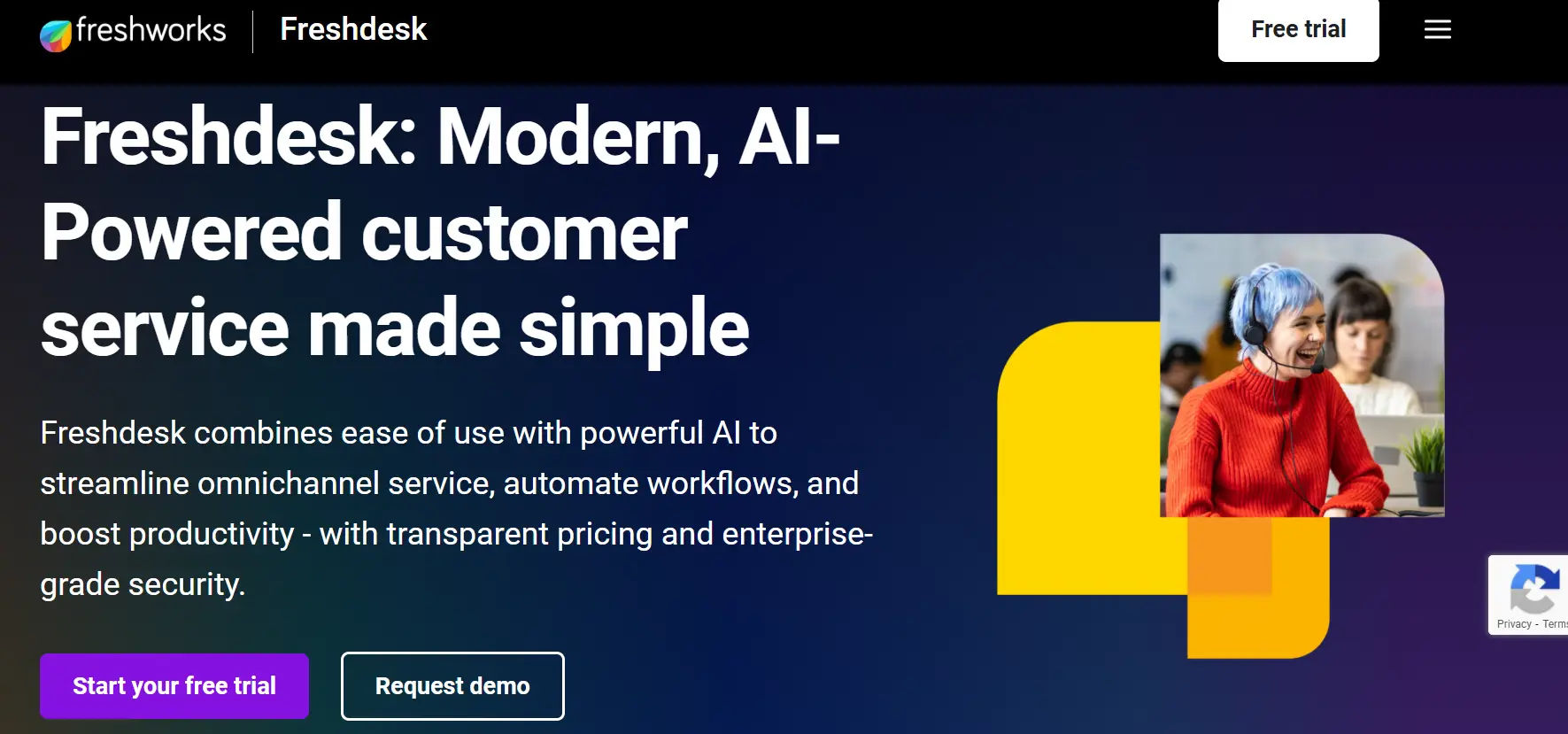
Overview: Freshdesk, by Freshworks, is a cloud-based helpdesk platform renowned for its affordability and simplicity. Its free plan and scalable features make it a popular Zendesk alternative for small businesses seeking robust functionality without complexity.
Key Features:
- Omnichannel support for email, phone, live chat, social media (Twitter, WhatsApp), and web forms.
- Freddy AI chatbot for automated responses and knowledge base suggestions.
- Ticket automation with round-robin assignment, collision detection, and SLA timers.
- Customizable self-service portal and customer forum.
- Integrations with Slack, Shopify, HubSpot, and over 1,000 apps via the Freshworks Marketplace.
- Advanced reporting on ticket trends, agent performance, and customer satisfaction.
- Mobile app for iOS and Android for remote ticket management.
- Gamification tools to boost agent engagement with leaderboards and rewards.
- Multi-language support for global customer bases.
Pros:
- Free plan supports up to 10 agents, perfect for startups.
- Intuitive interface minimizes onboarding time.
- Extensive integration ecosystem enhances flexibility.
- Scalable plans accommodate business growth.
- Freddy AI boosts efficiency on higher tiers.
Cons:
- Freddy AI and advanced automation are limited to Pro and Enterprise plans.
- Customization options are restricted on free and Growth plans.
- Phone support requires an add-on, increasing costs.
Who is Freshdesk a good fit for?
Freshdesk is perfect for startups and small businesses with limited budgets, particularly those needing a free plan or omnichannel support. It’s ideal for e-commerce, retail, or service-based businesses requiring Shopify or Slack integrations and a low learning curve.
3. Help Scout
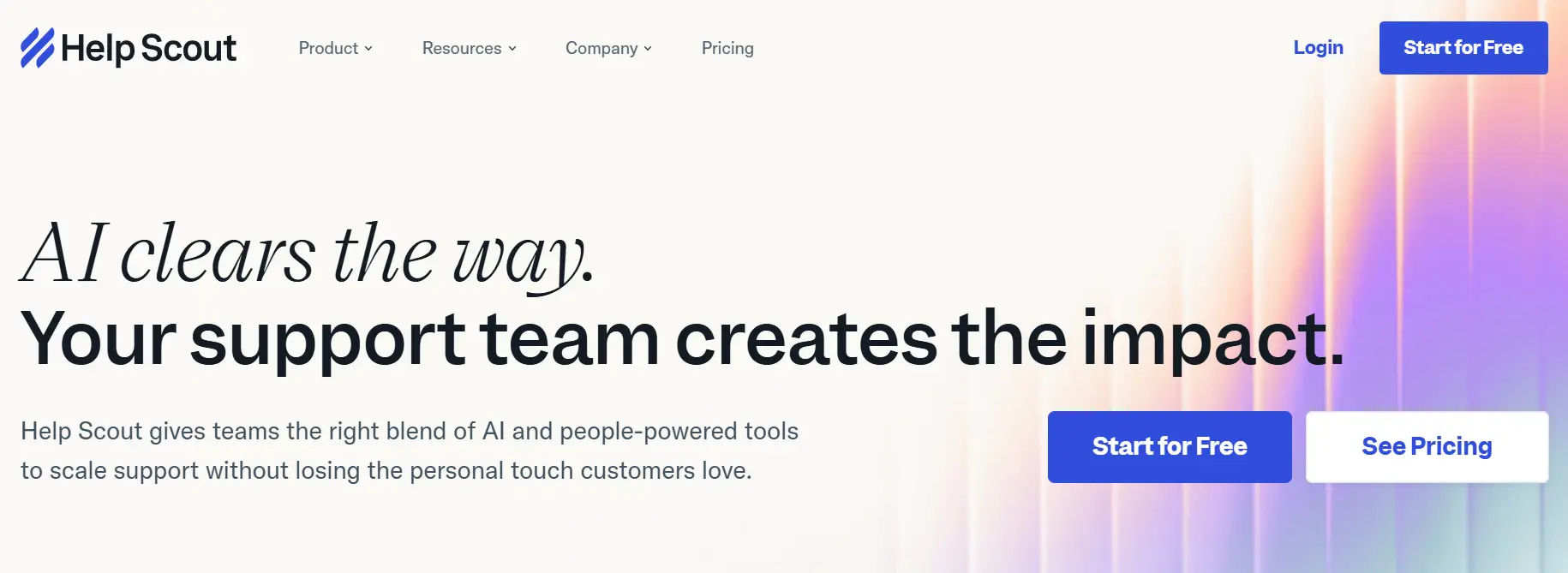
Overview: Help Scout offers a customer-centric helpdesk platform with an email-like interface, focusing on personalized support. Its simplicity and affordability make it a strong Zendesk alternative for small businesses prioritizing customer relationships.
Key Features:
- Shared inbox for email and live chat with collision detection.
- Beacon widget for website-embedded live chat and knowledge base articles.
- Customizable self-service knowledge base with search-friendly articles.
- Workflow automation for ticket assignment, tagging, and follow-ups.
- Integrations with HubSpot, Slack, Shopify, and over 80 apps.
- Reporting on response times, resolution rates, and customer happiness scores.
- Business Hours feature for auto-replies during off-hours.
- Saved replies for quick, personalized responses.
- Ticket prioritization and tagging for efficient management.
Pros:
- Affordable at $20 per user per month compared to Zendesk’s $55.
- Email-centric design simplifies workflows for small teams.
- Beacon widget enhances self-service and real-time support.
- Business Hours available on all plans, unlike Zendesk’s higher tiers.
- Strong focus on customer experience tools.
Cons:
- No phone or social media ticketing, limiting omnichannel support.
- Advanced reporting and AI features require Plus ($40) or Pro ($65) plans.
- Limited knowledge base templates compared to competitors.
Who is Help Scout a good fit for?
Help Scout is ideal for small businesses, such as agencies or consultancies, that rely heavily on email-based support and value simplicity over extensive omnichannel capabilities. It suits teams prioritizing personalized customer interactions and self-service options.
4. Zoho Desk
Overview: Zoho Desk, part of the Zoho ecosystem, is a feature-rich, cost-effective helpdesk platform with AI capabilities via Zia. Its free plan and deep integrations make it a compelling Zendesk alternative for small businesses.
Key Features:
- Omnichannel support for email, phone, live chat, and social media.
- Zia AI for sentiment analysis, automated responses, and ticket prioritization.
- Customizable workflows, ticket forms, and SLA management.
- Self-service portal and branded community forums.
- Integrations with Zoho CRM, Slack, G Suite, and over 800 apps via Zapier.
- Mobile app for iOS and Android for remote access.
- Advanced analytics with CSAT and NPS surveys.
- Multi-language and multi-brand support.
- Ticket escalation rules for overdue or high-priority issues.
Pros:
- Free plan for up to 3 users, ideal for startups.
- Affordable paid plans starting at $14 per agent per month.
- Extensive customization options for workflows and forms.
- Seamless Zoho ecosystem integration for CRM users.
- Zia AI enhances productivity across plans.
Cons:
- Interface feels dated compared to modern platforms like Freshdesk.
- Steeper learning curve for advanced features and customization.
- Limited native integrations outside Zoho’s ecosystem.
Who is Zoho Desk a good fit for?
Zoho Desk is perfect for small businesses using Zoho apps or needing a customizable, budget-friendly helpdesk. It’s ideal for sales-focused teams, startups, or service providers requiring CRM integration and community forums.
5. HubSpot Service Hub
Overview: HubSpot Service Hub combines helpdesk features with CRM capabilities, offering a free plan and seamless integration with HubSpot’s marketing and sales tools. Its simplicity and scalability make it a strong Zendesk alternative.
Key Features:
- Ticketing system and shared inbox for email and chat.
- Live chat widget and conversational bots for real-time support.
- Knowledge base with customizable articles for self-service.
- Customer feedback surveys (CSAT and NPS).
- Integrations with HubSpot CRM, Slack, Zoom, and over 1,000 apps.
- Reporting dashboards for ticket resolution and agent performance.
- Mobile app for iOS and Android.
- Workflow automation for ticket routing and follow-ups.
- Multi-language support for global customers.
Pros:
- Free plan includes robust ticketing and chat features.
- Tight CRM integration for personalized support.
- Intuitive interface with minimal learning curve.
- Scalable plans for growing businesses.
- Extensive integration ecosystem via HubSpot’s App Marketplace.
Cons:
- Advanced features like automation require paid plans ($20+).
- Higher-tier plans can be costly for larger teams.
- No native phone support integration.
Who is HubSpot Service Hub a good fit for?
HubSpot Service Hub is ideal for small businesses focused on customer success, such as SaaS companies or consultancies, that use or plan to use HubSpot’s CRM. It’s perfect for teams needing free tools to start and CRM-driven support workflows
6. LiveAgent
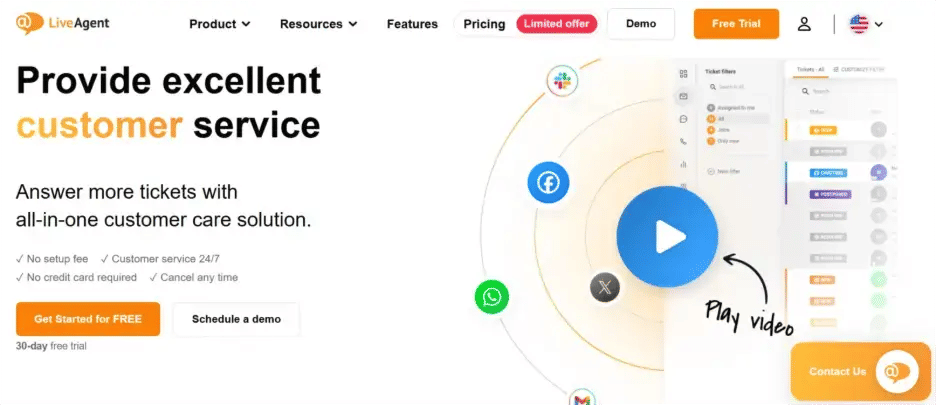
Overview: LiveAgent is an all-in-one helpdesk platform emphasizing live chat and multi-channel support. Its affordability and real-time engagement tools make it a great Zendesk alternative for small businesses.
Key Features:
- Omnichannel support for email, phone, live chat, and social media.
- Built-in call center with IVR and call routing.
- Live chat widget with proactive chat invitations.
- Knowledge base and customer portal for self-service.
- Integrations with Shopify, Mailchimp, and over 200 apps.
- Gamification features to motivate agents.
- Mobile app for iOS and Android.
- Real-time analytics on chat and ticket performance.
- Ticket tagging and SLA management.
Pros:
- Affordable starting price of $9 per agent per month.
- Strong live chat and call center capabilities.
- Extensive integration options for flexibility.
- Easy setup and onboarding for small teams.
- Gamification boosts agent engagement.
Cons:
- Interface can feel cluttered compared to modern platforms.
- Advanced reporting and automation require higher plans ($49).
- Limited AI features compared to competitors like Freshdesk.
Who is LiveAgent a good fit for?
LiveAgent is ideal for small businesses, such as retail or hospitality, that prioritize real-time customer engagement via live chat or phone support. It suits teams needing affordable, multi-channel solutions with call center features.
7. HappyFox
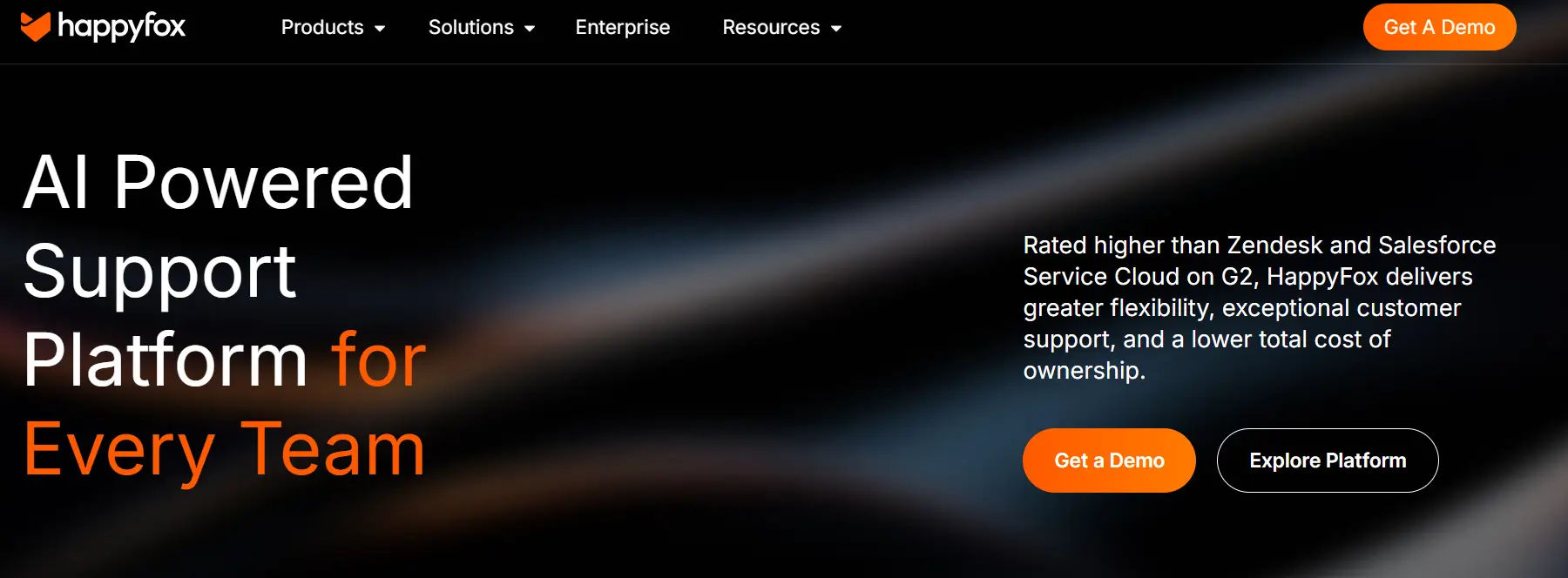
Overview: HappyFox is a versatile helpdesk platform with automation and collaboration features, designed for cross-departmental support. Its affordability and multi-brand capabilities make it a solid Zendesk alternative.
Key Features:
- Multi-channel ticketing for email, phone, and live chat.
- Advanced automation for ticket assignment and workflows.
- Knowledge base and self-service portal with search optimization.
- Multi-brand SSL support for different products or services.
- Integrations with Salesforce, Slack, Shopify, and Zapier.
- Real-time reporting on ticket trends and agent performance.
- Mobile app for iOS and Android.
- Smart rules for optimized ticket routing.
- Task management for agent collaboration.
Pros:
- Strong automation reduces manual work.
- Multi-brand support suits businesses with diverse offerings.
- Intuitive interface with quick onboarding.
- Reliable customer support for small teams.
- Competitive pricing compared to Zendesk.
Cons:
- No free plan, unlike Freshdesk or Zoho Desk.
- Higher starting price ($26) than some competitors.
- Limited native social media integrations.
Who is HappyFox a good fit for?
HappyFox is ideal for small businesses with complex support needs, such as those managing multiple brands or departments. It suits retail, SaaS, or service-based companies needing automation and collaboration tools.
8. Groove
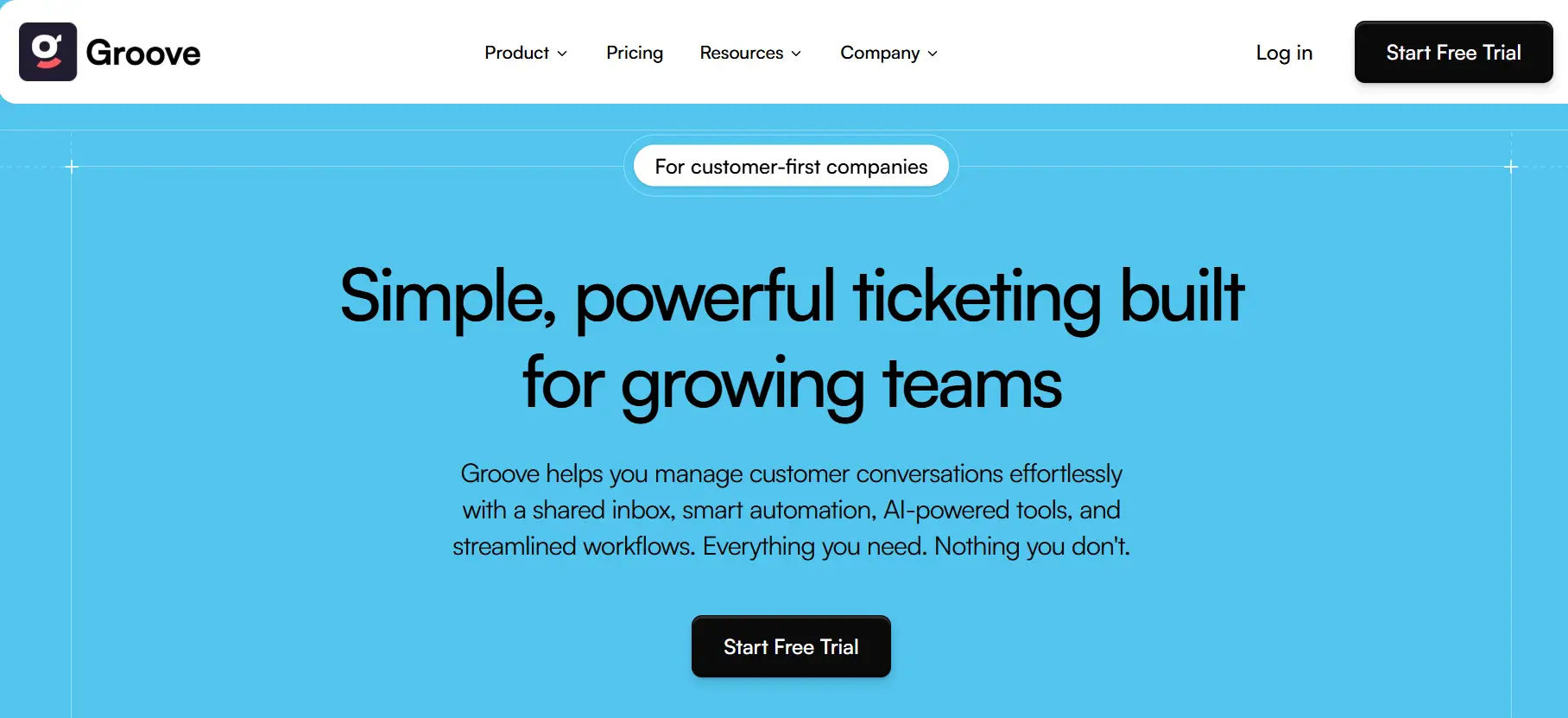
Overview: Groove is a lightweight helpdesk platform focused on simplicity and affordability, with a shared inbox and knowledge base. Its ease of use makes it a great Zendesk alternative for small teams.
Key Features:
- Shared inbox for email and social media (Twitter, Facebook).
- Knowledge base for self-service articles and FAQs.
- Tagging and smart folders for ticket organization.
- Basic reporting on response times and ticket volume.
- Integrations with Slack, HubSpot, Shopify, and Zapier.
- Collision detection to avoid duplicate responses.
- Mobile access via web browser (no dedicated app).
- Saved replies for quick responses.
- Customer satisfaction surveys for feedback.
Pros:
- Extremely simple interface with minimal learning curve.
- Affordable at $16 per user per month.
- Quick setup requires no technical expertise.
- Strong email-focused support tools.
- Reliable for small, lean teams.
Cons:
- Limited advanced features (no AI or phone support).
- Basic reporting compared to competitors like Freshdesk.
- No dedicated mobile app, relying on browser access.
Who is Groove a good fit for?
Groove is ideal for small businesses, such as freelancers or agencies, with email-centric support needs and limited budgets. It suits teams seeking simplicity over advanced automation or omnichannel capabilities.
9. Intercom
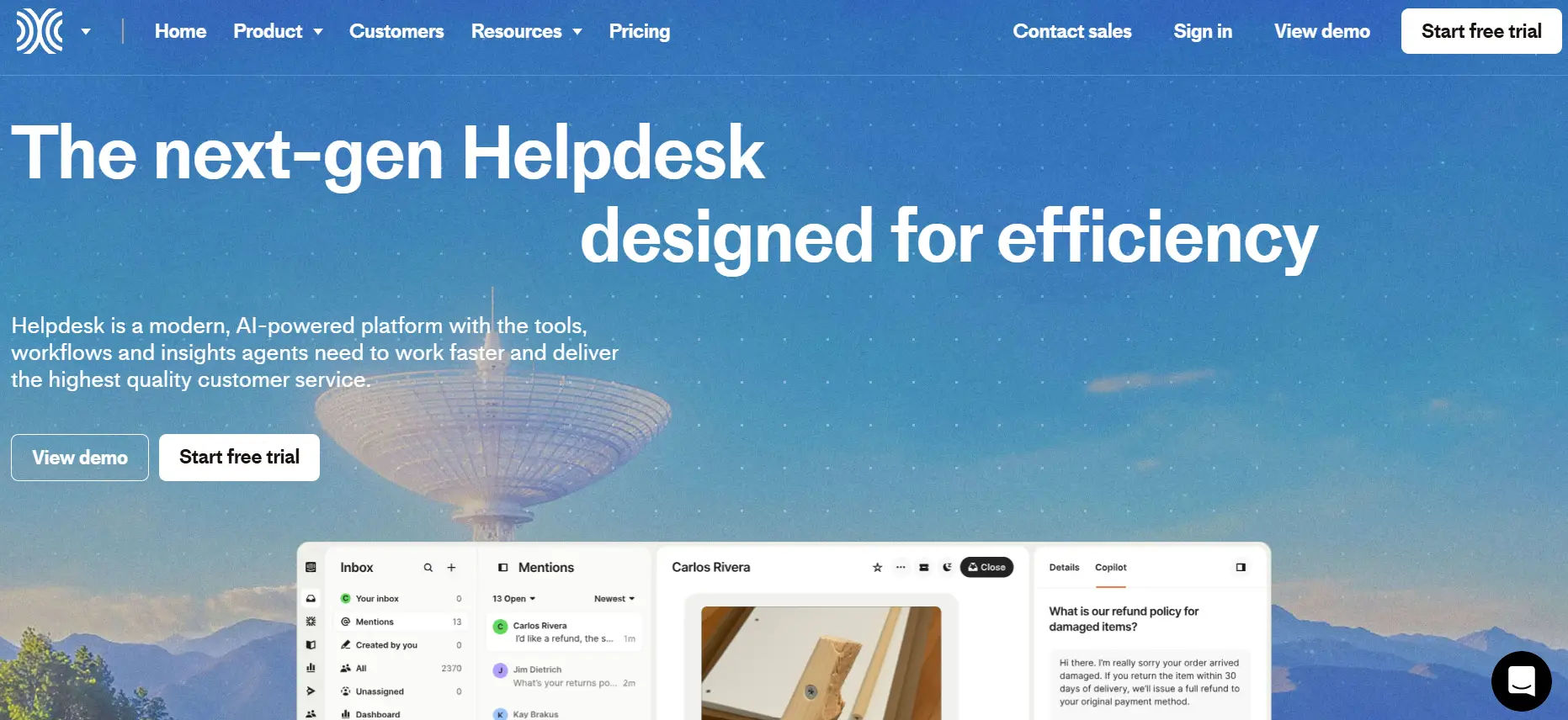
Overview: Intercom combines helpdesk, live chat, and customer engagement tools, offering a messaging-centric platform. Its proactive support features make it a versatile Zendesk alternative for small businesses.
Key Features:
- Live chat widget and AI-powered chatbots for real-time support.
- Ticketing system and shared inbox for email and chat.
- Customer segmentation for targeted messaging and support.
- Knowledge base with customizable help articles.
- Integrations with Stripe, HubSpot, Slack, and over 300 apps.
- Mobile app for iOS and Android.
- Advanced analytics on chat performance and customer engagement.
- Proactive outreach tools for automated messages.
- Multi-language support for global audiences.
Pros:
- Strong focus on proactive customer engagement.
- Robust chat and automation features enhance support.
- Scalable for growing businesses.
- Modern, intuitive interface.
- Extensive integration options.
Cons:
- Higher starting price ($39) than most competitors.
- Complex setup for small teams with limited technical expertise.
- Advanced features require premium plans ($99+).
Who is Intercom a good fit for?
Intercom is ideal for small businesses, such as SaaS or tech startups, prioritizing live chat and proactive customer engagement. It suits teams willing to invest in a premium platform for advanced messaging capabilities.
10. Gorgias
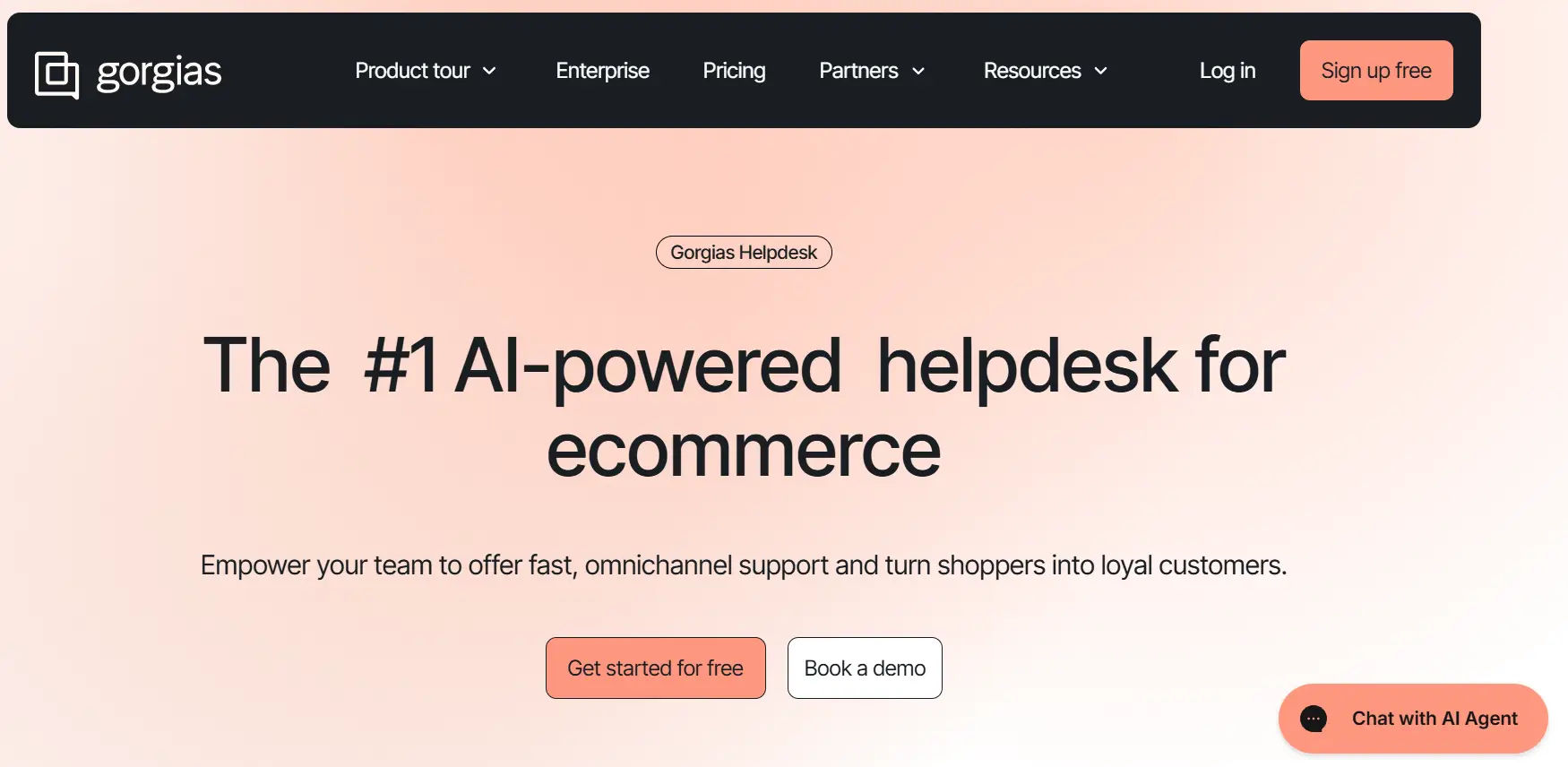
Overview: Gorgias is a helpdesk platform tailored for e-commerce businesses, with deep integrations for Shopify, Magento, and BigCommerce. Its affordability and e-commerce focus make it a niche Zendesk alternative.
Key Features:
- E-commerce-focused ticketing with order history integration.
- Live chat widget and self-service portal.
- Automation for repetitive tasks like refunds or returns.
- Macros and templates for quick responses.
- Integrations with Shopify, Klaviyo, Instagram, and over 100 apps.
- Revenue tracking to measure support’s impact on sales.
- Mobile app for iOS and Android.
- SLA tracking and smart routing for efficient ticket management.
- Multi-language support for global e-commerce.
Pros:
- Tailored for e-commerce with strong Shopify integration.
- Affordable entry-level plan ($10 for 50 tickets).
- Robust automation for common e-commerce tasks.
- Revenue tracking provides business insights.
- Easy to use for small teams.
Cons:
- Limited functionality outside e-commerce use cases.
- Costs increase with ticket volume.
- Basic reporting compared to platforms like Freshdesk.
Who is Gorgias a good fit for?
Gorgias is ideal for small e-commerce businesses, particularly those using Shopify or Magento, that need specialized support tools for order-related inquiries. It suits retailers or online stores with moderate ticket volumes.
11. Kayako
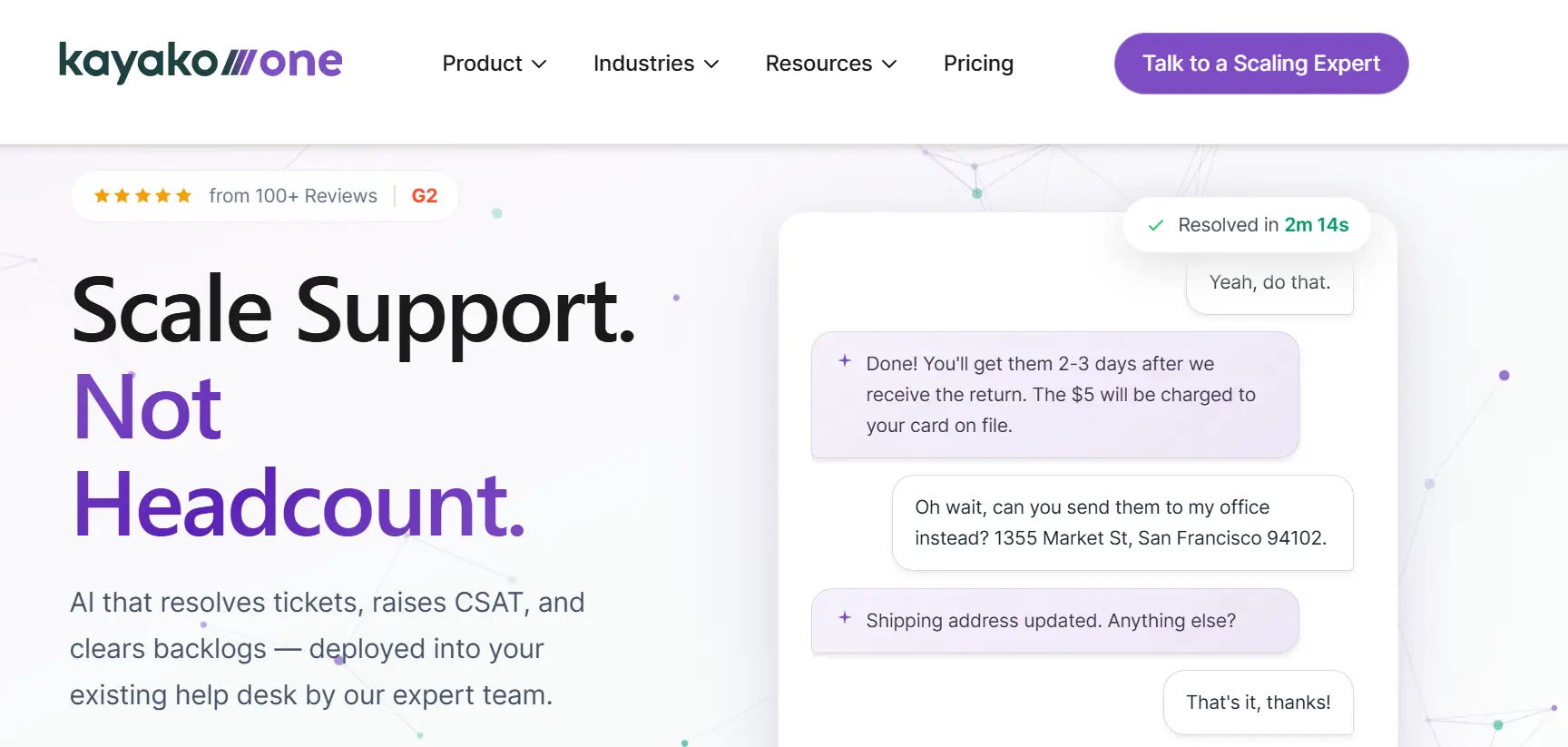
Overview: Kayako is a unified helpdesk platform with SingleView technology for contextual customer data, offering personalized support. Its affordability and simplicity make it a strong Zendesk alternative.
Key Features:
- Omnichannel support for email, live chat, and social media.
- SingleView technology for consolidated customer interaction history.
- Knowledge base and self-service portal with search optimization.
- Automation for ticket routing and response templates.
- Integrations with Slack, Salesforce, and Zapier.
- Color-coded ticket prioritization for efficient management.
- Mobile access via web browser (no dedicated app).
- Basic analytics on ticket resolution and response times.
- Multi-language support for global customers.
Pros:
- Affordable at $15 per agent per month.
- SingleView enhances personalized support.
- Easy-to-use interface with quick setup.
- Reliable automation for small teams.
- Flexible pricing for budget-conscious businesses.
Cons:
- Limited advanced analytics compared to Freshdesk or HubSpot.
- Smaller integration ecosystem than competitors.
- No dedicated mobile app, relying on browser access.
Who is Kayako a good fit for?
Kayako is ideal for small businesses, such as service providers or consultancies, seeking personalized support at a low cost. It suits teams needing a simple, email-focused helpdesk with basic
12. Front
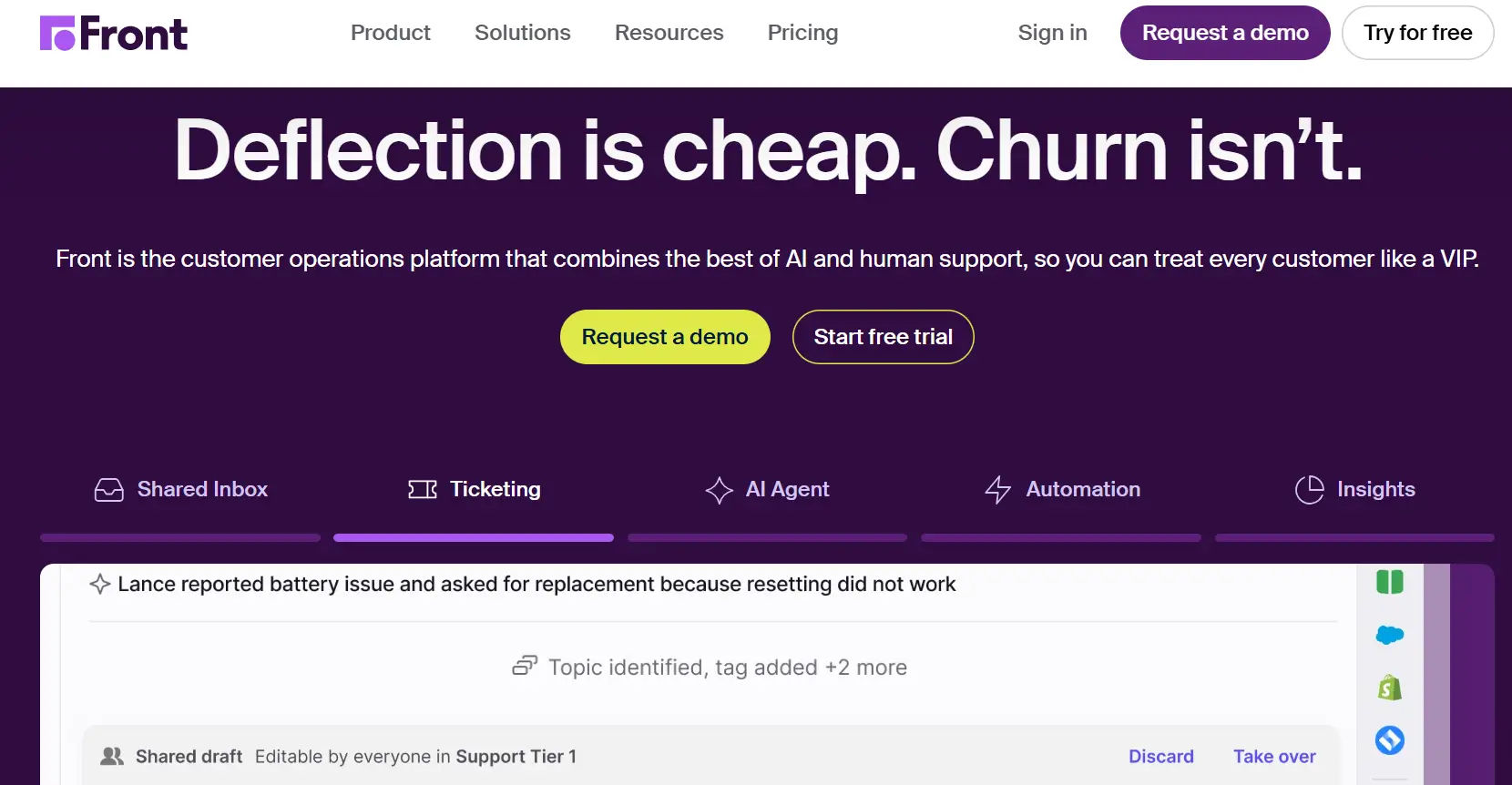
Overview: Front is a collaborative email platform that doubles as a helpdesk, designed for teams managing high email volumes. Its Gmail-like interface makes it a unique Zendesk alternative for email-centric support.
Key Features:
- Shared inbox for email and social media (Twitter, SMS).
- Automation for ticket assignment and workflows.
- Internal comments and team tagging for collaboration.
- Basic analytics on response times and ticket volume.
- Integrations with Asana, Trello, HubSpot, and over 50 apps.
- Email templates and saved replies for quick responses.
- Mobile app for iOS and Android.
- Customer satisfaction surveys for feedback.
- SLA management for timely responses.
Pros:
- Gmail-like interface simplifies email support.
- Strong collaboration tools for team workflows.
- Affordable at $19 per user per month.
- Easy setup with minimal training.
- Reliable for email-heavy support needs.
Cons:
- Limited omnichannel support (no phone or live chat).
- Basic reporting compared to platforms like Freshdesk.
- Automation features are less robust than competitors.
Who is Front a good fit for?:
Front is ideal for small businesses, such as agencies or professional services, with email-heavy support needs. It suits teams needing collaborative email tools and basic ticketing without complex omnichannel requirements.
13. ProProfs Helpdesk
Overview: ProProfs Help Desk is a cloud-based helpdesk solution with a focus on automation and simplicity, offering a forever-free plan. Its affordability makes it a viable Zendesk alternative for small businesses.
Key Features:
- Ticketing for email, live chat, and web forms.
- Automation for ticket assignments and canned responses.
- Knowledge base and self-service portal with search optimization.
- Heatmap for identifying peak ticket times.
- Integrations with Salesforce, Zapier, and LiveChat.
- Real-time performance monitoring and analytics.
- Mobile access via web browser (no dedicated app).
- Customer satisfaction surveys for feedback.
- Multi-language support for global customers.
Pros:
- Forever-free plan for basic needs.
- Affordable paid plans starting at $19.99 per agent per month.
- Strong automation for small teams.
- Easy-to-use interface with quick setup.
- Heatmap feature provides unique insights.
Cons:
- Limited advanced features like AI or phone support.
- Smaller integration library compared to Freshdesk or Zoho Desk.
- No dedicated mobile app, relying on browser access.
Who is ProProfs Help Desk a good fit for?:
ProProfs Help Desk is ideal for small startups or freelancers needing a free or low-cost helpdesk with basic automation. It suits businesses with simple support needs and limited budgets.
14. Helpjuice
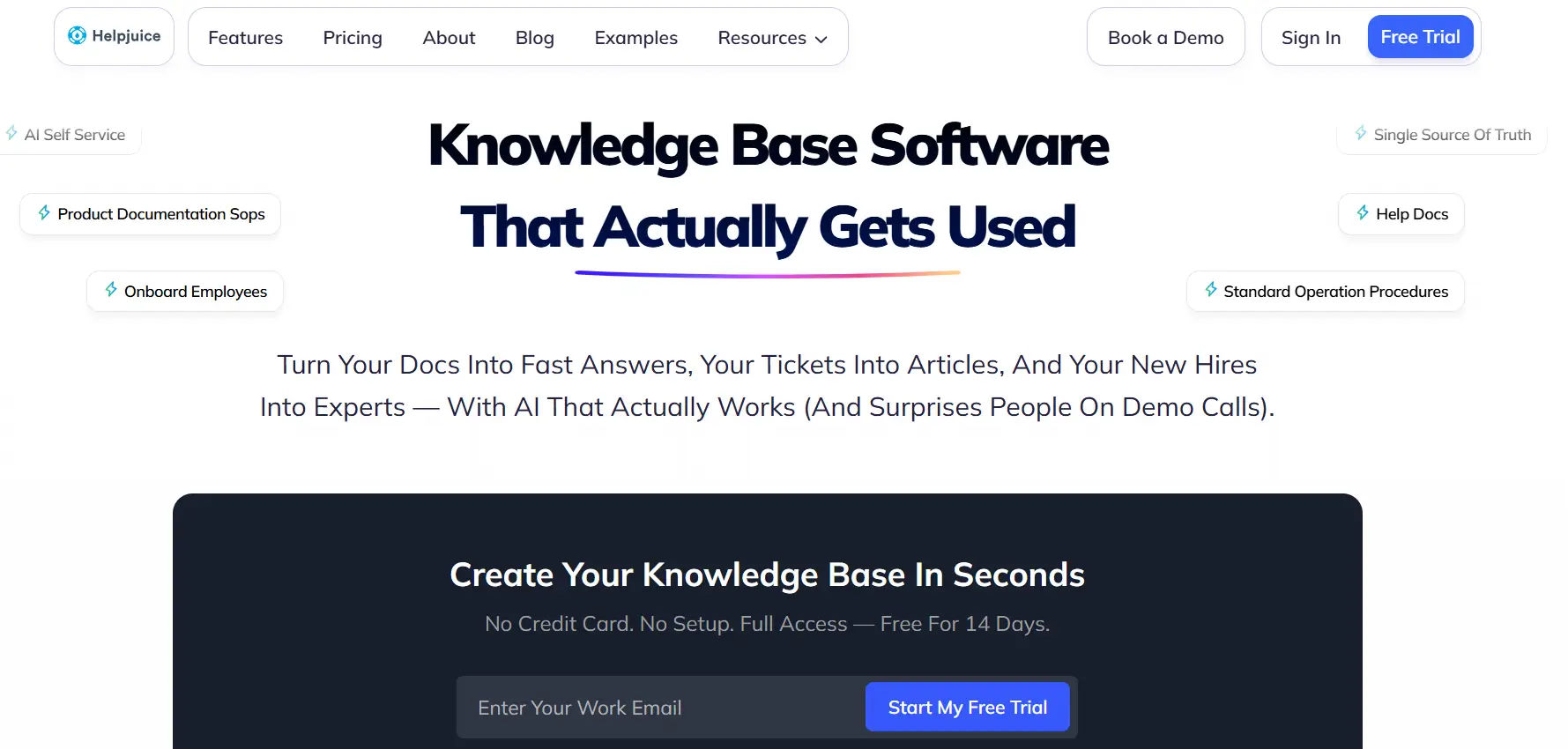
Overview: Helpjuice specializes in knowledge base software with basic helpdesk features, offering a niche alternative for small businesses focused on self-service. Its robust knowledge management tools make it a unique Zendesk competitor.
Key Features:
- Customizable knowledge base with advanced search capabilities.
- Ticketing for email and web forms (basic helpdesk functionality).
- Human language processing for intuitive article searches.
- Multilingual content support for global audiences.
- Integrations with Slack, Zapier, and LiveChat.
- Analytics on user engagement and article performance.
- Mobile access via web browser (no dedicated app).
- Content approval workflows for knowledge base updates.
- AI-powered content recommendations.
Pros:
- Exceptional knowledge base features for self-service.
- Easy to customize and manage content.
- Strong search capabilities reduce ticket volume.
- Affordable for knowledge-focused businesses.
- Reliable for internal and external support.
Cons:
- Limited ticketing functionality compared to full helpdesk platforms.
- Higher starting price ($120 for 4 users) than competitors.
- No dedicated mobile app, relying on browser access.
Who is Helpjuice a good fit for?:
Helpjuice is ideal for small businesses, such as SaaS or educational organizations, prioritizing self-service and knowledge management over traditional ticketing. It suits teams needing robust content tools to reduce support inquiries.
15. DevRev
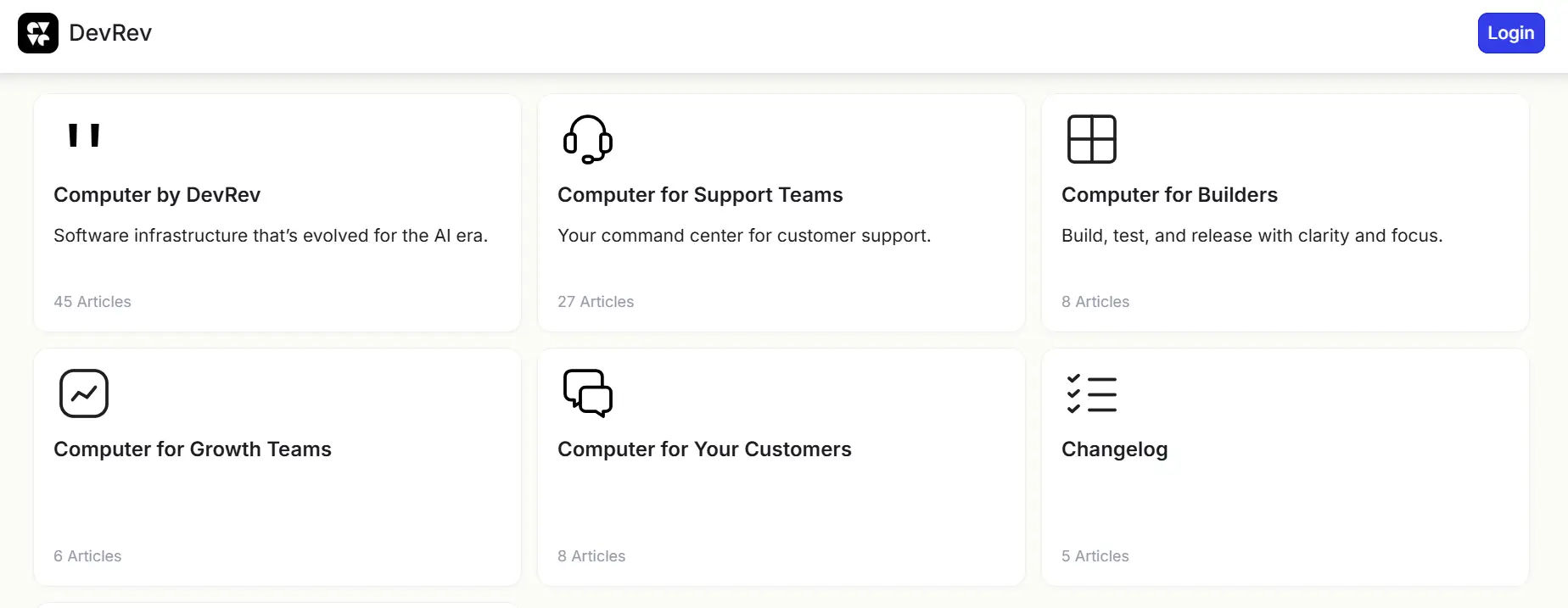
Overview: DevRev is an AI-native helpdesk platform that integrates product management tools, offering a tech-focused alternative to Zendesk. Its free tier and automation make it appealing for small businesses.
Key Features:
- AI-powered ticketing and automation for efficient workflows.
- Omnichannel support for email, live chat, and social media.
- Product management integration for bug tracking and feedback.
- Knowledge base and self-service portal with search optimization.
- Integrations with GitHub, Slack, Jira, and Zapier.
- Real-time analytics on ticket and product performance.
- Mobile app for iOS and Android.
- Multi-language support for global teams.
- SLA management and ticket escalation rules.
Pros:
- Free tier includes robust features for startups.
- Strong AI automation reduces manual work.
- Ideal for tech-focused teams with product management needs.
- Scalable plans for growing businesses.
- Modern, intuitive interface.
Cons:
- Complex for non-technical users or non-tech businesses.
- Limited non-tech integrations compared to Freshdesk.
- Advanced product management features require premium plans.
Who is DevRev a good fit for?:
DevRev is ideal for small tech startups or software companies needing a helpdesk with product management integration. It suits teams with technical expertise and a focus on AI-driven support.
Comparison Table: Zendesk Alternatives
Software | Best For | Key Strength | Main Limitation |
Helpdesk 365 | Small businesses using Microsoft 365 | Native Microsoft Teams and SharePoint integration, simple setup | Requires Microsoft 365 environment |
Freshdesk | Growing support teams | Feature-rich ticketing with automation | Pricing increases as features scale |
Help Scout | Email-first support teams | Clean interface and shared inbox | Limited advanced workflows |
Zoho Desk | Zoho ecosystem users | Deep integration with Zoho apps | Interface can feel complex |
HubSpot Service Hub | CRM-driven teams | Tight CRM and support alignment | Advanced features require higher tiers |
LiveAgent | Multichannel support teams | Strong live chat and call center tools | Interface feels dated |
HappyFox | Structured IT support teams | Powerful ticket categorization | Steeper learning curve |
Groove | Very small teams | Simple helpdesk with fast setup | Limited customization |
Intercom | Conversational support | Real-time chat and automation | High cost for small businesses |
Gorgias | E-commerce support teams | Built for Shopify and online stores | Narrow use case outside ecommerce |
Kayako | Hybrid support teams | Email, chat, and self-service tools | Slower innovation compared to peers |
Front | Collaborative inbox teams | Email and team collaboration focus | Not a full helpdesk replacement |
ProProfs Help Desk | Budget-conscious teams | Simple ticketing at lower cost | Limited advanced reporting |
Helpjuice | Knowledge base management | Strong documentation and search | Not a full helpdesk solution |
DevRev | Product-led organizations | Support tied to product and engineering | Overkill for small teams |
Why Helpdesk 365 Stands Out
For small businesses, choosing a helpdesk is not about having the most features. It is about using the right features without added complexity, high costs, or long setup cycles. This is where Helpdesk 365 stands apart from Zendesk and many other alternatives.
Built for Microsoft 365 Environments
Many small businesses already work inside Microsoft 365 every day. Helpdesk 365 is designed to work naturally within that environment.
- Native integration with Microsoft Teams and SharePoint
- No separate portals or external systems to manage
- Familiar interface for both agents and end users
This reduces training time and helps teams start using the system quickly.
Practical for Small Teams, Not Enterprise-Heavy
Zendesk is built primarily for large, customer-facing support operations. For small businesses, this often results in unused features, higher costs, and complex configurations.
Helpdesk 365 focuses on what small teams actually need:
- Ticket creation, tracking, and prioritization
- Clear assignment and status visibility
- Simple workflows without heavy customization
This makes it easier to manage support without adding operational overhead.
Clear Pricing Without Feature Lock-In
Small businesses often struggle with pricing tiers that restrict essential features or charge extra for basic functionality.
Helpdesk 365 offers:
- Transparent pricing models
- No forced upgrades to access core helpdesk capabilities
- Predictable annual costs aligned with team size
This makes budgeting simpler and avoids unexpected expenses as usage grows.
Strong Fit for Internal Support Use Cases
Many Zendesk alternatives focus heavily on external customer support. Helpdesk 365 works equally well for internal helpdesk scenarios such as:
- IT support
- HR queries
- Facilities and operations requests
Requests can be submitted directly from Microsoft Teams, keeping communication centralized and easy to manage.
Faster Setup and Lower Maintenance
Small businesses often do not have dedicated admins for managing support tools.
Helpdesk 365 is easier to deploy because:
- It runs within the existing Microsoft 365 tenant
- There is no need for separate infrastructure
- Ongoing administration is minimal
This allows teams to focus on resolving requests instead of managing software.
Designed for Long-Term Scalability
While Helpdesk 365 is practical for small teams, it does not limit future growth.
As businesses expand, they can:
- Add users without restructuring workflows
- Extend usage across departments
- Continue using the same Microsoft-based setup
This makes Helpdesk 365 a sustainable alternative to Zendesk for small businesses planning steady growth.
Conclusion
Choosing a Zendesk alternative depends on your budget, support needs, and existing tools. Helpdesk 365 leads for Microsoft 365 users with its affordability and integration, while Freshdesk and Zoho Desk offer free plans for startups. Gorgias excels for e-commerce, Intercom for proactive engagement, and SleekFlow for sales-driven support. Test free trials, evaluate migration processes, and select a platform that aligns with your goals to enhance customer support and streamline operations.
Join Our Creative Community
Frequently Asked Questions
What are the best Zendesk alternatives for Microsoft Teams?
Zendesk does not offer native Microsoft Teams integration, which can make internal support workflows less seamless for Teams-centric organizations. If your team relies on Microsoft Teams for communication, consider alternatives that integrate directly with Teams for ticket creation, updates, and notifications.
Helpdesk 365, is built to work within Microsoft 365 and lets users submit and track helpdesk requests from inside Teams, reducing context switching and improving response times. Other tools offer varying degrees of integration, but looking for solutions that work inside your existing productivity apps can save time and simplify support management.
Is Zendesk good for internal IT helpdesk?
Zendesk is designed mainly for customer support. While it can be used for internal IT helpdesk, many small businesses find it complex and costly compared to tools focused on internal support and simpler workflows
Why choose a Microsoft-friendly helpdesk over Zendesk?
A Microsoft-friendly helpdesk can reduce onboarding time, eliminate the need for separate portals, and allow users to stay in familiar tools like Teams and Outlook while requesting and tracking support.


_JiluXJRGNl.svg)























